iPhone 16 Back Glass Repair: A Proactive Guide for New Owners
The launch of the new iPhone 16 brings exciting features, but its stunning all-glass design remains vulnerable to accidental drops. A shattered back glass isn't just an aesthetic issue; it can compromise wireless charging, water resistance, and even the phone's structural integrity. Understanding the repair process, potential costs, and hidden signs of damage is crucial for every new iPhone 16 owner. This guide provides expert insights on how to save money and when to seek professional repair for your device.
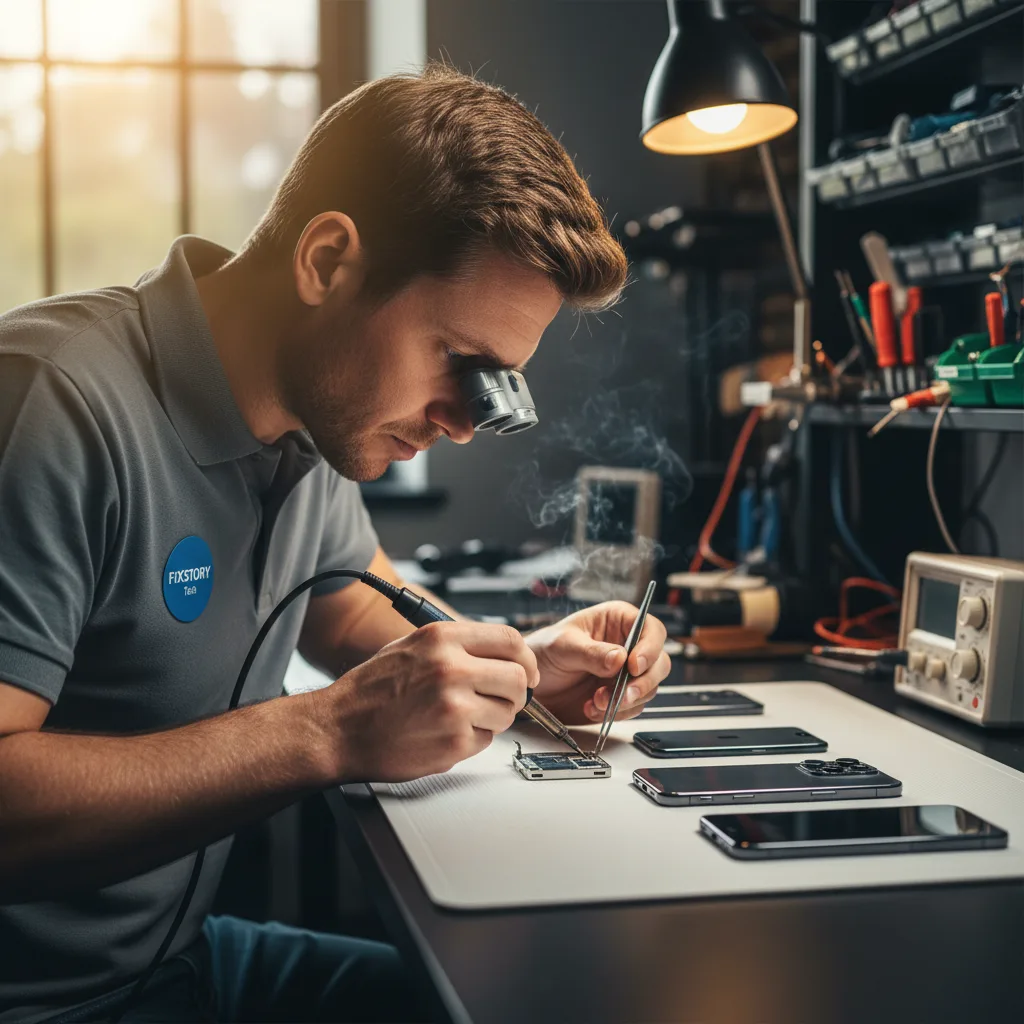
How Much Will iPhone 16 Back Glass Repair Cost?
While official pricing from Apple for the iPhone 16 series is yet to be announced, we can estimate costs based on previous models. Typically, out-of-warranty back glass repair through Apple can be expensive, often ranging from $169 to $199 for recent standard models and significantly more for Pro models. AppleCare+ subscribers pay a much lower service fee, but this requires an upfront investment in the insurance plan.
Independent repair shops, particularly those in competitive areas like Downtown LA, often provide a more cost-effective solution without sacrificing quality. These shops use specialized equipment, like laser machines, to precisely remove the broken glass without damaging internal components. This method is often faster and more affordable than a full-unit replacement offered by some manufacturers.
Cost-Saving Tips for iPhone 16 Back Glass Repair
A cracked phone back is frustrating, but the repair bill doesn't have to be. Here are some practical ways to manage and reduce the cost of fixing your new iPhone 16:
- Act Quickly: Don't wait. A small crack can spread, allowing dust and moisture to seep in. This can lead to more severe issues like motherboard failure or camera problems, turning a simple cosmetic fix into a complex and expensive repair.
- Invest in a Quality Case: Prevention is the cheapest repair. A durable case with raised edges and good shock absorption is the single best investment you can make to protect your iPhone 16's front and back glass.
- Compare Local Repair Shops: Instead of defaulting to the manufacturer, get quotes from reputable local technicians. A professional shop in Los Angeles can often perform the exact same high-quality repair using premium parts for a fraction of the cost. Check reviews and ask about their warranty.
- Check for Hidden Insurance: Some credit cards or homeowner's/renter's insurance policies offer a degree of cell phone protection. It's worth a few minutes to read the fine print or call your provider to see if you have coverage.
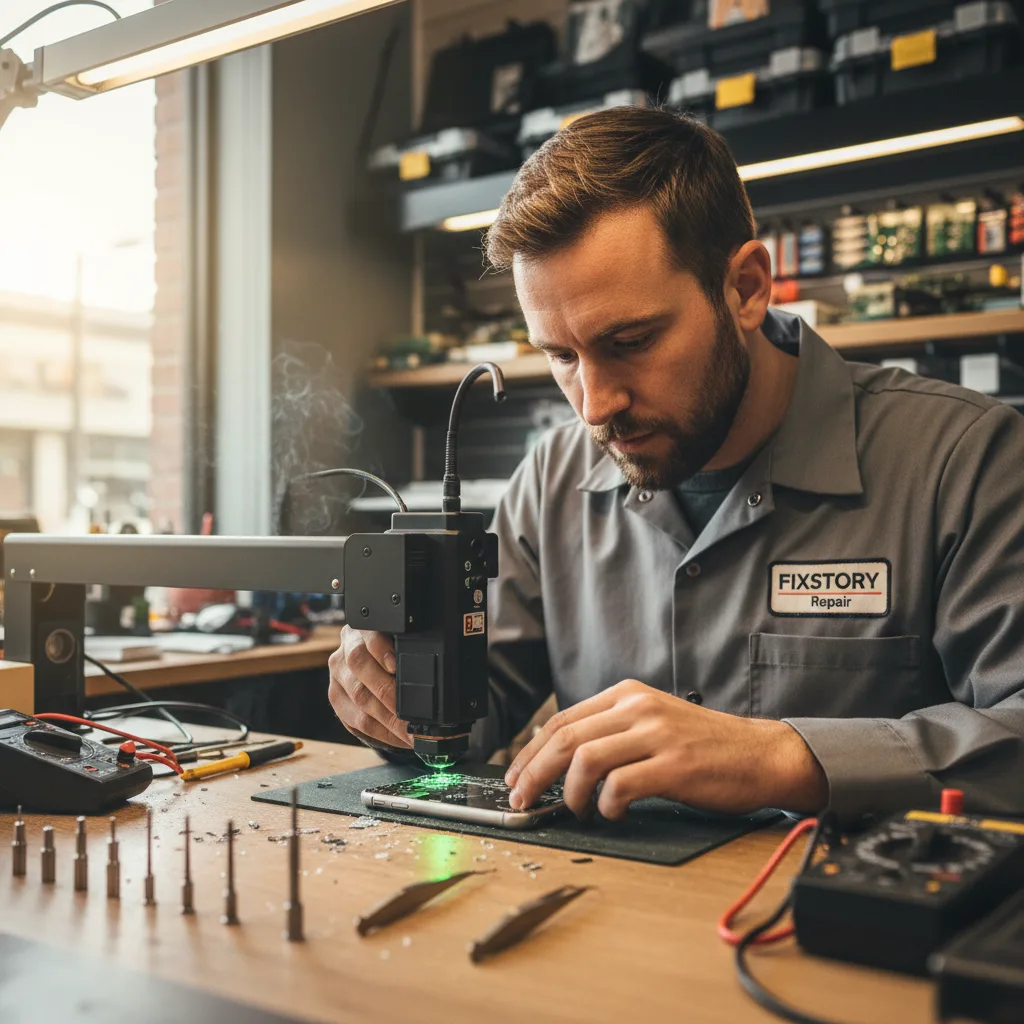
Is It Worth Fixing the Back Glass on an iPhone?
Absolutely. Ignoring a shattered back panel is a significant risk. Here's a breakdown of why this repair is essential:
- Restores Water Resistance: The back glass is a key part of the phone's seal against water and dust. A single crack compromises this protection, making your expensive device vulnerable to liquid damage, which is often irreparable.
- Ensures Proper Wireless Charging: The wireless charging coil sits directly beneath the back glass. Cracks can interfere with the connection, leading to slow or intermittent charging. In some cases, sharp glass fragments could even damage the charging coil itself.
- Maintains Structural Integrity: The glass panel adds rigidity to the iPhone's frame. A compromised back can make the entire phone more susceptible to bending or further damage from minor impacts.
- Preserves Resale Value: A phone with a cracked back will see its resale value plummet. A professional repair can restore its cosmetic condition, helping you get the most money back when you decide to upgrade. For a premium device like the iPhone 16, this is a major financial consideration.
Hidden Signs Your Back Glass Needs Attention
Damage isn't always as obvious as a spiderweb of cracks. Sometimes, the signs are more subtle. Be on the lookout for these hidden indicators that you might need a professional inspection:
- Hairline Fractures: Look closely at the back of your phone under a bright light. Tiny hairline cracks, especially around the corners or the camera lens, are the first sign of trouble. These will almost certainly worsen over time.
- A Hollow or Loose Feeling: If you tap on the back of your phone and it sounds or feels different—perhaps hollow or slightly loose—it could mean the adhesive holding the glass to the frame has been compromised from an impact.
- Wireless Charging Inconsistency: Is your phone suddenly picky about how it sits on the wireless charger? This could be an early sign that a small, unseen crack is interfering with the charging coil's alignment and function.
- Difficulty Cleaning: Do you notice dirt or smudges catching in certain spots that you can't wipe away? This often indicates a micro-crack that is trapping debris.
If you notice any of these signs, it's wise to consult with a professional. At FIXSTORY, we offer expert iPhone repair services and can diagnose these subtle issues before they become major problems.
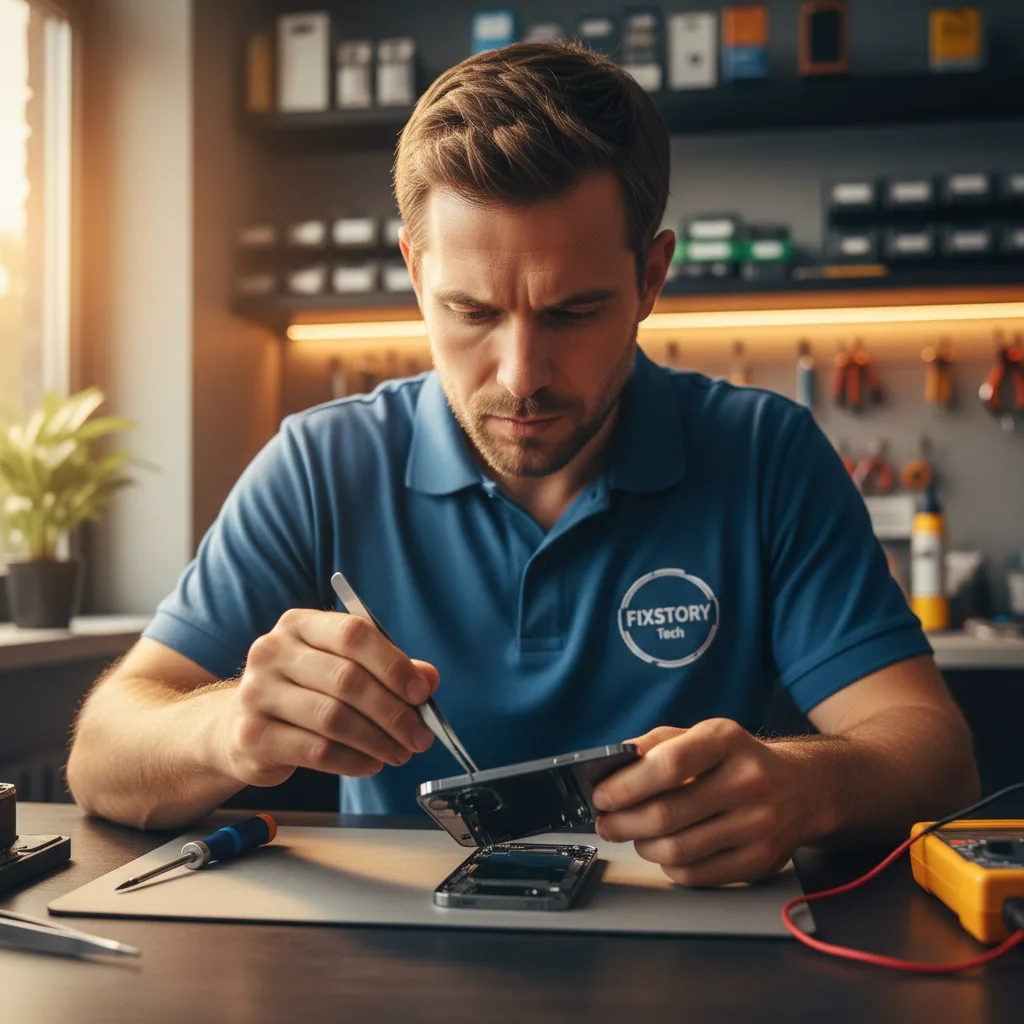
Why You Should Avoid DIY Back Glass Repair Kits
While DIY kits may seem like a cheap fix, they are incredibly risky for modern iPhones. The iPhone 16's back glass is fused to the frame with a powerful industrial adhesive. Removing it without specialized equipment is nearly impossible and poses a high risk of damaging critical components.
Common DIY mistakes include:
- Cutting the wireless charging coil.
- Damaging the delicate flex cables for the volume buttons or power button.
- Puncturing the battery, which is a serious fire hazard.
- Failing to properly re-seal the phone, leaving it vulnerable to all liquids and dust.
Professional technicians use laser removal machines and precision tools to perform this repair safely and effectively, ensuring your device functions perfectly afterward. For a high-value device, professional service is the only way to guarantee a safe and lasting result.
Frequently Asked Questions
Q: How long does an iPhone 16 back glass replacement take?
A: With specialized laser equipment, a professional technician can typically complete a back glass replacement within 2 to 4 hours. This is significantly faster than the mail-in services offered by some manufacturers, allowing you to get your device back the same day.
Q: Will I lose my data during the back glass repair?
A: No, a back glass repair does not involve accessing the phone's storage or logic board. Your data, photos, and settings will remain untouched and secure. However, it is always a good practice to back up your device before any repair procedure.
Q: Does a third-party repair void my Apple warranty?
A: Getting a repair from an independent shop for physical damage like a broken screen or back glass on an out-of-warranty device is standard practice. If your device is still under Apple's limited warranty, you should be aware of their policies. However, for most users whose damage isn't covered by warranty anyway, a reputable third-party shop is the most logical and affordable choice.