MacBook Screen Replacement in Los Angeles: Our Expert Step-by-Step Process
A cracked or malfunctioning MacBook screen can bring your productivity to a screeching halt. At FIXSTORY, we understand the urgency and precision required to restore your device to its pristine condition. Our expert MacBook screen replacement service in Downtown Los Angeles is designed to be transparent, efficient, and reliable, ensuring you get your essential tool back in your hands as quickly as possible. We follow a meticulous, multi-step process that guarantees a high-quality repair every time.
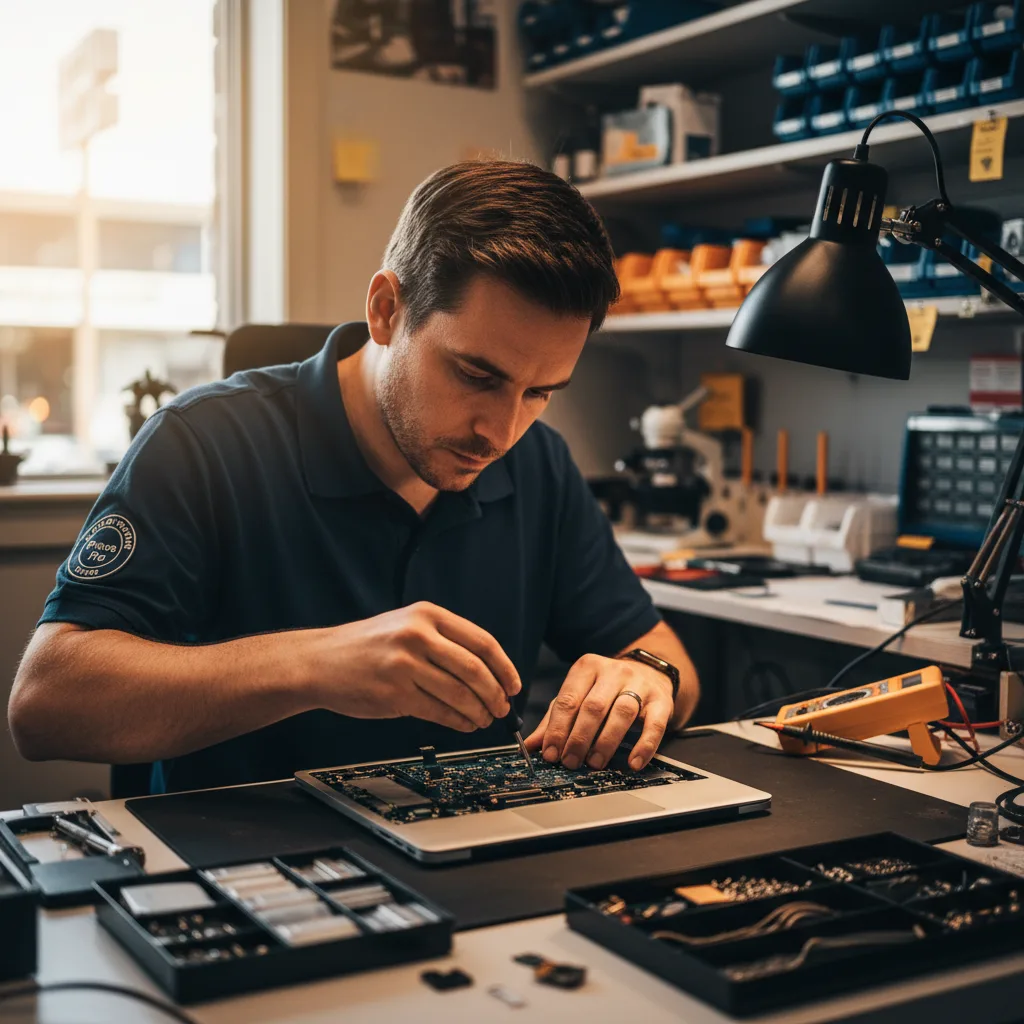
Why Not Just DIY a MacBook Screen Repair?
While the internet is full of DIY tutorials, a MacBook screen replacement is a highly complex procedure. Modern MacBooks, from the ultra-thin MacBook Air to the powerful MacBook Pro, feature integrated display assemblies with delicate sensors for True Tone, ambient light, and the FaceTime camera. Attempting this repair without specialized tools and experience can lead to costly mistakes, such as:
- Damaging delicate ribbon cables: These tiny connectors are fragile and can be easily torn, leading to a non-functional camera, True Tone sensor, or even the entire display.
- Cracking the new screen during installation: Applying incorrect pressure or failing to properly align the assembly can shatter the replacement screen.
- Logic board damage: A slip of a tool or an electrostatic discharge can permanently damage the motherboard, a repair far more expensive than the screen itself.
- Loss of features: Improperly transferring sensors can result in the loss of automatic brightness adjustment and True Tone color calibration.
Choosing a professional service in Los Angeles like FIXSTORY eliminates these risks and ensures your investment is protected.
Our Meticulous MacBook Screen Replacement Process Explained
We believe in transparency. Understanding how we care for your device builds trust. Here is the detailed, step-by-step journey your MacBook takes when it comes in for a screen replacement at our DTLA workshop.
Step 1: Comprehensive Diagnosis & Free Quote
The repair process begins the moment you bring your MacBook to us. A cracked screen is obvious, but the impact that caused it could have led to hidden issues. Our technician performs a thorough diagnostic check that goes beyond the display. We inspect the display hinge for stiffness or damage, test the FaceTime camera and microphone, check keyboard and trackpad functionality, and ensure the logic board is responding correctly. This comprehensive evaluation allows us to provide you with a precise, no-obligation quote covering all necessary repairs. We explain the findings clearly, so you know exactly what work will be done.
Step 2: Sourcing the Perfect A-Grade Replacement Screen
Not all replacement screens are created equal. We exclusively use premium, A-grade display assemblies that match or exceed original manufacturer specifications for brightness, color accuracy, and resolution. Whether you have a MacBook Air with a Retina display or a 16-inch MacBook Pro with ProMotion technology, we source the specific part required for your model. This commitment to quality ensures a seamless user experience with no dead pixels, color shifting, or flickering.
Step 3: The Delicate Disassembly Procedure
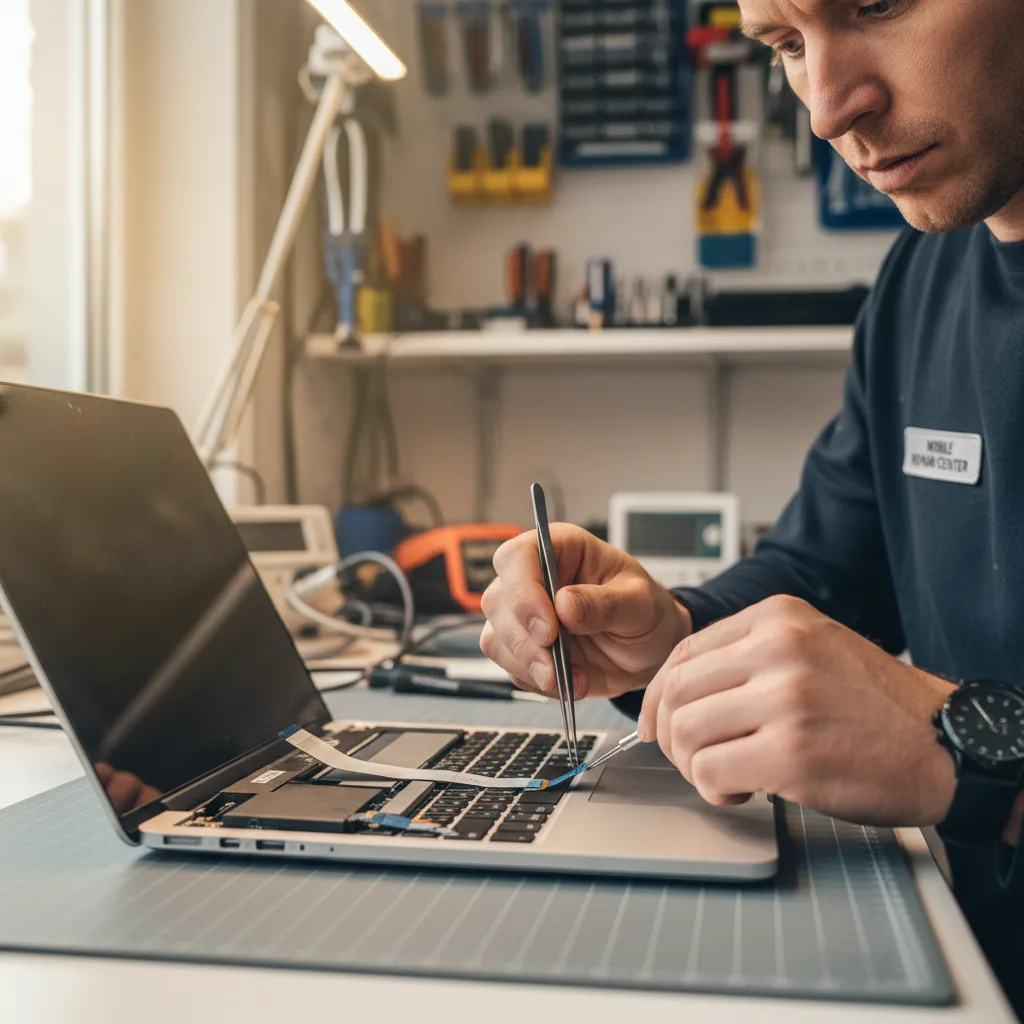
This is where expertise truly matters. Our technicians, armed with specialized tools, begin the careful process of disassembly in an electrostatic discharge (ESD) safe environment. The process involves:
- Powering Down: We first disconnect the battery from the logic board to prevent any short circuits during the repair.
- Removing the Assembly: Using precise techniques, we carefully unscrew and disconnect the antenna bars, hinge covers, and the delicate display data, camera, and backlight cables from the logic board.
- Transferring Key Components: On some models, certain sensors like the True Tone sensor must be meticulously transferred from the old display assembly to the new one to retain full functionality. This step is critical and requires microscopic precision.
Step 4: Installation and Precision Reassembly
Once the damaged screen is removed, the chassis is thoroughly cleaned of any debris or old adhesive. The new, high-quality screen assembly is then perfectly aligned and secured. Our technicians carefully reconnect all the cables to the logic board, ensuring each one is seated correctly. The antenna modules and hinge mechanisms are reinstalled to factory specifications, and the battery is reconnected. Every screw is returned to its original place, ensuring the structural integrity of your MacBook is maintained.
Step 5: Rigorous Quality Control Testing
A repair is not complete until it passes our stringent quality control checklist. Before we call you, we put your MacBook through a battery of tests to confirm the repair was a success. We check for:
- Pixel Perfection: We run diagnostics to ensure there are no dead or stuck pixels.
- Functionality: We test the FaceTime camera, microphones, True Tone functionality, and automatic brightness adjustments.
- Visual Clarity: We verify that the brightness and color gamut meet our high standards.
- Physical Integrity: We check that the hinge operates smoothly and the display closes flush with the body.
Only after your device passes every single test do we certify the repair as complete. This is our promise of quality for all our MacBook repair services.
How Long Does MacBook Screen Replacement Take?
We know you can't be without your MacBook for long, especially in a fast-paced environment like Downtown LA. Unlike the lengthy mail-in service times from the manufacturer, we perform most MacBook screen replacements right here in our shop. For most common models, such as the MacBook Air M1/M2 and 13-inch MacBook Pro, the entire process from diagnosis to final testing can often be completed within 3 to 5 hours. More complex models may require a 24-hour turnaround, but our goal is always to provide the fastest, most reliable service possible.
Frequently Asked Questions about MacBook Screen Repair
Q: How much does it cost to replace a MacBook screen at FIXSTORY?
A: The cost of a MacBook screen replacement varies significantly depending on the specific model and year (e.g., a 13-inch MacBook Air vs. a 16-inch MacBook Pro XDR display). We offer a free, no-obligation diagnostic and quote so you will know the exact price before committing to any repair.
Q: Will I lose any of my data during the screen replacement?
A: No, a screen replacement is a hardware repair that does not affect your solid-state drive (SSD) where your data is stored. Your files, applications, and settings will remain untouched. However, as a best practice, we always recommend having a current backup of your important data before any repair.
Q: Is the new screen an official Apple part?
A: We use premium, A-grade replacement parts that meet or exceed OEM (Original Equipment Manufacturer) specifications for performance and quality. These parts offer the same resolution, color accuracy, and brightness as the original, providing a flawless visual experience at a more competitive price point and are backed by our comprehensive warranty.