Why Did My Face ID Stop Working After a DIY Screen Repair?
Embarking on a DIY iPhone screen repair can seem like a cost-effective solution, but one critical mistake can lead to a catastrophic failure: a disabled Face ID. This often happens when mishandling the delicate front sensor assembly during the screen transfer. At FIXSTORY, we frequently see iPhones that now display the dreaded "Face ID Is Not Available" message after a well-intentioned but flawed home repair.
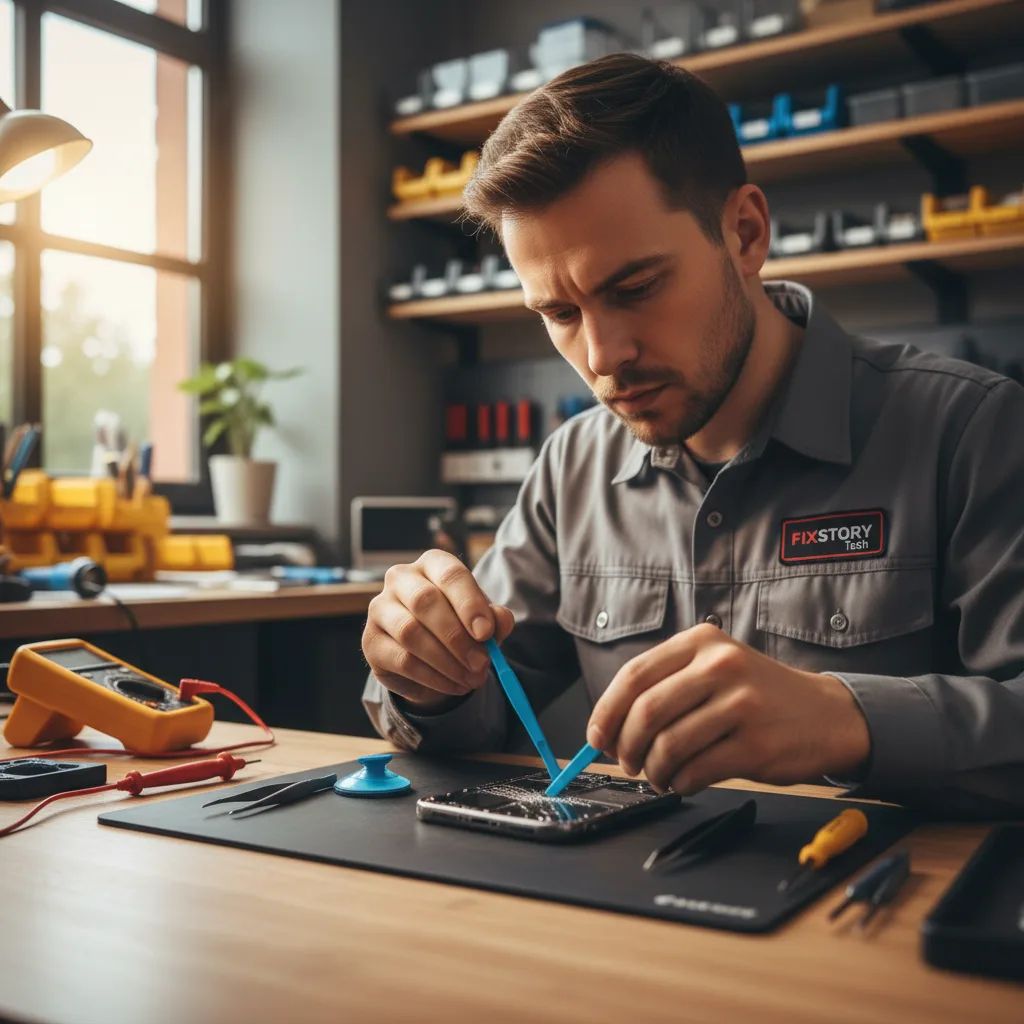
What Is the iPhone's Front Sensor Assembly?
Tucked into the top notch or Dynamic Island of your iPhone screen is a complex array of components crucial for more than just selfies. This assembly is a marvel of engineering, and it's cryptographically paired to your specific iPhone's logic board. This pairing is a security feature from Apple, and if the original components are damaged or improperly transferred, Face ID will be permanently disabled.
Components of the Front Sensor Assembly
- Flood Illuminator & Dot Projector: These are the heart of the Face ID system, projecting thousands of invisible infrared dots to create a 3D map of your face.
- Proximity Sensor: This turns the screen off when you hold the phone to your ear during a call.
- Ambient Light Sensor: This automatically adjusts your screen's brightness and enables True Tone functionality.
- Earpiece Speaker & Microphone: Essential for phone calls and audio playback.
All these components are connected via an extremely thin and fragile flex cable that is lightly adhered to the back of the original screen. The real challenge of a screen repair isn't just swapping the glass; it's transferring this entire original assembly to the new screen perfectly.
The Critical Mistake: How DIY Repairs Damage the Assembly
DIY repair kits often come with basic plastic tools and minimal instructions, which are inadequate for this delicate operation. Here’s where things typically go wrong and lead to a failed repair, a common issue we see from DIY attempts across Los Angeles.
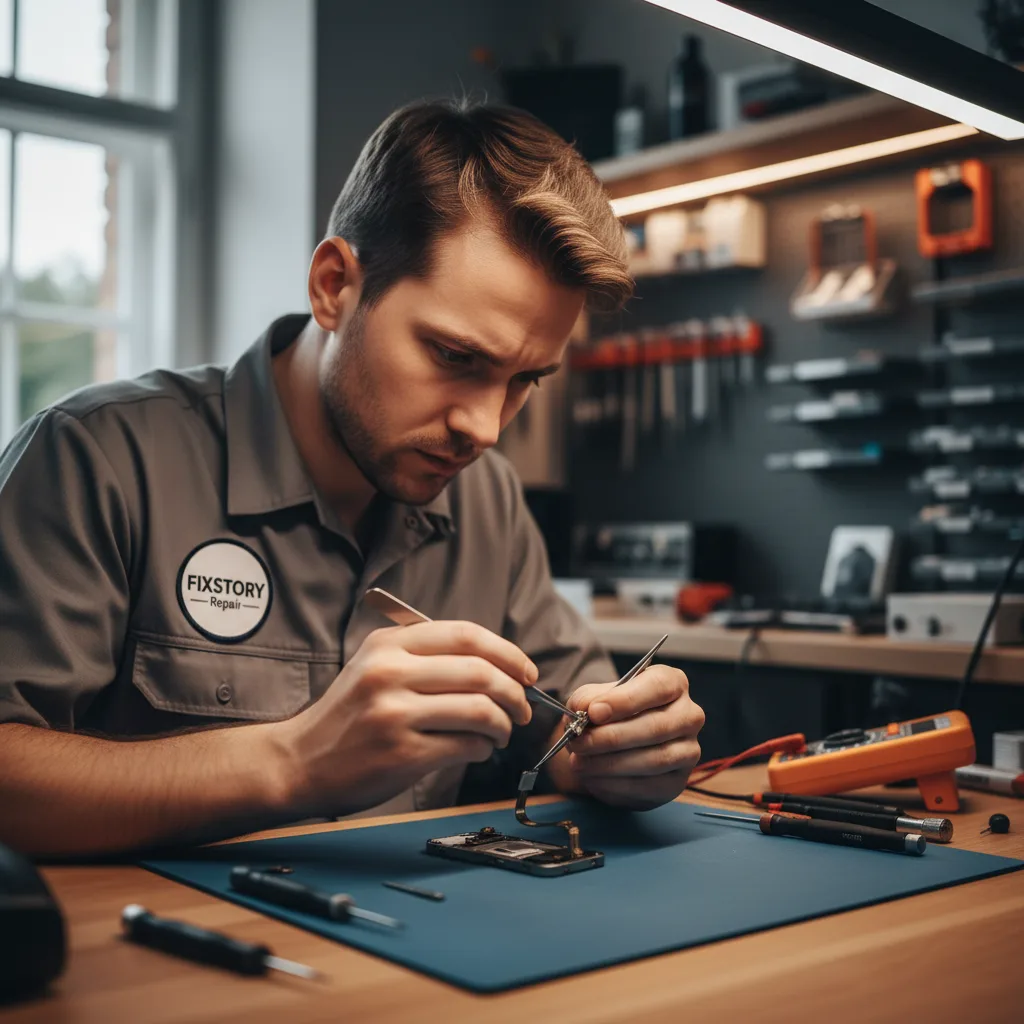
Common DIY Errors
- Tearing the Flex Cable: The most common error. The flex cable is paper-thin and can be easily ripped when prying the assembly off the old screen's adhesive. Even a microscopic tear can sever a critical connection, instantly breaking Face ID.
- Using Excessive Heat or Solvents: Trying to loosen the adhesive with a hairdryer or isopropyl alcohol can be a disaster. Too much heat can damage the sensitive Dot Projector or Flood Illuminator, while liquid can seep into the components and cause shorts.
- Improper Reassembly and Misalignment: The sensors must be seated perfectly in their brackets on the new screen. If the proximity sensor or ambient light sensor is even slightly misaligned, it can cause issues with auto-brightness or calls. A misaligned Dot Projector will prevent Face ID from functioning correctly.
- Static Discharge: Without a proper anti-static work environment, a simple static shock can permanently fry the sensitive microelectronics within the assembly.
How Professionals Guarantee a Perfect iPhone Screen Repair
When you bring your iPhone to a professional repair shop like FIXSTORY in Downtown LA, you're not just paying for a new screen; you're paying for expertise, specialized tools, and a process designed to eliminate risk. We understand the intricacies of the front sensor assembly and have a meticulous process to ensure a flawless transfer.
The Professional Repair Process
- Controlled Environment: We work on professional-grade, anti-static mats to protect your device’s sensitive internal components from electrostatic discharge.
- Precise Heating: Instead of a hairdryer, we use calibrated heating plates that gently warm the adhesive to the exact temperature needed for safe removal without overheating the components.
- Micro-Tools and Technique: Our technicians use specialized micro-spudgers and tweezers to carefully and patiently work the assembly free from the old screen, preserving the integrity of the flex cable.
- Perfect Alignment and Adhesion: We use precision jigs and high-quality, pre-cut adhesive to ensure the assembly is perfectly aligned and secured on the new display, guaranteeing all functions work as intended.
- Post-Repair Diagnostics: After every repair, we run a comprehensive diagnostic test to confirm that Face ID, True Tone, proximity sensor, and all other functions are 100% operational. This final step is your guarantee of a quality repair.
While a DIY project can be tempting, the risk of permanently losing Face ID is significant. For a reliable and guaranteed outcome, trusting professional iPhone repair services is the smartest choice.
Frequently Asked Questions
How long does a professional iPhone screen replacement take?
At FIXSTORY, most iPhone screen replacements can be completed in about 30 to 45 minutes. Our experienced technicians and efficient workflow ensure you get your device back quickly without sacrificing quality or risking damage to critical components like the Face ID system.
Can a broken Face ID be fixed after a bad screen replacement?
It depends on the damage. If the flex cable is torn or the Dot Projector is damaged, it is an extremely complex repair that requires advanced micro-soldering skills. Because the assembly is paired to the logic board, you cannot simply swap it with a new one. While sometimes salvageable, it's a difficult and costly procedure that is best avoided by getting the screen repair done correctly the first time.
Does replacing the screen affect the iPhone's water resistance?
Yes, opening an iPhone compromises its original factory water-resistant seals. Professional repair shops like ours in DTLA install a new water-resistant adhesive frame during reassembly. While this restores a significant level of protection against splashes and dust, no repair can guarantee the original factory IP rating.