Is Your MacBook Battery Draining Too Fast?
A MacBook with a failing battery can severely impact your productivity, turning a powerful portable device into a desktop that's permanently tethered to a charger. If you're experiencing sudden shutdowns or your battery life seems to last only an hour or two, it's likely time for a replacement. This guide will walk you through the hidden signs of a dying battery, cost-saving tips, and why professional MacBook battery replacement in Los Angeles is your best option.

What Are the Hidden Signs You Need a MacBook Battery Replacement?
While a drastically shortened battery life is the most obvious symptom, there are several other subtle signs that your MacBook's battery is on its last legs. Ignoring these can lead to more significant problems, including permanent data loss or motherboard damage. Be on the lookout for these red flags.
1. The 'Service Recommended' Warning
The most straightforward sign comes from your macOS. Click the battery icon in the top menu bar. If you see a "Service Recommended" or "Replace Now" message, your Mac has detected that the battery is degraded and no longer holding its full charge capacity. This is a clear indicator that you should seek a professional evaluation.
2. Unexpected Shutdowns
Does your MacBook suddenly turn off even when the battery indicator shows 20% or 30% charge remaining? This happens when an old battery can no longer provide stable voltage under load. When you open a demanding application, the power draw spikes, and the worn-out battery can't keep up, causing an immediate shutdown to protect internal components.
3. Physical Swelling or Overheating
This is the most critical sign. A failing lithium-ion battery can swell due to gas buildup. You might notice your MacBook doesn't sit flat on a table, the trackpad is difficult to click, or the bottom case is visibly bulging. A swollen battery is a safety hazard and can permanently damage the trackpad, keyboard, and logic board. If you see any signs of swelling, stop using the device immediately and bring it to a professional repair shop in DTLA.
4. The Laptop Only Works When Plugged In
If your MacBook instantly dies the moment you unplug the MagSafe or USB-C charger, the battery has completely failed. It can no longer hold any charge, effectively turning your portable laptop into a desktop computer. This is a definitive sign that a replacement is necessary to restore its portability.

How Much Does MacBook Battery Replacement Cost in Los Angeles?
The cost of a MacBook battery replacement can vary significantly based on your model and where you get it serviced. Here's a general breakdown:
- Older MacBook Air/Pro (Pre-2017): For models where the battery is not glued to the top case, the replacement is more straightforward and generally more affordable. Professional services are often significantly cheaper than the Apple Store for these models.
- Newer MacBook Air/Pro (Post-2017 with Retina/Touch Bar): In these models, the battery is part of a larger assembly that includes the keyboard and top case. This makes the repair more complex and labor-intensive. While Apple's official service can be costly, a reputable independent repair shop can often perform the battery-only replacement at a lower price, saving you from paying for a whole new top case.
A key cost-saving tip is to address the issue early. Replacing a battery as soon as you see the "Service Recommended" status prevents it from swelling and damaging other expensive components like the trackpad or logic board, which would dramatically increase the final repair bill.
Can I Replace My MacBook Battery Myself?
While DIY kits are available online, replacing a modern MacBook battery is a high-risk task for an amateur. The batteries are strongly glued in, requiring special solvents and careful prying that can easily puncture the battery cell, creating a fire risk. You also risk stripping tiny screws, tearing delicate ribbon cables, or damaging the logic board.
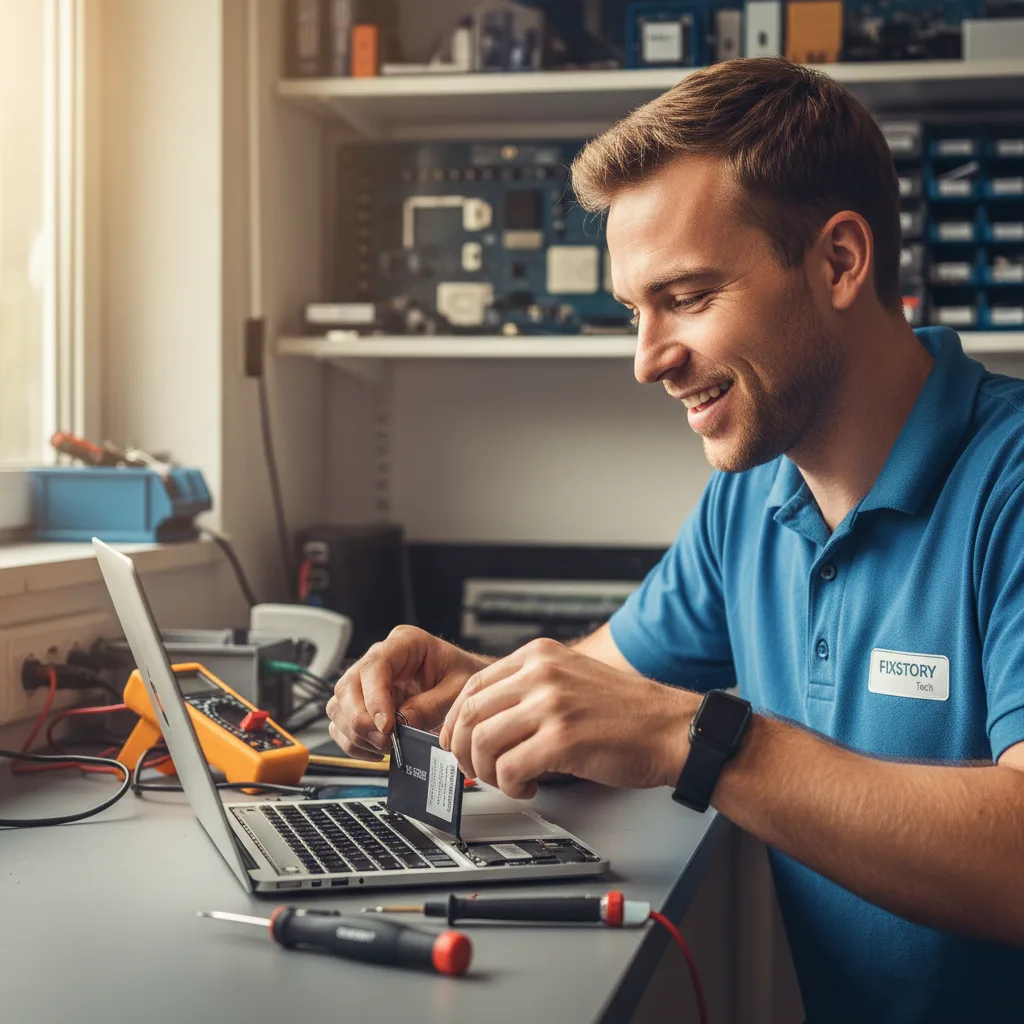
A professional technician has the correct tools, high-quality replacement parts, and the experience to perform the replacement safely and efficiently. For a crucial component like the battery, trusting an expert for your MacBook repair services ensures the job is done right, often with a warranty on the new part. For residents and professionals in Downtown LA, a quick and reliable professional service means minimal downtime.
Frequently Asked Questions
Q: How long does a professional MacBook battery replacement take?
A: At a skilled repair shop, the process typically takes between 1 to 3 hours, depending on the specific MacBook model. For newer models with glued-in batteries, it may take longer to allow the adhesive to be safely dissolved and the new battery to be securely set.
Q: Will replacing the battery erase my data?
A: No, a standard battery replacement does not affect your data (photos, documents, etc.). Professionals take great care to ensure your data remains untouched. However, it is always a best practice to have a recent backup of your important files before any repair service.
Q: Is it worth replacing the battery on an older MacBook?
A: Absolutely. If your older MacBook is still performing well for your needs, a new battery is a cost-effective way to extend its life for several more years. It's significantly cheaper than buying a new laptop and is a more environmentally friendly choice.