Introduction
You’ve dropped your phone, and now you're staring at a spiderweb crack or a screen that won't turn on, wondering if you need to rush to a repair shop. Did you know that over 50 million phone screens are broken each year in the U.S. alone, but not every crack is a five-alarm fire? Deciding whether a problem is a minor inconvenience or a critical failure can be confusing and stressful. This guide will teach you how to distinguish between symptoms that require immediate attention and those that can wait, helping you save your device from permanent damage and keeping you safe. By the end, you'll know exactly when to seek professional help for your iPhone or Samsung device in Los Angeles.

What Are Critical Signs Your Phone Needs Immediate Repair?
Some smartphone issues are more than just an annoyance; they are clear indicators of a serious problem that could worsen quickly or even pose a safety risk. Ignoring these red flags can lead to more expensive repairs down the line, complete data loss, or in rare cases, a fire hazard. If you notice any of these symptoms with your device, it's crucial to power it down and seek a professional phone repair service as soon as possible.
These critical failures often involve the battery, the screen's core functionality, or exposure to liquids. A compromised battery is a significant safety concern, while a malfunctioning screen can prevent you from accessing your important data. Water damage is particularly insidious, as corrosion can spread throughout the internal components silently, causing irreversible damage over time. Acting quickly is the best way to maximize the chances of a successful and lasting repair for your device in Downtown LA.
- Battery Swelling: If you see the screen lifting away from the frame or the back of the phone bulging, this is a sign of a swollen lithium-ion battery. This is a serious fire hazard and requires immediate professional attention.
- Water or Liquid Damage: Even if your phone seems to be working after being wet, moisture inside can corrode the motherboard and other components. Turn it off immediately and do not charge it.
- Unresponsive or Black Screen: A screen that is black, flickering, has large colorful lines, or is completely unresponsive to touch prevents you from using your phone and could be a sign of a failing display or logic board issue.
- Overheating During Normal Use: If your phone becomes uncomfortably hot while doing basic tasks like browsing or texting (not intensive gaming), it could indicate a battery or processor problem.
- Inability to Charge or Hold a Charge: If your phone dies instantly when unplugged or won't charge at all, it could be a faulty battery or a damaged charging port, leaving your device unusable.
- Smoke or a Burning Smell: This is an extremely rare but critical sign of a severe hardware failure. Power down the device immediately and keep it in a safe, non-flammable location.
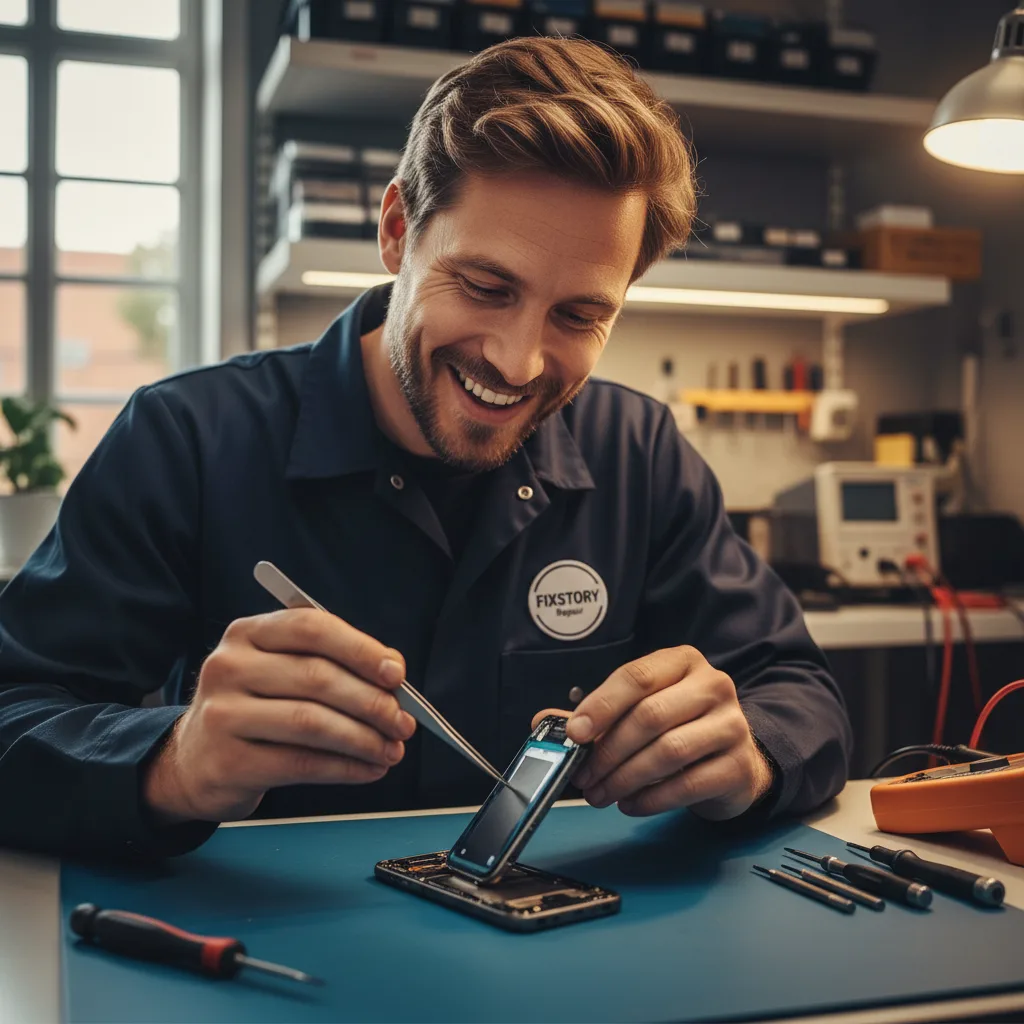
How Do I Know If My Phone Repair Can Wait?
Not every crack, scuff, or glitch is a sign of impending doom for your smartphone. Many issues are purely cosmetic or are minor annoyances that don't immediately threaten the core functionality or safety of your device. Understanding the difference can save you from a panicked trip to the repair shop and allow you to schedule a fix at your convenience. These non-urgent problems typically don't get significantly worse over a short period and don't pose a risk to your data or personal safety.
However, it's important to remember that even minor issues can sometimes evolve. A small crack in the back glass, for example, compromises the phone's water resistance. While you don't need to rush for a phone repair that same day, you should be mindful of the new vulnerability and plan to get it fixed eventually. The table below helps compare urgent issues against problems that are generally less critical.
| Symptom | Urgency Level | Why? |
|---|---|---|
| Swollen Battery | Immediate | Poses a significant fire and safety hazard. |
| Minor Back Glass Crack (no exposed parts) | Can Wait | Primarily cosmetic, but water resistance is compromised. |
| Black Spots or Lines on Screen | Immediate | Indicates damage to the OLED/LCD panel, which will likely spread. |
| Slightly Reduced Battery Life | Can Wait | Normal battery degradation; repair when it becomes too inconvenient. |
| Phone Won't Turn On | Immediate | Prevents access to data and communications; could be a serious issue. |
| Small Scratches on Camera Lens | Can Wait | Annoying for photos, but doesn't affect phone's core function. |
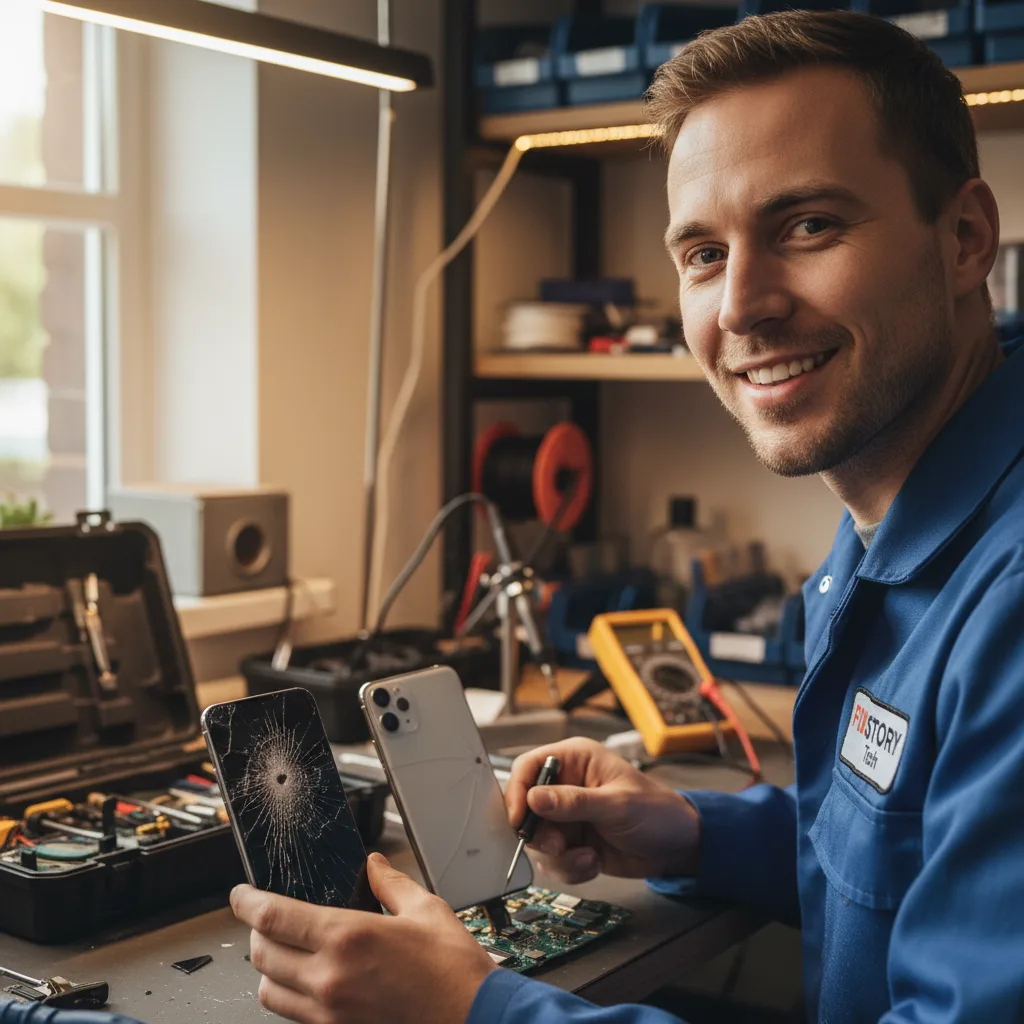
What Happens If You Delay a Necessary Phone Repair?
Procrastinating on a necessary phone repair might seem like a good way to save money or time in the short term, but it often leads to more severe and costly consequences. What starts as a single, manageable problem can cascade into a series of related failures that damage your device beyond economical repair. Ignoring warning signs is a gamble with a device that holds your personal data, contacts, photos, and daily schedule.
One of the most common examples is delaying a screen replacement. A small crack can compromise the structural integrity and water resistance of your phone. Dust, debris, and moisture can seep through the crack, damaging sensitive internal components like the motherboard or Face ID sensors. This can turn a straightforward screen replacement into a much more complex and expensive logic board repair. Similarly, continuing to use a phone with a failing battery not only risks sudden shutdowns but also the potential for the battery to swell and damage other parts. For residents in the greater Los Angeles area, addressing these issues promptly is key to preserving your device's lifespan.
- The Problem Escalates: A cracked screen allows moisture to enter, short-circuiting the motherboard. A faulty charging port can lead to power surges that damage the battery and other internal circuits.
- Increased Cost: As the damage spreads, the repair becomes more complex. What could have been a single part replacement might now require multiple components or delicate microsoldering work, significantly increasing the final bill.
- Permanent Data Loss: If the damage progresses to the logic board or storage chip, you risk losing all your photos, contacts, and messages forever. A problem that starts with the screen could end with your data being unrecoverable.
- Safety Hazards: Continuing to use a device with a damaged or aging battery increases the risk of it swelling or overheating. This is not just a danger to the device but to you as well.
Frequently Asked Questions
How long does a typical phone repair take?
Most common repairs, such as screen replacements or battery swaps for iPhones and Samsung devices, can often be completed within a few hours. However, more complex issues like water damage treatment or motherboard diagnostics require more time. A professional technician can give you a more accurate time estimate after assessing the specific damage to your device.
Can a small crack on my phone screen get worse over time?
Yes, absolutely. A small crack compromises the structural integrity of the glass, making it more susceptible to shattering from minor impacts or even temperature changes. The crack can also spread, creating sharp edges and allowing dust and moisture to penetrate the device, leading to more significant problems like display failure or touch screen issues.
Is it worth repairing an older iPhone or Samsung phone?
This often depends on the type of repair needed versus the cost of a new or refurbished device. For many older models, a new battery or screen can significantly extend its life for a fraction of the cost of a new phone. It’s a great way to save money and reduce e-waste. We recommend getting a diagnostic to understand the issue first.
How much does it cost to find out what's wrong with my phone?
At FIXSTORY, we believe in transparency and helping you make an informed decision without any initial financial commitment. That's why we offer a completely free diagnostic service. Contact us or bring your device to our Downtown LA shop, and our technicians will assess the problem and provide you with a detailed repair quote.
Get Your Device Repaired in Downtown LA
Knowing when to seek immediate help for your phone can make all the difference in its longevity and performance. Don't let a small problem turn into a catastrophic failure. The expert technicians at FIXSTORY have the tools and experience to accurately diagnose and resolve any issue, from critical emergencies to minor annoyances.
Whether you need a professional iPhone repair or are dealing with a faulty Samsung device, our team is here to help. Visit our shop in the heart of Downtown LA for a fast, reliable, and professional service that gets you reconnected.