Why Did My PS5 HDMI Port Suddenly Stop Working?
It's a scenario that strikes fear into the heart of every gamer: you turn on your PlayStation 5, the console's light turns a steady white, but your screen remains black, displaying a dreaded "No Signal" message. While several issues can cause this, one of the most common culprits is a damaged HDMI port. This small but crucial component is surprisingly fragile. We see these cases frequently at our repair shop in Downtown LA, and the stories behind the failures are often quite similar.
Story #1: The Accidental Trip and the Bent Pins
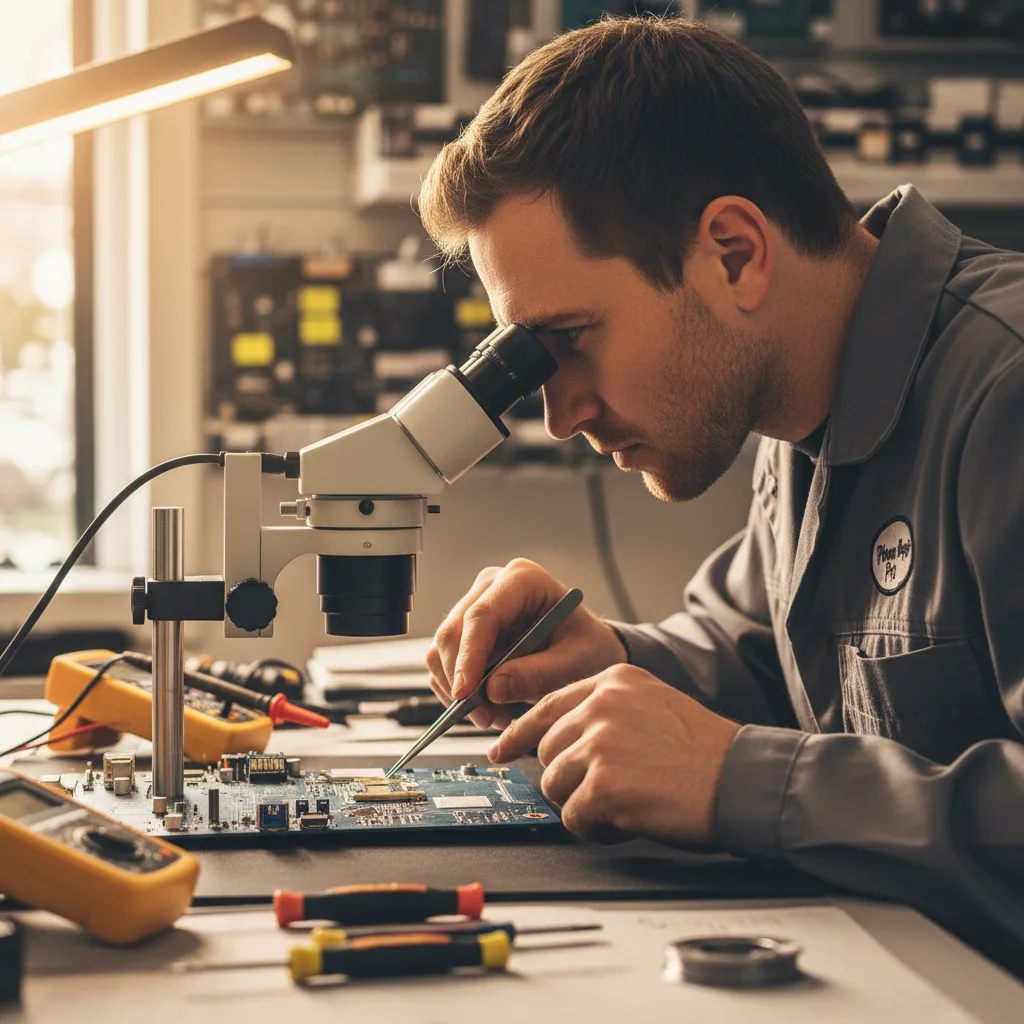
A customer recently brought in their PS5, explaining that it had suddenly stopped displaying a picture. They were in the middle of a tense boss battle in Elden Ring when their dog, excited by a visitor, ran past the entertainment center and tripped on the HDMI cord. The console was pulled slightly, and while it didn't fall, the sudden tension was enough to do internal damage. Upon inspection under a microscope, we could see several pins inside the HDMI port were bent and pushed back. This is a classic case of physical damage. The force of the pull not only bent the pins but also broke their connection to the motherboard.
The repair involved a delicate micro-soldering procedure. First, the console was completely disassembled to access the motherboard. We then used a specialized hot air rework station to carefully heat and remove the broken port without damaging the sensitive board. After cleaning the contact pads, a brand-new, high-quality HDMI port was meticulously soldered into place. Within a few hours, the customer's console was back up and running, displaying a perfect 4K signal, ready for them to finally defeat that boss.
Story #2: The "Wiggle" Fix That Made Things Worse
Another common story involves an issue that starts small and gets progressively worse. A client explained that for weeks, their PS5's picture would flicker occasionally. Their temporary solution was to wiggle the HDMI cable at the back of the console until the picture came back. This worked for a while, but eventually, no amount of wiggling could restore the signal. They brought it to us fearing the worst.
This "wiggle fix" is a sign that the solder joints connecting the port to the motherboard are already cracked or failing. Each time the cable is wiggled, it puts more stress on these tiny connections, eventually causing them to break completely. In this case, removing the old port revealed that one of the contact pads on the motherboard itself had been lifted and damaged from the repeated stress. This makes the repair more complex, requiring not just a port replacement but also a delicate trace repair on the board itself. It’s a powerful reminder that if you're experiencing a flickering signal, it's best to seek a professional game console repair service immediately rather than trying to force a connection.
What Are the Signs of a Bad PS5 HDMI Port?
Your PS5 may be signaling an HDMI port issue if you notice any of the following symptoms. Catching these signs early can sometimes prevent more severe motherboard damage.
- No Signal to TV: The most obvious sign. The console powers on (white light), but there's no picture or sound.
- Distorted or Flickering Video: The picture cuts in and out, shows static, sparkles (digital artifacts), or incorrect colors.
- Lower Resolution: The PS5 may default to a very low resolution like 480p and not allow you to select 1080p or 4K.
- HDMI Cable Fits Loosely: If the cable doesn't click into place or feels wobbly, the internal structure of the port is likely damaged.
- Visible Damage: A quick look with a flashlight may reveal bent or missing pins inside the port itself.
Can a PS5 HDMI Port Be Repaired?
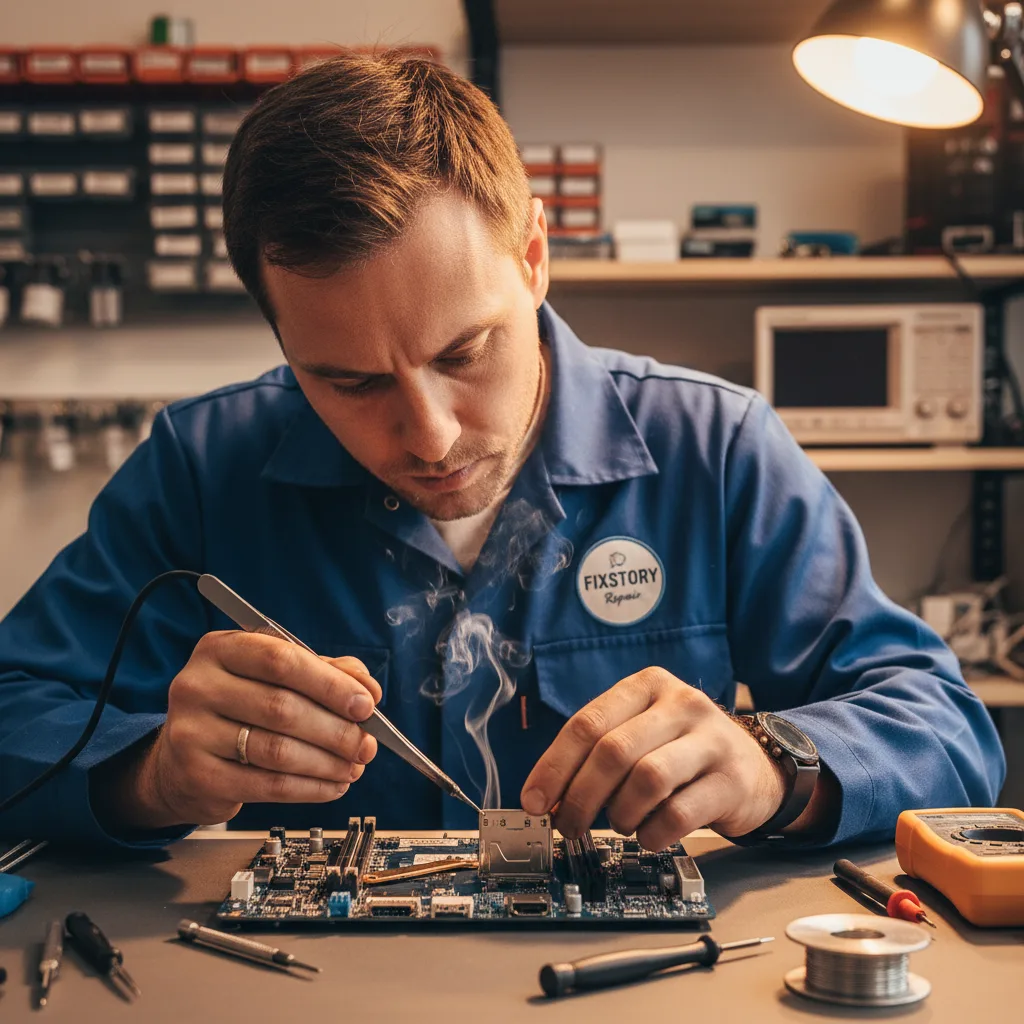
Yes, absolutely! A broken PS5 HDMI port is a very common and repairable issue for a skilled technician. However, this is not a simple DIY project. The repair requires specialized tools and expertise, including:
- Complete Disassembly: The PS5 must be fully taken apart to remove the main logic board.
- Micro-soldering Equipment: A hot air rework station, a high-quality soldering iron, a microscope, and flux are essential for removing the old port and installing the new one without damaging the board.
- Precision Work: The HDMI port has 19 very small pins that must be perfectly soldered to their corresponding pads on the motherboard. A single bridged connection can prevent the port from working or even cause further damage.
Attempting this repair without the proper skills and tools can easily result in permanently damaged motherboard traces, turning a fixable problem into a much more expensive one. For gamers in Los Angeles, seeking a professional service ensures the job is done right.
How Much Does It Cost to Fix a PS5 HDMI Port in Los Angeles?
The cost of a PS5 HDMI port replacement is significantly more affordable than buying a new console. While prices can vary slightly depending on the severity of the damage (for example, if motherboard trace repair is also needed), it is a straightforward procedure for an experienced shop. The repair typically includes the cost of the high-quality replacement part and the expert labor required for the micro-soldering work. Getting a professional quote from a reputable shop in DTLA is the best way to understand the exact cost for your specific situation.
FAQ About PS5 HDMI Port Issues
Can I use my PS5 with a broken HDMI port?
Unfortunately, no. The HDMI port is the only video output on the PlayStation 5. Without a functioning port, you cannot get a signal to your television or monitor. While you might be able to use PS Remote Play if it was already set up, this is not a practical long-term solution and doesn't work for initial setup or troubleshooting.
How can I prevent my PS5 HDMI port from breaking?
Prevention is always the best strategy. To protect your HDMI port, always plug and unplug the cable carefully and straight, without angling or wiggling it. Ensure there is no tension or sharp bends in the cable. When moving your console, always disconnect all cables first. Giving your console plenty of space for ventilation also prevents the system from being bumped or cables from being snagged.