If your MacBook battery dies quickly or shows a "Service Recommended" warning, it's time for a replacement. In Downtown Los Angeles, FIXSTORY offers same-day MacBook battery replacement, often in just a few hours, starting around $120. A new battery restores your MacBook's portability and performance for a fraction of the cost of a new device.
Living and working in Downtown Los Angeles means your MacBook is more than a laptop; it's your connection to everything. For the students grinding away at USC, the graphic designers in the Arts District, and the entrepreneurs in Koreatown, a failing battery isn't just an inconvenience—it's a roadblock. When your MacBook is constantly tethered to a charger, its primary purpose, portability, is lost. At FIXSTORY, located right here in DTLA, we see this every day. A worn-out battery doesn't mean you need a new thousand-dollar computer; it just means it's time for a vital component swap.

How Do I Know if My MacBook Battery Needs Replacing?
The most direct way to know if your MacBook battery needs replacing is when your computer tells you. Your MacBook constantly monitors its own battery health and will display a "Service Recommended" or "Service Battery" warning in the battery status menu when performance has significantly degraded. This is your computer's way of saying it's time for a professional check-up.
Beyond the official warning, you'll likely notice several other frustrating symptoms that point to a failing battery. These are the signs we hear about most from our clients in Echo Park and the South Park neighborhood:
- Drastically Reduced Battery Life: The most obvious sign. Your MacBook used to last for hours, and now you're lucky to get through a meeting without plugging it in.
- Unexpected Shutdowns: The battery indicator might say you have 30% or 40% left, but the machine suddenly powers off, especially under heavy load like video editing or running multiple apps.
- Failure to Charge: It won't charge to 100%, or it doesn't charge at all, even when plugged in.
- Physical Swelling: This is the most dangerous sign. A failing lithium-ion battery can swell, causing the bottom case of your MacBook to bulge or the trackpad to become stiff and difficult to click. If you see this, stop using the device and bring it in immediately.
Technically, this is all related to battery cycle count. Every time you fully discharge and recharge your MacBook, it completes one cycle. Most MacBook batteries are designed for about 1,000 cycles before they are considered "consumed." After this point, their ability to hold a charge diminishes rapidly.
How Much Does MacBook Battery Replacement Cost in Los Angeles?
A professional MacBook battery replacement at FIXSTORY in Downtown LA starts around $120. The final price depends on your specific MacBook model—like a MacBook Air versus a 16-inch MacBook Pro—and the year it was manufactured, as different models require different batteries and labor procedures.
At FIXSTORY, we believe in complete transparency. That’s why we offer a 100% free, no-obligation diagnosis. Bring your MacBook to our shop, and our dedicated computer specialist will assess its condition, check the battery health, and give you an exact, all-inclusive quote on the spot. We offer multiple quality tiers for parts, from budget-friendly options to OEM-grade batteries, so you can choose what works best for you. This straightforward process ensures you know the full cost before committing to any repair.
Is It Worth Replacing a MacBook Battery?
Absolutely. For most MacBooks under 7-8 years old, replacing the battery is one of the most cost-effective upgrades you can make. It breathes new life into a machine you already know and love, restoring its original performance and all-day portability for a fraction of the price of buying a new laptop.
Consider the alternative: a new MacBook can cost anywhere from $1,000 to over $3,000. A battery replacement is a small investment that can give your current device another 2-4 years of useful life. For professionals in the Fashion District or students near the USC campus, this is a smart financial decision that prevents a perfectly good machine from becoming e-waste. A healthy battery also allows the CPU to run at full speed; older, weak batteries can cause macOS to throttle performance to prevent unexpected shutdowns.
How Long Does It Take to Replace a MacBook Battery at FIXSTORY?
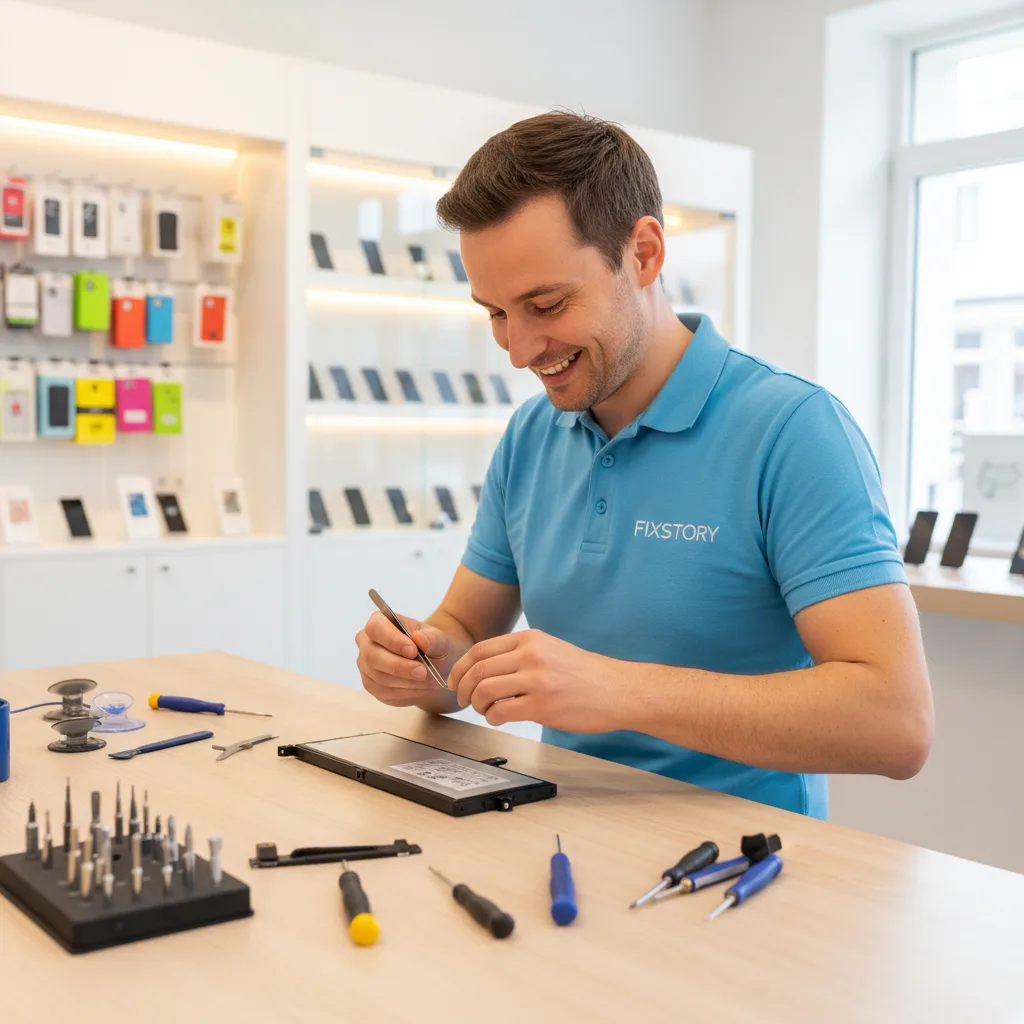
Most MacBook battery replacements at our Downtown LA shop are completed the same day, often within just a few hours. Because we have a dedicated computer specialist and keep a wide range of batteries in stock, we can get to work on your device right away. You can drop it off in the morning and have it back, fully charged and ready to go, by the afternoon.
This is a major advantage over the Apple Store. Taking your device to an official Apple service center often means waiting 3 to 5 business days, as they frequently need to ship your MacBook to a central repair facility. At FIXSTORY, the work is done right here in our DTLA shop. You get your computer back faster, and our prices are typically over 50% more affordable than Apple's out-of-warranty service fees. No appointment needed—just walk in when it's convenient for you.
What Are the Dangers of a Swollen MacBook Battery?
A swollen MacBook battery is a serious fire hazard and can cause permanent, cascading damage to your computer. You should stop using it immediately and bring it to a professional computer repair service. The swelling is caused by gases building up inside the lithium-ion battery cell as it fails. This pressure can warp the aluminum chassis, crack the trackpad from below, and even damage the logic board.
We strongly advise against attempting a DIY replacement on a swollen battery. Puncturing the battery cell can lead to a thermal event—a fire that is difficult to extinguish. Our technicians are trained to safely remove and dispose of these hazardous components, ensuring both your safety and the integrity of your device.

Frequently Asked Questions
Will replacing my MacBook battery erase my data?
No, a standard battery replacement does not affect your data, as the service does not involve the solid-state drive where your files are stored. However, we always recommend having a current backup of your important data as a general best practice before any repair.
What kind of warranty do you offer on MacBook battery replacements?
FIXSTORY provides a comprehensive 60-day warranty on all MacBook battery replacements. This warranty covers any defects in the new part and the labor involved, giving you complete confidence and peace of mind in our work.
Can I just walk into your Downtown LA shop for a battery replacement?
Yes, absolutely. No appointment is ever needed at FIXSTORY. You can walk right in with your MacBook, and our computer specialist will provide a free, on-the-spot diagnosis and an exact quote for the repair. We're here to make the process as easy and convenient as possible for our neighbors.
Ready to get your device fixed? Call FIXSTORY's specialist at (213) 322-7187 — or walk right in, no appointment needed. Most repairs done same day in Downtown LA.