Become an Expert
iPhone & Android Technician
A 5-day intensive course for iPhone, Samsung Galaxy and every Android phone, covering everything from diagnostics to microsoldering basics. Five days at the bench on screens, batteries, charging ports, water damage and back glass — and alongside it, how we run our own shop.

What You Walk Away With
Five days is short. Here is exactly what it buys you.
Start your business right away
You are not left with theory. Five days in, you can take in your first paying repair.
Every everyday repair, covered
iPhone, Samsung Galaxy and every Android phone: screens, batteries, ports, cameras, housings, water damage. Everything except advanced board-level microsoldering.
Know what to outsource
You learn where your limit is and how to hand off high-level board work instead of destroying a customer's phone.
Low cost to get started
Repair is one of the cheapest businesses to open. No storefront and no heavy inventory needed on day one.
Vendor access from day one
Finding parts suppliers you can trust is where most beginners stall. You leave with ours.
Ask anytime, even after the course
Your questions don't end on Day 5. Whenever something about the course comes up, or you run into a repair you have not seen before, just ask us anytime.
Anyone can learn, at any age
Men and women, young and old. We start from the basics, so even elementary school students can learn.
Your starter kit is on us
A screwdriver set and a magnetic mat are provided free when the course begins. Just come as you are.
What You Will Master
We teach you how to fix the most common and profitable issues.
Screen & Battery Repair
Master removing the screen without breaking it, adhesive removal, True Tone programming, and safe battery extraction without puncturing.
Charging Port Repair
Diagnose and replace Lightning/USB-C dock connectors and microphone assemblies.
How to Diagnose Faults
Use USB meters and DC power supplies to find short circuits and"No Power" causes.
Back Glass & Housing Repair
Learn housing selection and swaps, two ways to remove cracked back glass (heat gun and laser machine), and how to bond the new glass so it holds.
Camera & Outer Lens Glass Repair
Replace camera modules and the outer protective lens glass, and fix shaking or black cameras.
Water Damage
Board cleaning workflows, ultrasonic cleaning, and corrosion removal for data recovery.
Intensive Curriculum
Covers iPhone, Samsung Galaxy and all Android phones. Each day below may differ slightly in the actual class.
Day 1: Models, Tools & What Is Inside the Phone
Not a day of sitting and listening. You learn to tell any model apart and prove it, which tool does what and why, and what is actually inside a phone — then you open a real one and put it back together, again and again.
Models & tools
- check The tool kit: what you must own on day one, and what to add later
- check iPhone history and every model, year by year
- check iPhone, Samsung Galaxy & Android models and how to tell them apart
- check IMEI lookup: carrier lock, blacklist and unpaid balance
Inside the phone
- check Internal layout: logic board, flex cables, connectors & screw map
- check What each part does: screen, battery, port, cameras, Face ID, fingerprint & more
- check Which way each model opens, and what changes generation to generation
- check Bench safety and the mistakes beginners make
Hands-on
- star Taking a real phone apart and putting it back together, over and over
- check Separating parts safely
Day 2: Parts Knowledge & Fault Diagnosis
The day you learn to read a fault. Which grades a part comes in and what actually differs between them, how to narrow a symptom down to one part, and how far a power supply, a current meter and the phone’s own logs get you before you open anything. In the afternoon you hook the meters up yourself.
Parts knowledge
- check Screen types and replacement grades: LCD vs OLED, hard vs soft, refresh rate
- check Battery basics and how to read battery health
- check Part pairing, True Tone and the “Unknown Part” message
- check Water resistance: what happens to it after a screen swap
Fault diagnosis
- star Part-by-part diagnosis: screen, battery, charging port, buttons, Face ID, camera, back glass, water damage, board
- check Diagnosing faults with a power supply
- check Finding the cause of random reboots in the Analytics panic log
- check Electricity basics a repair tech actually uses
- check Hands-on: hooking up a DC power supply and a charging-current meter yourself
Software
- check Force restart
- check Factory reset
- check Backup methods
- check Moving data phone to phone: Quick Start and Smart Switch
Day 3: Screen & Battery Replacement
Hands-on with the two repairs that pay the bills. First a look at genuine and aftermarket parts side by side, then the two skills that decide whether you make money or destroy phones — taking the screen off without breaking it, and getting the battery out safely.
Before the bench
- check Fast review of Days 1 and 2
- check Genuine and aftermarket parts side by side in your hands
- check How an iPhone boots up — a first taste of board-level theory
Screen
- check Diagnosing screen faults: no image, dead touch, ghost touch, backlight out — and when it is the board instead
- star Removing the screen without breaking it (most important)
- check Taking the proximity sensor off without damaging it
- check Screen reassembly know-how: connectors, cable routing & fit
- check Waterproof sealing after a screen swap
- check True Tone programming
- check Telling LCD, OLED and other screen types apart by hand
- check Re-attaching a bezel that has come off the screen
Battery
- check Diagnosing battery faults: reading battery health, swelling, sudden shutdowns — and when it is the board instead
- star Getting the battery out safely, without puncturing it (most important)
- check Installing genuine batteries & battery spot welding
Day 4: Charging Ports, Cameras, Speakers & Water Damage
The small parts that come across the counter every day, and the phone nobody wants to take in. A wet phone almost always arrives as “it will not charge”, so charging-port diagnosis and water damage belong on the same day: replace the port, still nothing, open it up, find the corrosion, clean it.
Before the bench
- check Fast review of Days 1 to 3
- check How iPhone charging works — a first taste of board-level theory
Diagnosis & replacement
- star Diagnosing charging port, camera and speaker faults: the symptoms of each — and when it is the board instead
- check Charging port replacement
- check Outer camera lens glass replacement
- check Camera module swap
- check Taptic engine & Speakers
Water damage
- check What you must tell the customer, and get signed, before you open a wet phone
- check Water damage ultrasonic cleaning
- check Corrosion removal
Day 5: Back Glass, Housing & Real-World Practice
First, aftermarket and genuine back glass in your hands side by side, so you know what you are selling. Then cracked back glass removed two ways, with a heat gun and with a laser machine, and housing swaps. The day ends on devices with unknown faults, handled exactly the way you would handle a walk-in.
Before the bench
- check Fast review of Days 1 to 4
- check Aftermarket back glass versus genuine back glass, compared side by side
Back glass & housing
- check Removing cracked back glass safely with a heat gun
- check Removing cracked back glass with a laser machine
- check Selecting and replacing housings
- check Bonding new glass firmly
Real-world practice & wrap-up
- star Real-world repair simulation on devices with unknown faults
- check Checking every function before you start, and what to disclose and get signed
- check Wrap-up Q&A & Certification
Each day's content in the actual class may differ slightly from what is listed above. It may be expanded or adjusted depending on the student's skill level, pace, and the device models available during the session.
How to Run the Business
The 5-day curriculum is pure repair training. This part is separate — what we have learned running our own shop, passed on alongside the course.
Not part of the 5-day curriculum. The five days are spent on repair at the bench; this is shared on the side, and you can keep asking about it after the course ends.
Parts Sourcing
Trusted vendor list, how to tell part grades apart (OEM, pulled, aftermarket), and how much stock to keep on hand.
Pricing & Margins
How to price each repair, quote a walk-in on the spot, and know your real margin after parts and labor.
Intake & Warranty
Intake forms and disclaimers, repair tickets, warranty policy, and how to handle a comeback without losing the customer.
Shop Setup
What tools to buy first, how to lay out a bench, and what it realistically costs to open your doors.
Getting Customers
Google Business Profile setup, collecting reviews, and getting found by people searching for repair near you.
Daily Workflow
Intake to hand-off: quality check before delivery, customer data handling, and keeping repair records clean.
15 years of know-how, in one week
You can learn how to take a phone apart and put it back together anywhere online. What nobody online will teach you is the know-how behind it.
I will teach you the know-how I have built over 15 years in just one week. Once you finish, you are ready to open your own shop.
Keep a Few Practice Phones
Outside of class, we recommend buying at least one broken phone of each model below and practicing at home.
Repair is learned by hand
The course gives you the basics this business needs. The moment you take in a customer's phone, it is the real thing. The more real devices you have handled, the faster and safer you repair.
Know the inside first
The fastest way to learn repair is to get comfortable with the inside of a phone. Once screw spots, cable layout and part order are second nature, every new repair comes quickly.
A must before opening a shop
If you plan to open a shop, practice taking these phones apart and putting them back together before you take in customer devices.
Recommended practice phones
At least one of each. These three cover three different generations of iPhone layout.
iPhone SE 2
Older layout with Home button and Touch ID, LCD screen
iPhone XR
First generation of the Face ID layout, LCD screen
iPhone 13 Pro Max
Close to today's layout, OLED screen, three cameras
- check_circleBuy them broken. There is no need to buy an expensive phone that works.
- check_circleYou cannot buy every model. Start with these three and add more as you need them.
Invest in Your Future
Start a new career or grow your business.
1:1 Masterclass
Personalized coaching. We correct your hand skills in real-time.
- check_circle 5 Days (10AM - 5PM)
- check_circle All Tools & Devices Provided
- check_circle Free Screwdriver Set & Magnetic Mat
- check_circle Vendor List & Support
- check_circle Ask about the course anytime after you finish
Questions about the course? Leave a post on our board or send us a text, and we will get back to you with a careful answer. Feel free to write in your own language.
Our Students at the Bench
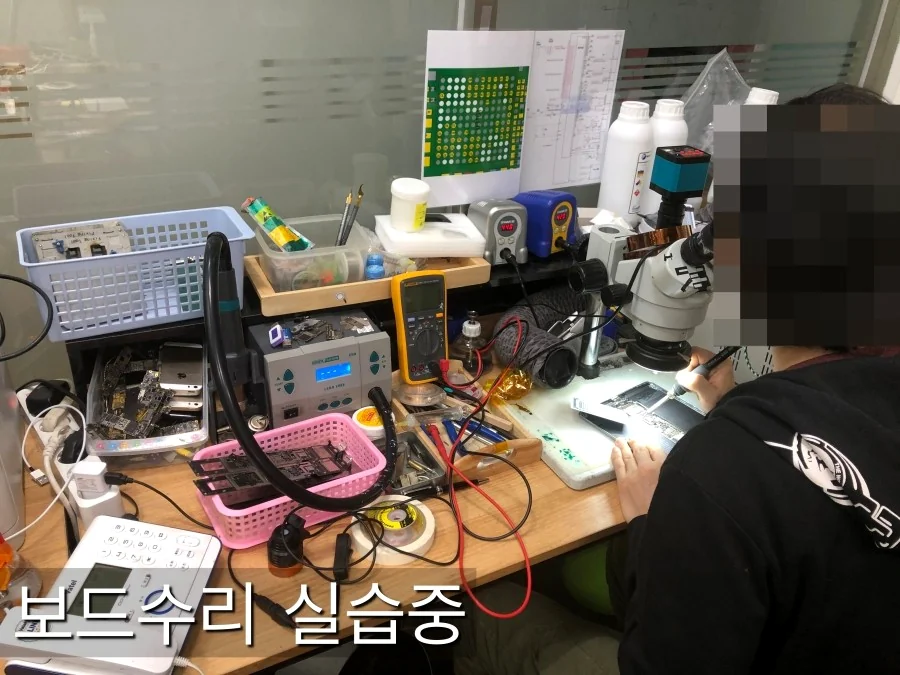
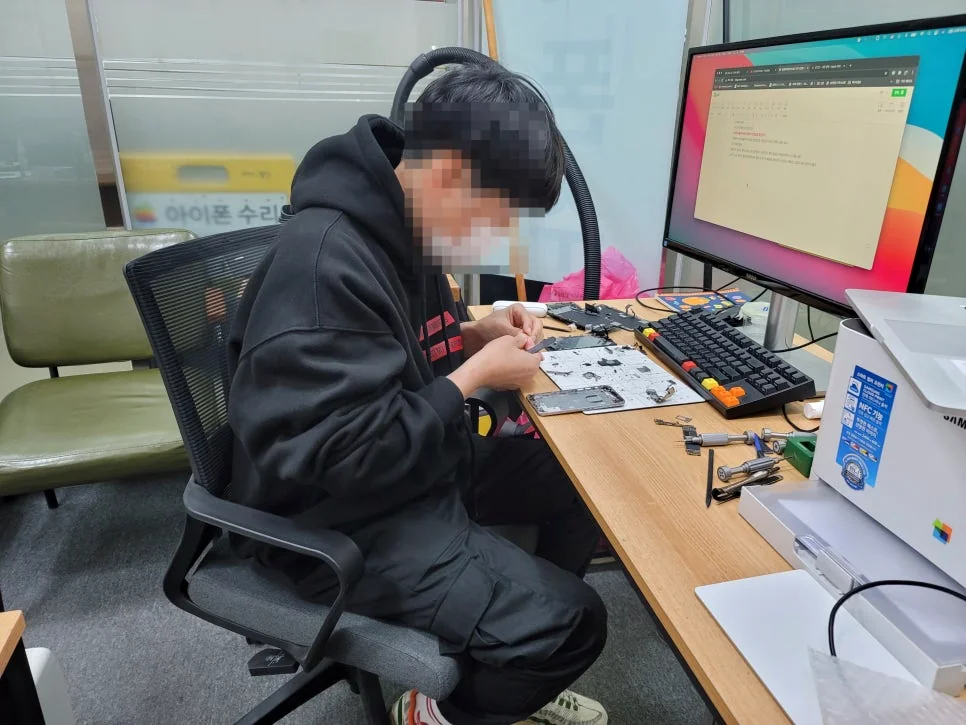
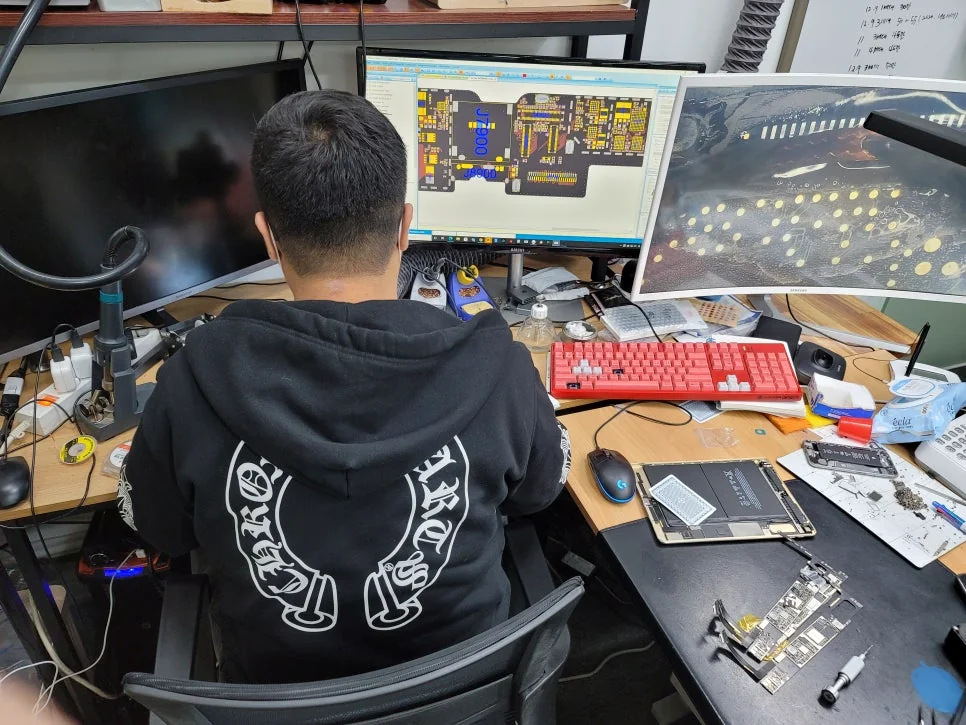
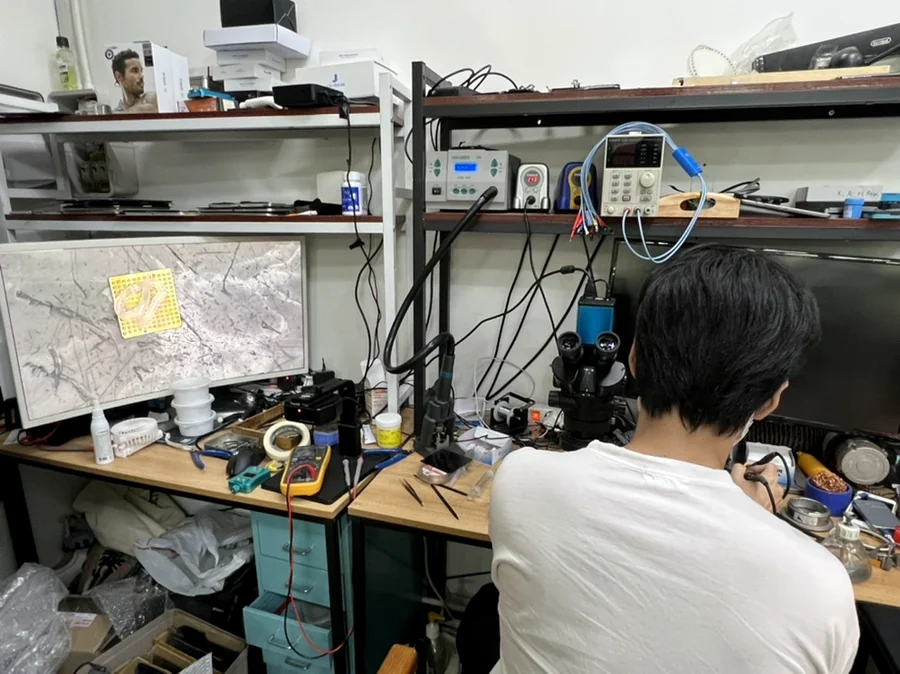
Real students, real phones, real hands-on practice.