Your laptop just made a clicking sound and went dark. All your files are on it. Here’s exactly what to do right now, and what not to do.
I've worked on thousands of computers here at FIXSTORY in Downtown Los Angeles. I can tell you that the first ten minutes after a hard drive fails are the most important. The choices you make next will determine whether your data is recoverable or gone for good. Don't panic. Just follow these steps.
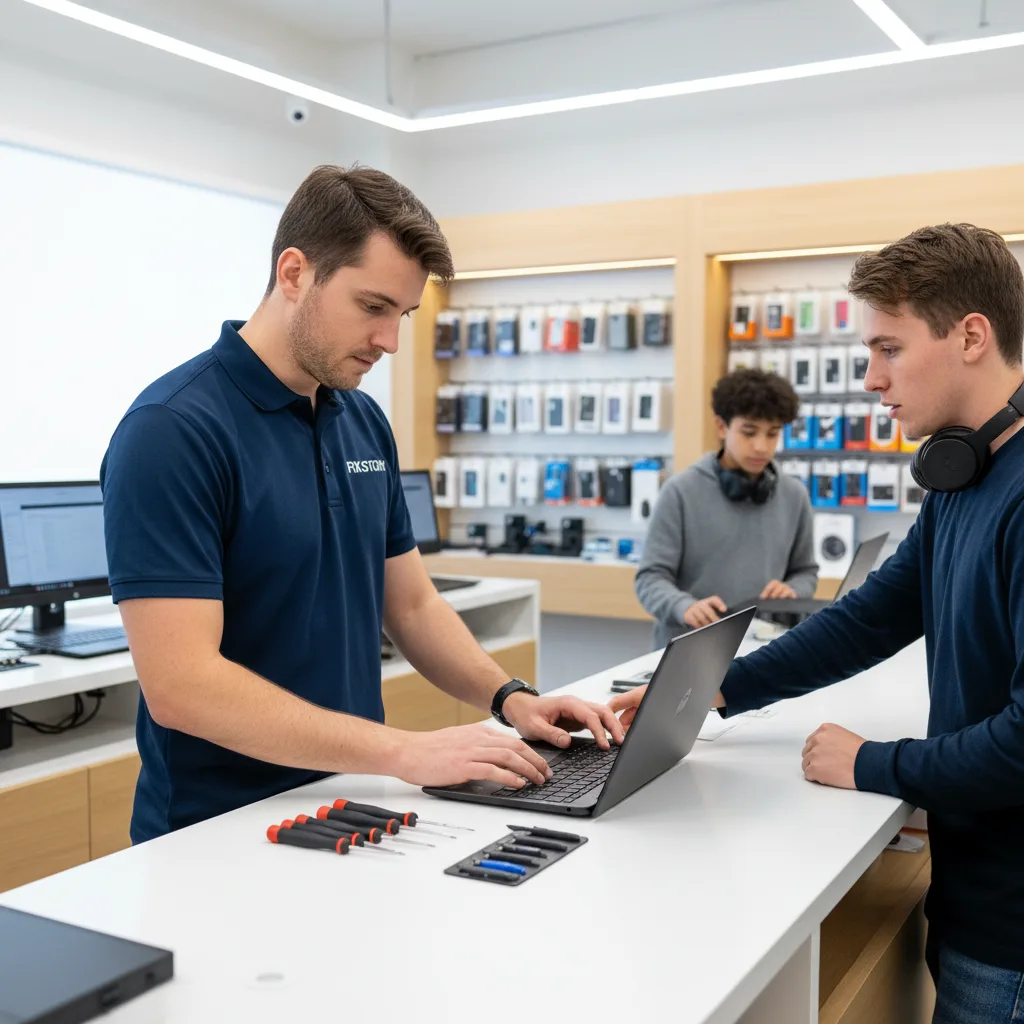
In the Next 5 Minutes: Damage Control
- Power It Down. Now. If it's still on, hold down the power button until it shuts off. A failing hard drive with spinning platters is like a record player with a broken needle scratching across your favorite album. Every single rotation can cause more physical damage, grinding your data into dust. Don't give it another second to destroy itself.
- Do NOT Power It Back On. This is the single most common and most destructive mistake people make. They think, "I'll just try one more time." I see the results on my workbench every week: a drive that was probably a straightforward recovery case is now a platter-scratched paperweight because the owner attempted to reboot it five, ten, or twenty times. That 'one more try' can be the one that makes recovery impossible.
- Unplug Everything. Unplug the charging cable from the laptop and the wall. Remove any USB drives, dongles, or external monitors. You want the machine completely isolated and without any source of power to prevent any accidental startup or electrical shorts that could further damage the drive's controller board.
Within the Hour: Resist Temptation
- Do Not Install Data Recovery Software. Let me be very clear: if your drive is making a clicking or grinding noise, or if the computer doesn't recognize it at all, that's a physical failure. Software cannot fix a physical problem. Running recovery software on a physically failing drive forces the damaged components to work even harder, often causing the read/write heads to crash into the platters and permanently erase everything. It's like trying to fix a broken leg by running a marathon.
- Don't Put It in the Freezer. This is a persistent internet myth left over from 20-year-old hard drive technology. Doing this today with modern drives is a terrible idea. It causes condensation to form on the platters and sensitive electronics. When you take it out, that moisture can short-circuit the board and ruin any chance of a professional data recovery service in Downtown LA.
- Take a Breath and Take Notes. What exactly happened before it died? Was the laptop dropped? Did you hear a faint clicking sound for a few weeks? Was it running incredibly slowly and then just stopped? These details are critical clues for a technician. Knowing the symptoms helps us determine the right approach without wasting time on dead ends. It's the first step in any real free diagnostic service.
Today: Get Professional Help
- Bring It to a Specialist. Immediately. The longer you wait, the lower the chances of recovery can become. For anyone in neighborhoods like Silver Lake, you're a short drive from our shop in Downtown LA. Don't risk shipping your drive across the country or leaving it with a big-box store where it will sit for days. We can assess it right away. We even have clients who make the drive from Irvine and Orange County because they've been told elsewhere their data is lost, and they know a specialist is their only real shot. They understand that for critical files, the drive is worth it.
- Understand the Cost of Failure. The price of professional data recovery is almost always a small fraction of the value of what's on the drive. Think about your client database, the novel you've been writing for three years, or a decade of family photos. Losing that is the real cost. There's no flat rate for this kind of repair. The only way to know the cost and the chance of success is to bring the drive in for a professional evaluation. At FIXSTORY, that diagnosis is always free, with no obligation.
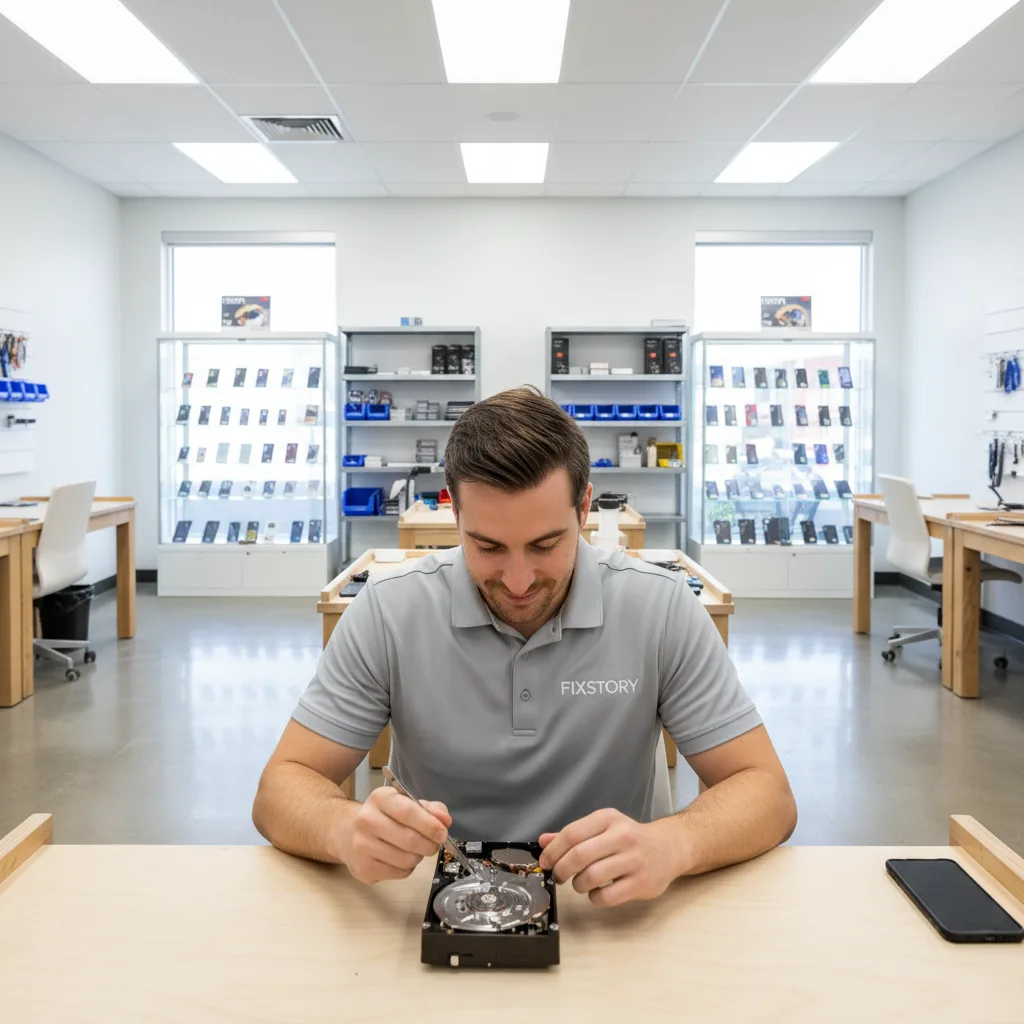
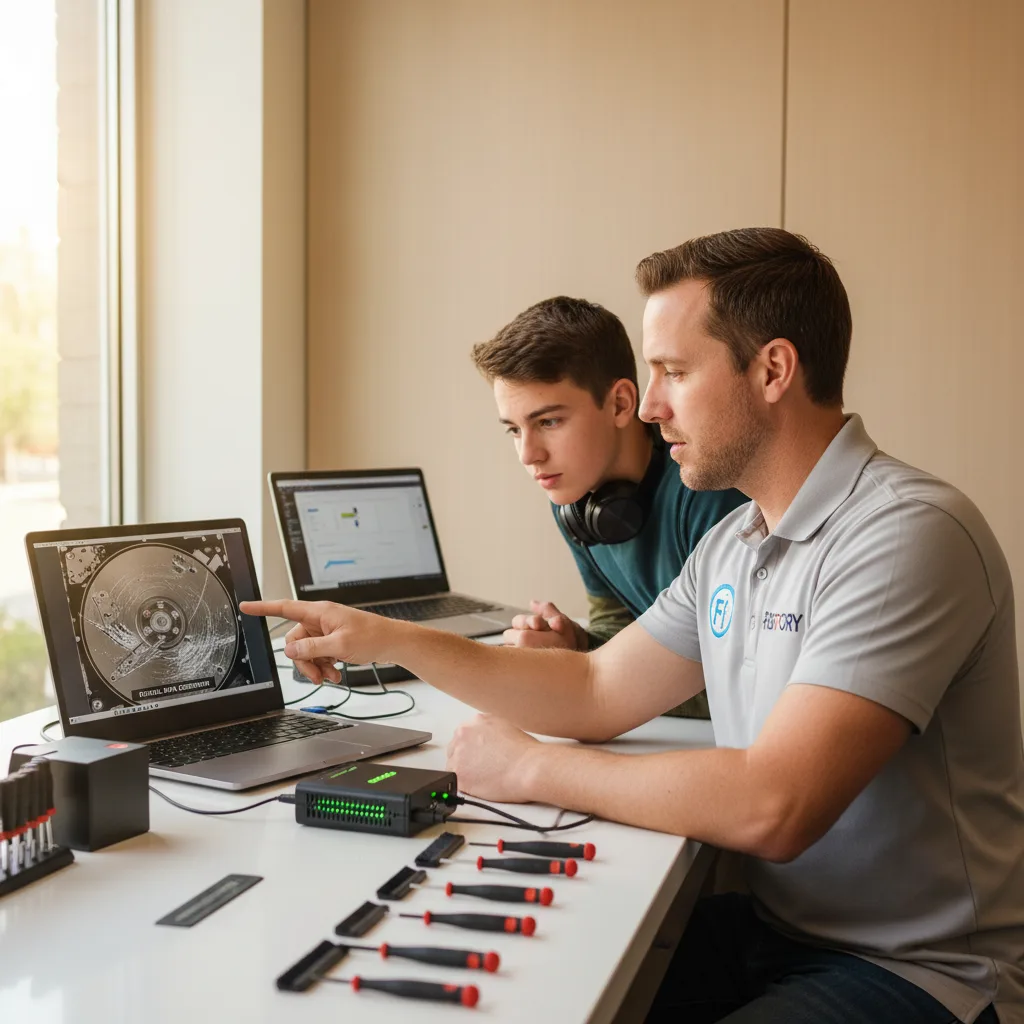
- Find a Shop with a Real Lab. Our computer specialist at FIXSTORY has a dedicated workstation for these exact situations. We don't just plug it in and run a program. We evaluate the drive's electronics, check the head assembly, and determine the safest path forward. Sometimes, it's not the drive at all, but another component in the laptop. We'll figure that out, too, as part of our MacBook / laptop / PC repair in Downtown LA process.
The Myth of 'It Might Start Working Again'
Physically failed hard drives do not heal themselves. The clicking sound—often called the 'click of death'—is the sound of the actuator arm that holds the read/write heads snapping back to its starting position because it can't find the track it's looking for. Every click risks the heads making contact with the platters that store your data.
Waiting, hoping, or trying again and again only makes things worse. The initial failure might be a simple electronic issue, but repeated power-on attempts can turn it into a catastrophic head crash with zero chance of recovery. Your first move should be your best one: turn it off and bring it to our Downtown Los Angeles repair shop. Let our computer specialist take it from there. You can reach my desk directly at (213) 294-9490.
Tired of waiting days at the Apple Store? FIXSTORY fixes most devices same day, costs significantly less. Give us a call: (213) 294-9490