Your iPad Screen Is Cracked. Here's a 7-Step Checklist Before You Panic.
It happens. A drop, a knock, or something heavy gets set on top of it, and now your beautiful iPad screen is a spiderweb of broken glass. The first instinct is often to check the price of a new one, but that's usually the most expensive reaction. Before you do anything else, here's a quick checklist we walk people through at our shop in Downtown Los Angeles to assess the real damage and find the smartest path forward.
Step 1: Check the Touch Response
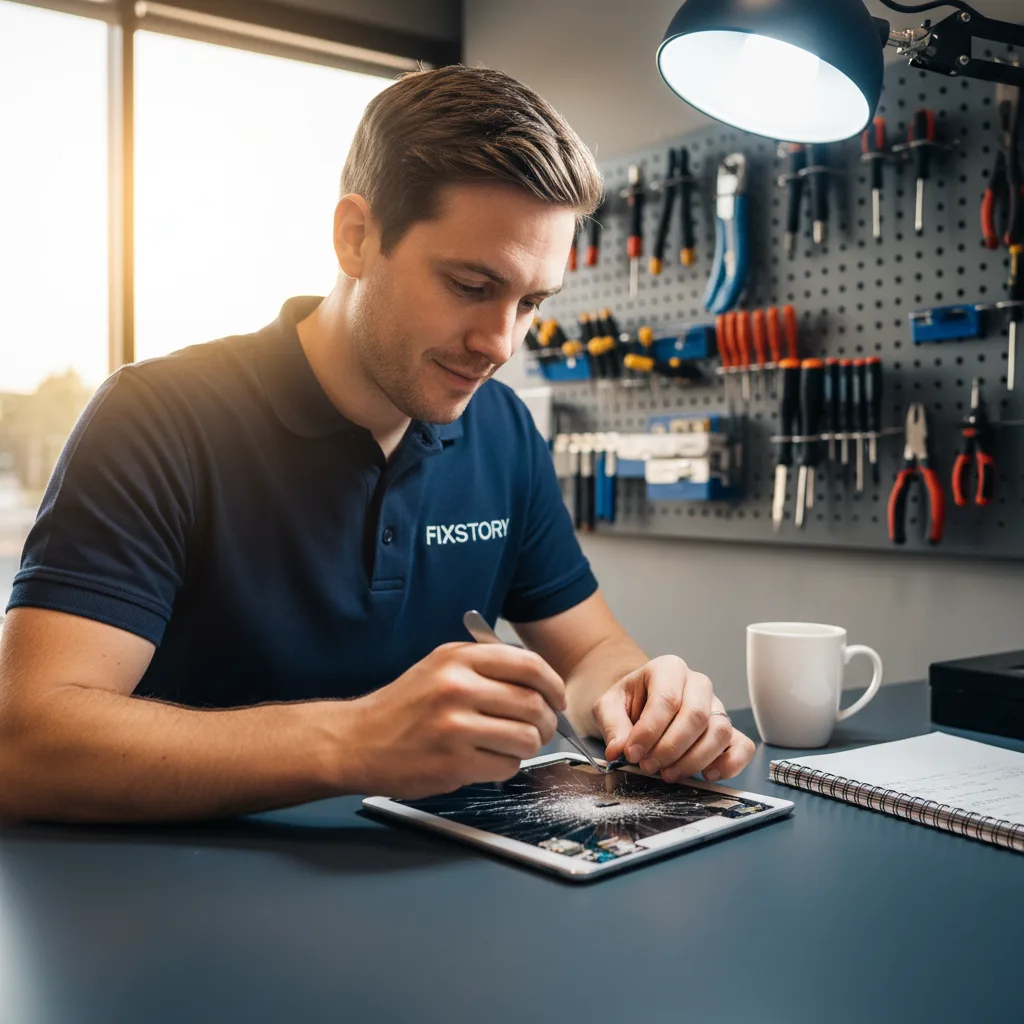
This is the first and most important test. Carefully run your finger across the entire screen. Does it respond everywhere? Or are there dead spots? Even worse, is it registering touches you aren't making? We call that "ghost touch," and it means the damage has gone beyond the top layer of glass to the digitizer beneath. A simple glass replacement is one thing; a digitizer issue is a bit more involved, but still very fixable.
Step 2: Look for LCD or OLED Damage
Next, turn the screen on and look closely at the display itself. Are there any black splotches that look like ink spills? Do you see bright green or purple vertical lines? Is the screen completely black, even though you can hear sounds? This indicates damage to the LCD or OLED panel, the part that actually creates the image. This is a more serious repair than just the glass, but for most models, it’s still far more affordable than buying a new iPad.
Step 3: Identify Your Exact iPad Model
"I have an iPad Air." That's a great start, but there are five generations of the Air, and they all use different parts. The same goes for the Pro, the Mini, and the standard iPad. To get an accurate idea of your options, you need the exact model. Flip your iPad over and look for the tiny text at the bottom. You'll see a model number starting with 'A' (e.g., A2378). That number tells us everything we need to know. This is the first question we ask when you walk into FIXSTORY.
Step 4: Back Up Your Data Immediately (If Possible)
If your screen is still functional enough to navigate, stop what you're doing and back it up. Now. Connect it to your computer or use iCloud. A screen can go from partially working to completely dead without warning. We had a customer from Fullerton come in whose iPad Pro screen was glitching after a drop. He waited a day, and by the time he got to our shop, the screen was black. He hadn't backed up his recent work. While we can often help with data recovery service in Downtown LA, it's an extra step you can avoid by backing up right away.

Step 5: Reconsider the "Wait and See" Approach
One of the most common mistakes we see is people living with a small crack. They think, "It's just in the corner, it's fine." But that crack compromises the device's seal. Over weeks, dust, oil from your fingers, and even humidity can work their way inside, potentially damaging the sensitive components underneath. That small, affordable screen repair can turn into a much more complex and expensive problem. Don't wait.
Step 6: Compare Your Real Repair Options in Los Angeles
You have three main paths, and they are not created equal.
- Manufacturer Service Center (The Ap*** Store): This is often people's first thought, but it's usually the most expensive and slowest option. You'll likely need an appointment, and they often quote a wait time of several days, sometimes even longer. In many cases, they don't even repair your specific device; they just offer a costly refurbished replacement.
- FIXSTORY (Your Local DTLA Shop): As a dedicated mobile device repair shop, this is what we do all day. You can walk in anytime for a free diagnostic service. Most iPad screen repairs can be done the same day, which is why people don't mind the drive from places like Walnut or Orange County. Our pricing is significantly more affordable than the manufacturer, and you're getting your own device back, not a replacement. You're talking directly to the technician fixing your iPad.
- Insurance/Carrier Programs: Check your deductible first. It can often be quite high, and like the manufacturer, the process can involve waiting for a refurbished replacement to be shipped to you.
Step 7: Get a No-Obligation Quote
Reading articles is one thing, but knowing your actual cost is another. There's no flat rate for this kind of repair. An iPad Mini with a simple glass crack is a different job than an iPad Pro 12.9" with a damaged OLED panel. The only way to know your exact cost is to bring the device in. FIXSTORY diagnoses for free, no commitment needed. In a few minutes, you'll know exactly where you stand and can make an informed decision. It's why so many people looking for an "ipad repair near me" in Downtown LA choose our shop.
Frequently Asked Questions About iPad Screen Repair
Is it worth fixing an older iPad screen?
Almost always, yes. If the iPad still receives updates and does what you need it to, a screen repair is a tiny fraction of the cost of a new device. It's a smart way to extend the life of your technology for another few years without contributing to e-waste or paying for features you don't need.
How long does an iPad screen repair take at FIXSTORY?
It depends on the specific model and the extent of the damage. However, unlike manufacturer service centers that can take days, we aim to complete most iPad repairs on the same day you bring it in. We know you rely on your device, and our goal is to get it back in your hands as quickly as possible.
Will I lose my data during a screen repair?
A standard screen repair should not affect your data, as the screen assembly is separate from the logic board where your data is stored. That said, we always recommend backing up your device before any repair, just as a best practice. Your photos, contacts, and files are safe with us.
Same-day repairs in Downtown LA. FIXSTORY is a 5-minute walk from most of DTLA. No appointment, free diagnosis. (424) 270-4369