

That Sinking Feeling When Your iPhone Gives Up in the Summer Heat
It happens every year. The first real heatwave hits Los Angeles, and phones start dying. You left your iPhone on the car seat for ten minutes while you ran into a store, or it was just in your pocket during a walk through South Park. You pull it out, and nothing. Just a black screen. Or maybe it flickers with green or white lines, completely unusable. That moment of panic is something we see at our shop every single day during the summer.
Your first thought is probably, "It's dead. All my photos are gone." But most of the time, that’s not what’s happening. Heat doesn't usually kill your storage; it attacks the delicate hardware that runs the display. Before you schedule a multi-day appointment at the Ap*** St***, here's what's likely going on and what you should do right now.
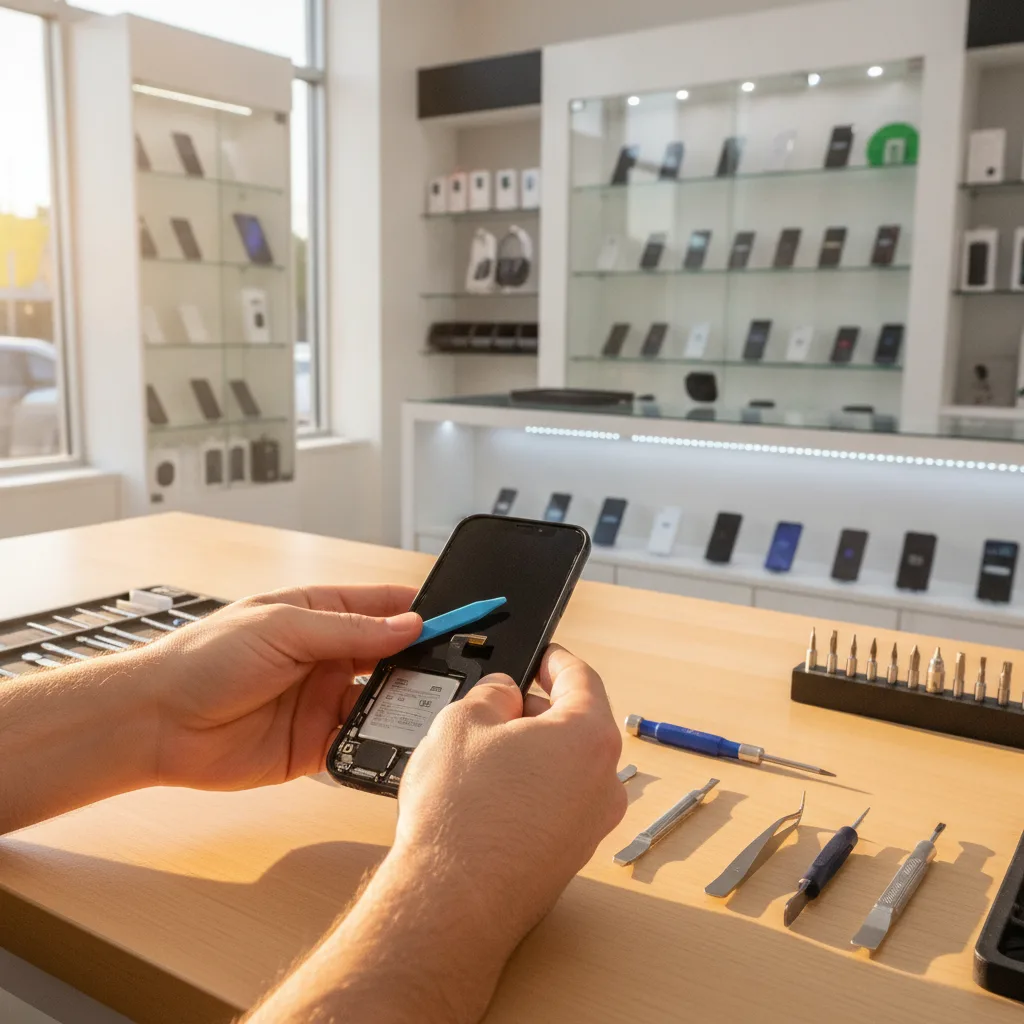
What LA Heat Actually Does to Your iPhone Display
Extreme heat is an iPhone's worst enemy. Inside that sealed glass body, temperatures can soar well beyond the safe operating range. We've seen phones come in that were literally too hot to hold comfortably. This thermal stress can cause a few specific failures:
- Display Connector Failure: The most common issue we see. The ribbon cable that connects your screen to the logic board can be affected by the thermal expansion and contraction of components. It can slightly unseat itself or the solder points can become unstable, leading to a black screen or glitching lines even though the screen itself isn't cracked.
- Backlight Circuit Damage: The components on the logic board that power your screen's backlight can fail under extreme heat, resulting in a screen that is technically "on" but so dark you can't see it.
- OLED Damage: On newer iPhones, the organic pixels in an OLED screen can be permanently damaged by prolonged exposure to high heat and direct sunlight, causing burn-in or total failure.
A classic mistake we see is people assuming the phone is a total loss. Nine times out of ten, it’s a specific, fixable component that has failed because of the heat. Your data is almost always still safe on the storage chip.
Your First Steps: What to Do (and Not Do) Immediately
Before you rush anywhere, take these steps. What you do in the first 10 minutes matters.
- Get it out of the heat. This seems obvious, but bring it indoors into a cool, dry place. Do not, under any circumstances, put it in the refrigerator or freezer. The rapid temperature change and condensation will cause far more damage.
- Let it cool down naturally. Leave it on a counter for at least 30 minutes. Don't plug it in to charge while it's hot. Trying to force power through overheated components is a great way to turn a small problem into a big one.
- Try a hard reset. Once the phone is cool to the touch, perform a hard reset. (For recent iPhones: quickly press and release Volume Up, then Volume Down, then press and hold the Side button until you see the Apple logo). If it’s a display connector issue, this sometimes is enough to get it to respond, at least temporarily.
If the screen is still black or covered in lines, you need a professional diagnosis. Don't keep trying to charge it or restart it. You've reached the point where a trained technician needs to look inside.
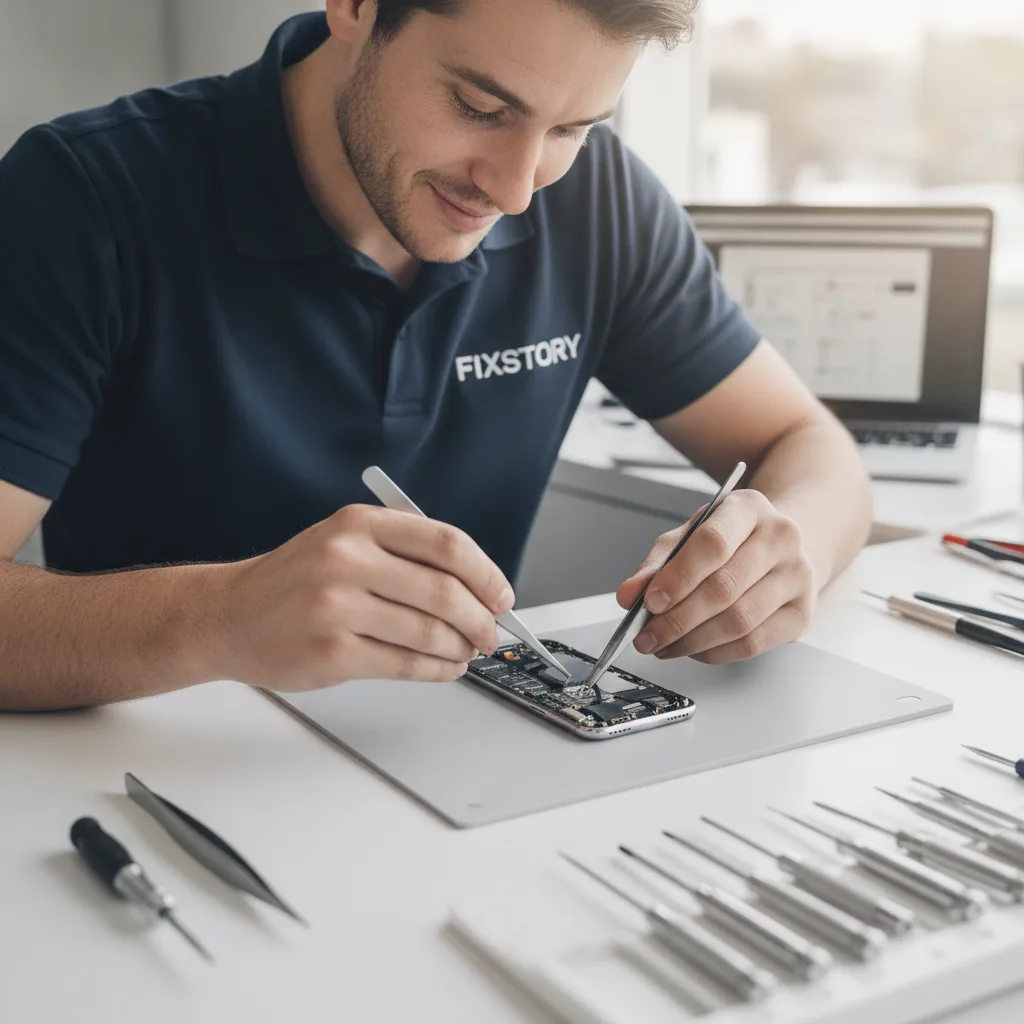
A Real Diagnosis in Downtown LA Takes Minutes, Not Days
When a phone like this comes into FIXSTORY, our process is straightforward. We're not just going to quote you for a new screen. Our phone specialist opens the device in a static-safe environment and inspects the internal connectors first. We'll reseat the display cable and check for signs of heat damage on the logic board.
Then, we test it with a known-good screen from our inventory. This tells us immediately if the problem is your phone's original screen or something deeper on the logic board. This entire free diagnostic service takes just a few minutes. You’ll know exactly what’s wrong and what your options are. The only way to know your exact cost is to bring the device in. FIXSTORY diagnoses for free, no commitment needed. This is especially critical when you worry about losing information; we can often confirm if you need a simple phone repair in Downtown LA or a more involved data recovery service in Downtown LA.
Grab Lunch at Grand Central Market While We Fix It
If you work or live near the Grand Central Market area, the convenience is a no-brainer. The alternative is often booking an appointment days away, driving to a crowded mall, and then being told you'll have to leave your phone for 3-5 business days. For a simple screen or connector issue, that's a huge waste of time.
At FIXSTORY, most iPhone screen-related repairs are done in 15-20 minutes. You can drop off your phone, walk over to Grand Central Market for lunch, and it will be ready and working perfectly by the time you get back. No appointment, no waiting for days. Just a fast, affordable fix.
Is the Drive from Chino Hills Worth It?
We get this question a lot. We have customers who drive in from Chino Hills, Rowland Heights, and even further. Why? Because the experience is fundamentally different. They know that when they come to FIXSTORY, they are talking directly to the technician fixing their phone. They also know our repairs are significantly more affordable than going through a manufacturer, which makes the drive more than worth it.
Instead of mailing your device into a faceless depot, you can drive in, get a free, on-the-spot diagnosis, and in most cases, leave with a repaired phone the same day. For anyone whose work or life depends on their phone, saving days of downtime is a huge relief. If you have questions before making the drive, just call our device specialist at (424) 270-4369.
So if the LA sun cooked your screen, don't write it off. Let it cool down, try a reset, and then bring it to us. We're right here in Downtown LA, and we'll get it sorted out for you.
Tired of waiting days at the Apple Store? FIXSTORY fixes most devices same day, costs significantly less. Give us a call: (424) 270-4369