

Your iPhone screen is on, but it's not responding. Here's what to do.
Your alarms are going off, you're trying to check traffic from Downtown LA to your meeting, and your iPhone screen is completely dead to the touch. It's lit up, you see the notifications, but you can't swipe, tap, or answer a call. Before you panic, run through this quick checklist. We see this issue every single day at our shop, and sometimes the fix is simpler than you think.
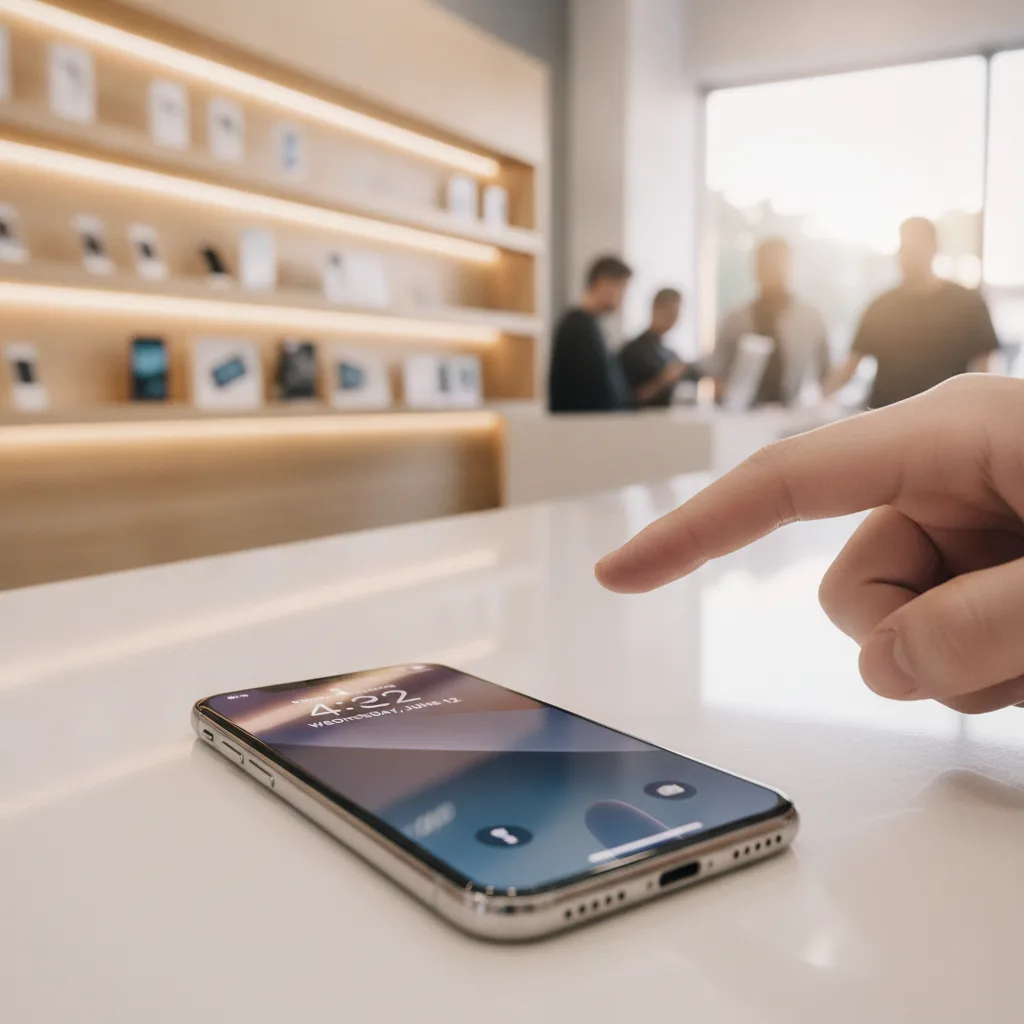
Step 1: The Obvious (But Necessary) Clean & Dry
Let's start simple. Is your screen dirty? A microfiber cloth can work wonders. Oil from your hands, dust, or even a bit of moisture can interfere with the screen's ability to register touch. Also, take a look at your screen protector. We've seen poorly installed or cracked screen protectors create a pocket of air or press on the screen in weird ways, making it unresponsive. Try removing it carefully to see if that solves the problem.
Step 2: The Universal Fix-It-All — A Force Restart
This isn't just turning it off and on. A force restart cuts the power to the logic board and forces the software to reboot from scratch. It's the single most effective solution for a software glitch causing a frozen screen. Nine times out of ten, if the problem is just a temporary software crash, this will fix it.
- For iPhone 8 and newer: Quickly press and release the Volume Up button, then quickly press and release the Volume Down button. Then, press and hold the Side button until the Apple logo appears.
If the phone restarts and the touch works, you're good to go. If it's still frozen after the reboot, you're looking at a hardware problem.
Step 3: Disconnect Everything
A faulty third-party charging cable or a malfunctioning accessory plugged into the Lightning or USB-C port can sometimes cause the screen's digitizer to freak out. Unplug everything from your phone. If you're using a case that puts pressure on the edges of the screen, take it off. See if the screen responds now that it's completely isolated.
Step 4: When It's Not a Glitch — Identifying the Real Problem
So the simple stuff didn't work. Now we need to figure out what's actually broken. The most common mistake people make is assuming a non-responsive screen is a software bug they can fix themselves. Often, it's the result of a drop—even a small one—that happened days or weeks ago.
The part of your screen that detects touch is called the digitizer. It's a thin, invisible grid layered into the display assembly. A minor drop can damage the delicate ribbon cable connecting the digitizer to the logic board without ever cracking the glass. We had a customer from Irvine drive up last week with a perfect-looking iPhone 14 Pro that was completely unresponsive. He swore he never dropped it, but after a five-minute inspection, our technician found a tiny stress fracture near the frame from a previous impact that had finally severed the connection. It’s a classic case for a phone repair in Downtown LA.
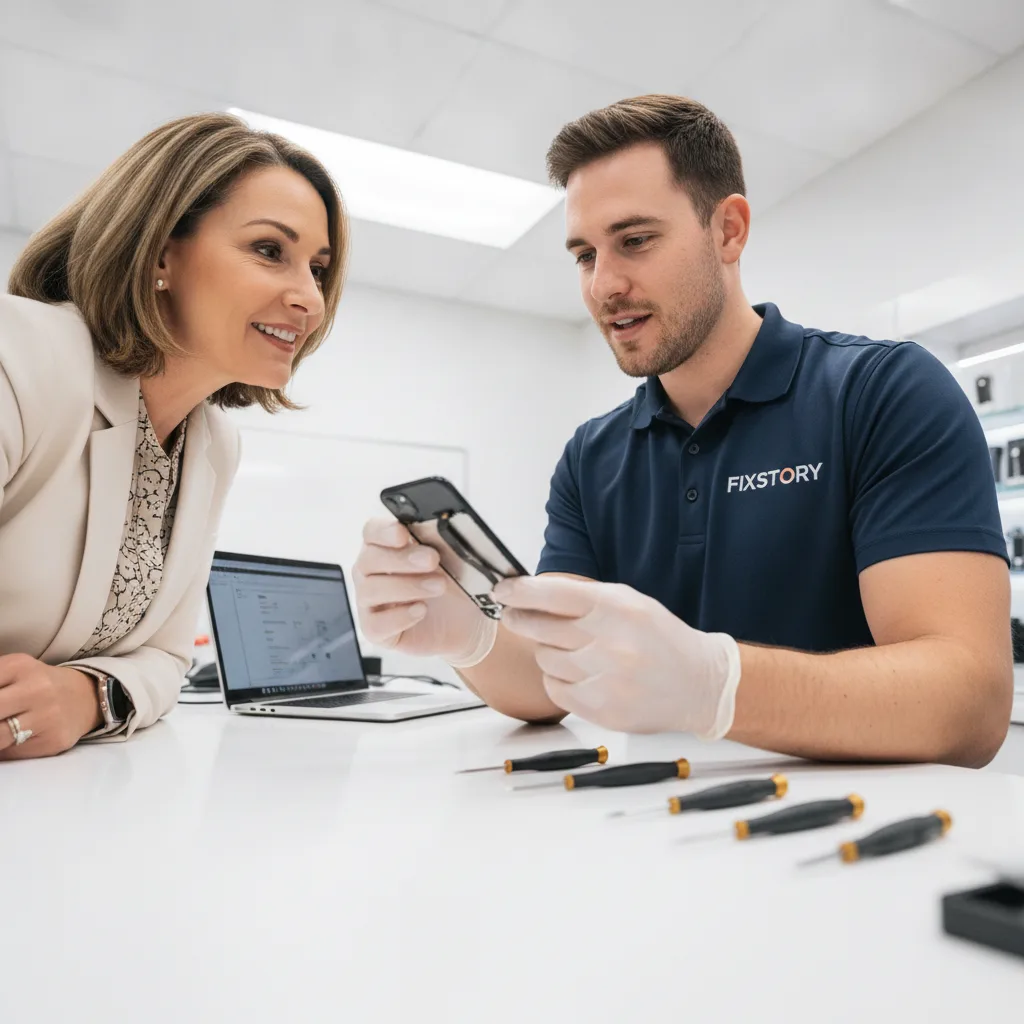
Step 5: Is It the Screen or the Logic Board?
This is where professional help becomes essential. There are two main culprits for a touch issue that isn't a simple glitch:
- A Bad Screen Assembly: The digitizer itself is damaged. This is the more common and fortunate scenario. The solution is a full screen replacement, which at FIXSTORY, is a very fast process. Most iPhone screen swaps are done in 10-15 minutes.
- A Logic Board Issue: On the phone's main circuit board, there's a chip that processes touch input (often called the "Touch IC"). If this chip is damaged from a hard fall or liquid exposure, replacing the screen won't fix anything. This is a more complex micro-soldering repair that requires a specialist.
Trying to guess which one it is at home is impossible. You need a proper diagnosis.
Step 6: Don't Wait — Get a Professional, No-Cost Diagnosis
An unresponsive screen isn't just an inconvenience; it can be a sign of a bigger problem. Sometimes a slightly swelling battery can put pressure on the back of the display assembly, causing touch issues. If you ignore it, you risk permanent damage to the screen or even the logic board.
Here in Downtown LA, you can walk into our shop, and we’ll tell you exactly what’s wrong. For our customers coming from Orange County, it's a drive that saves both time and money compared to other options. You won't be without your phone for days. The only way to know your exact cost is to bring the device in. FIXSTORY diagnoses for free, no commitment needed. Our technicians can tell in minutes if it's the screen or something more serious. We provide a full free diagnostic service so you know exactly what you're facing.
In a worst-case scenario where the phone is unresponsive and you need the photos off it, we also have a data recovery service in Downtown LA that can help.

Frequently Asked Questions
How long does it take to fix an unresponsive iPhone screen?
If the problem is the screen assembly itself, the repair is incredibly fast. At FIXSTORY, most iPhone screen replacements are completed in about 15 minutes. If the issue is a more complex logic board problem, it can take longer, but we'll give you a precise time estimate after the free diagnosis.
Is it cheaper to fix my iPhone or just buy a new one?
Repairing the screen is almost always significantly more affordable than buying a new iPhone. A replacement device costs a fortune, whereas a screen repair at a shop like ours is a fraction of that cost. It's the most practical way to extend the life of your device without breaking the bank.
Does FIXSTORY use quality parts for iPhone screen repairs?
Yes. We believe in giving you options. Our technicians will explain the different quality tiers available, from excellent third-party screens to Apple parts sourced from official suppliers. We'll show you the difference so you can make an informed choice that fits your budget and needs, all covered by our 30-day warranty.
Not sure if it's worth fixing? FIXSTORY offers free diagnosis — walk in, we'll tell you exactly what's wrong and what it costs. No obligation. Call (424) 270-4369.