Your laptop just took a hit. A coffee spill, a drop, a splash of water. Here's your immediate action plan from a technician who has fixed thousands of these.
Don't panic. But don't wait, either. What you do in the next hour can mean the difference between a simple cleaning and a dead motherboard. The number one mistake people make is trying to power it on 'just to check'. Don't do it. Follow these steps instead.
In the Next 5 Minutes: Damage Control
This is what I tell people over the phone every single day. Act fast, and do it in this order.
- Kill the Power. Immediately. Don't go to the menu and click 'Shut Down.' Press and hold the physical power button until the screen goes black. Electricity and liquid are the worst combination for the tiny circuits inside your machine. The goal is to cut the power source as fast as possible.
- Unplug Everything. The charging cable, any USB drives, your external monitor, your mouse. Disconnect anything and everything that's plugged into a port.
- If It Was a Liquid Spill: Flip It. Open the laptop so the keyboard and screen are at about a 90-degree angle, then turn it upside down and set it on a table like a tent. This uses gravity to pull the liquid back out, away from the logic board.
- If It Was a Drop: Don't Move It More Than Necessary. A dropped laptop might have a dislodged hard drive or other loose components. Shaking it or trying to open and close it repeatedly can make things worse. Find a flat, stable surface and leave it be.
Within the Hour: What NOT To Do
Your instincts might be telling you to try a few things you've heard about online. As a professional, I'm telling you: don't. We see devices come into our Downtown LA shop every week that have been made worse by well-intentioned DIY attempts.
The Bag of Rice Myth
Please, do not put your laptop in a bag of rice. It doesn't work. The dust and starch from the rice can get into the ports and fans, creating an entirely new problem. Rice simply can't absorb moisture trapped deep inside the chassis of a modern laptop. It's a myth that needs to go away.
The Hairdryer Mistake
Using a hairdryer seems logical, but it's a terrible idea. The concentrated heat can warp plastic keys, damage the screen, and even melt delicate solder points on the logic board. Worse, the forced air can push droplets of liquid deeper into components where they'll cause corrosion later.
At this point, your only goal is to get it to a professional. The clock is ticking on corrosion, which begins to form on the electronics almost immediately after exposure to liquid.
Same Day: Get a Professional Diagnosis
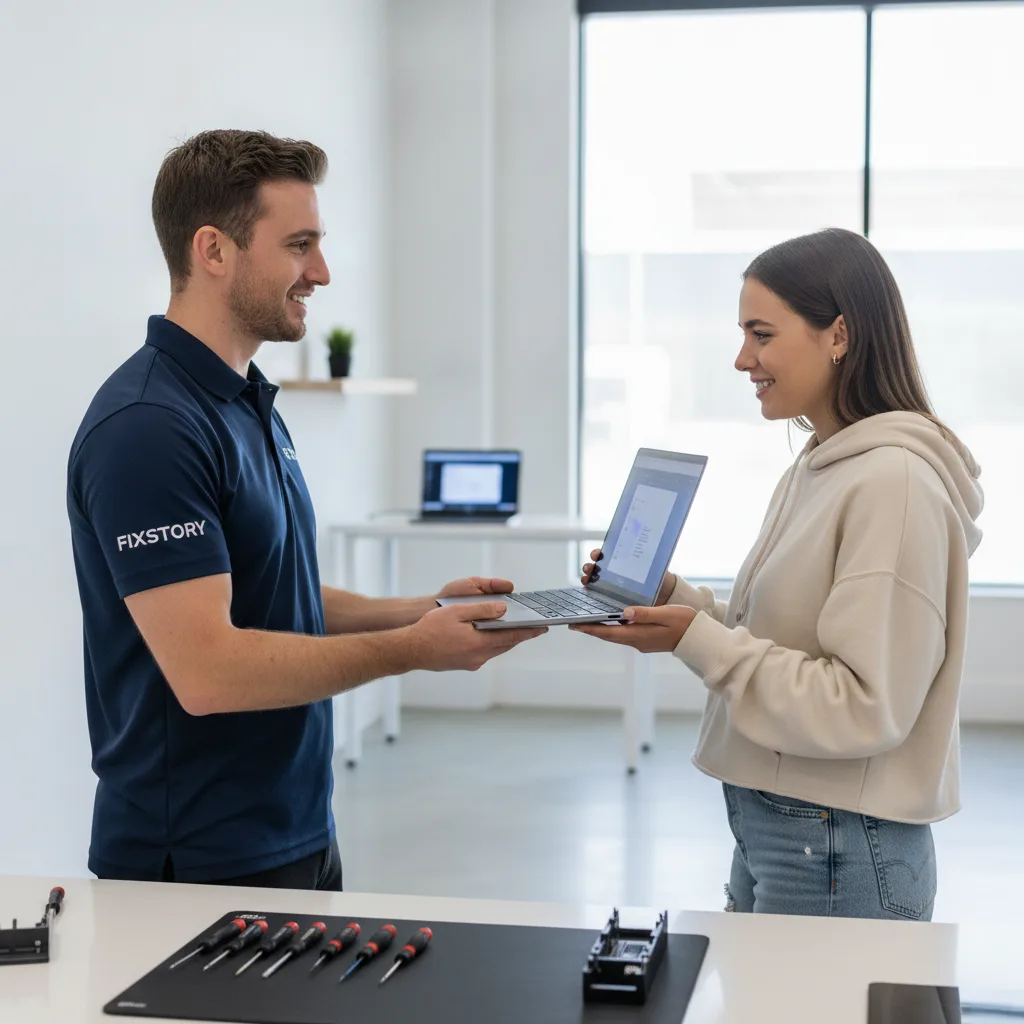
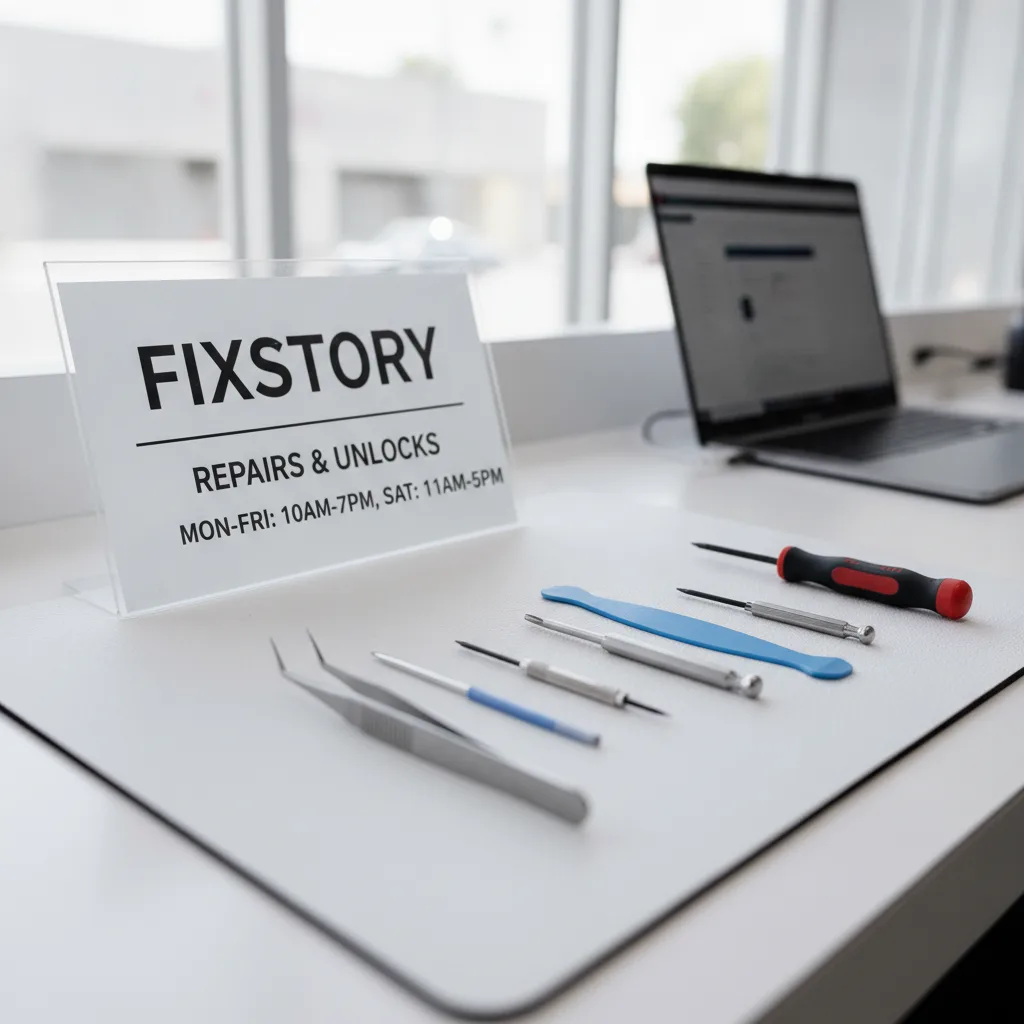
This is the most critical step. You need someone to open the machine and assess the real damage. That's what we do here at FIXSTORY.
If you work in the Fashion District, you're literally a few blocks away. You can walk over on your lunch break. For those of you in nearby neighborhoods like Mount Washington, it's a short drive down the 110 that saves you from a dead computer. We even get customers driving from as far as Garden Grove; they trust our Korean-speaking technicians and know that our service is often faster and more affordable than the big-box stores in their area.
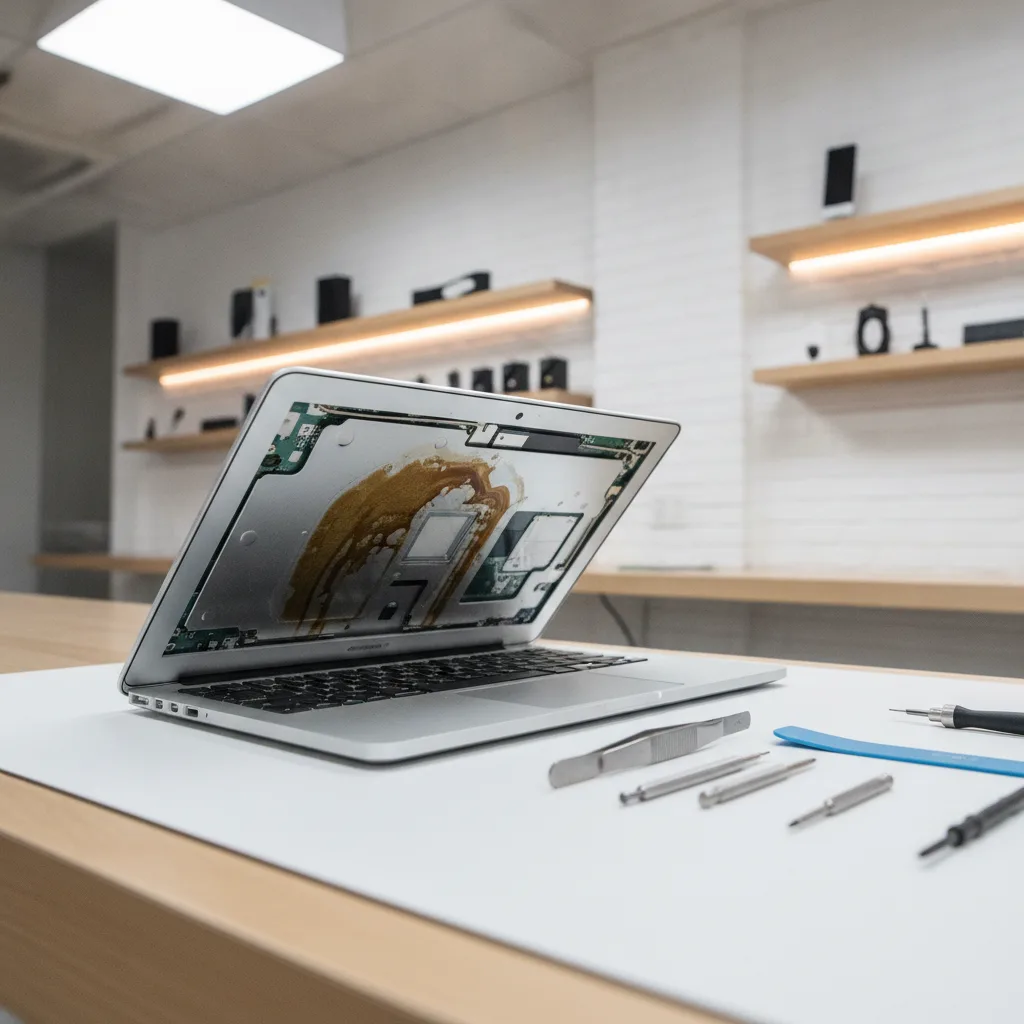
When you bring in a liquid-damaged machine, our first step is our free diagnostic service. Our computer specialist doesn't just guess; they open the backplate and look. We check for:
- Visible liquid residue: Where did it go? How far did it spread?
- Early-stage corrosion: We look for the tell-tale greenish or white fuzz on the logic board's connectors and chips.
- Component damage: Is the battery swelling? Is the SSD connection compromised?
After a few minutes, we can tell you exactly what's wrong. Maybe it just needs a professional cleaning. Maybe a specific part needs to be replaced. Maybe the damage is severe and you need to focus on a data recovery service in Downtown LA. The only way to know your exact cost is to bring the device in. FIXSTORY diagnoses for free, no commitment needed.
Why Every Minute Counts
We had a student come in last week with a water spill on their MacBook. They waited three days, letting it 'dry out'. By the time we opened it, the corrosion had already eaten through several critical pathways on the motherboard. What could have been a straightforward MacBook / laptop / PC repair in Downtown LA became a much more complex job.
Don't let that be you. If your laptop gets wet or takes a serious fall, your best move is to power it down and bring it straight to our shop in Downtown Los Angeles. We'll take it from there.
Not sure if it's worth fixing? FIXSTORY offers free diagnosis — walk in, we'll tell you exactly what's wrong and what it costs. No obligation. Call (213) 294-9490.