
That slight bulge in your MacBook case isn't your imagination, especially after a hot LA day.
You left your MacBook in the car for 30 minutes while you ran an errand. Maybe you’ve been working outside, enjoying the Southern California sun. Now the trackpad doesn't click right, or the laptop doesn’t sit flat on your desk anymore. This is the first sign of a serious problem we see constantly at our Downtown LA shop: a swollen battery. A swollen MacBook battery in the Los Angeles heat is a ticking clock, and at FIXSTORY, our technicians see the permanent damage it causes every single day.
This isn't just about your battery dying. It's a physical risk to the entire machine.
What's Actually Happening Inside Your MacBook
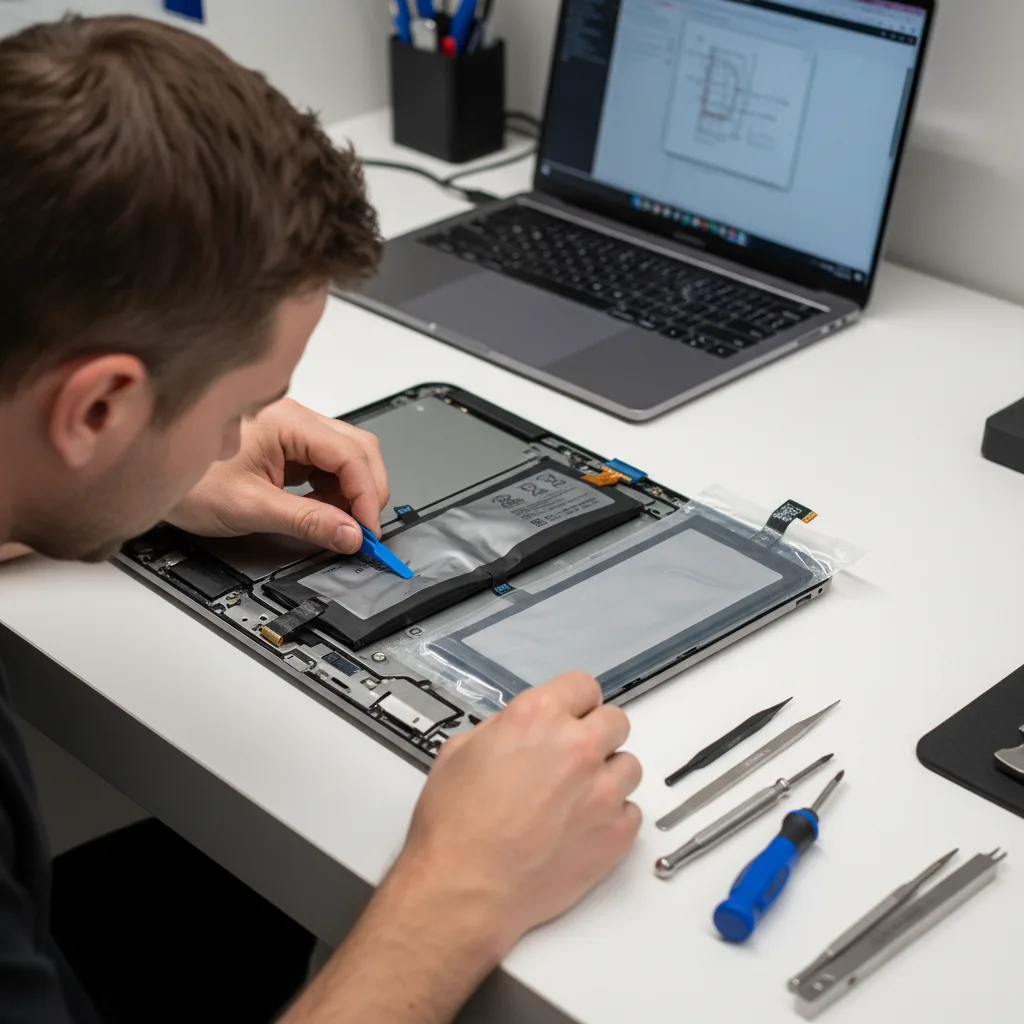
Let’s get technical for a second, because it’s important to understand this isn't a minor glitch. The lithium-ion battery in your MacBook is made of cells that undergo a chemical reaction to store and release energy. Over time, or when exposed to stress like extreme heat, this reaction can become unstable. It starts to produce gas. This gas has nowhere to go, so it inflates the battery's flexible pouch-like casing — like a dangerous, tiny pillow.
We had a graphic designer who works near the LA Live campus come in last week. His trackpad had stopped clicking properly. He’d been ignoring it for a month, thinking it was a software bug. By the time he brought his MacBook Pro to us, the battery had swollen so much it had permanently warped the aluminum top case and was pressing up against the delicate underside of his screen. What should have been a straightforward battery replacement was now a more complex repair because he waited.
The Damage Cascade: From Bad Battery to Broken Screen
A swollen battery doesn't just stop at pushing up the trackpad. Here’s the chain reaction we see at FIXSTORY:
- Stage 1: Trackpad Failure. The battery sits directly underneath the trackpad. As it expands, it pushes the trackpad upwards, making it hard to click or causing phantom clicks.
- Stage 2: Case Warping. The pressure continues to build, bending the aluminum unibody case. Your MacBook will wobble on a flat surface.
- Stage 3: Screen and Logic Board Damage. This is the critical point. The pressure can crack the screen from underneath, damage the keyboard, or even put stress on the logic board itself, potentially leading to total device failure and the need for a data recovery service in Downtown LA.
Ignoring it is the most expensive mistake you can make. What starts as one problem becomes three or four.
Why Folks from Orange County and Carson Drive to Us
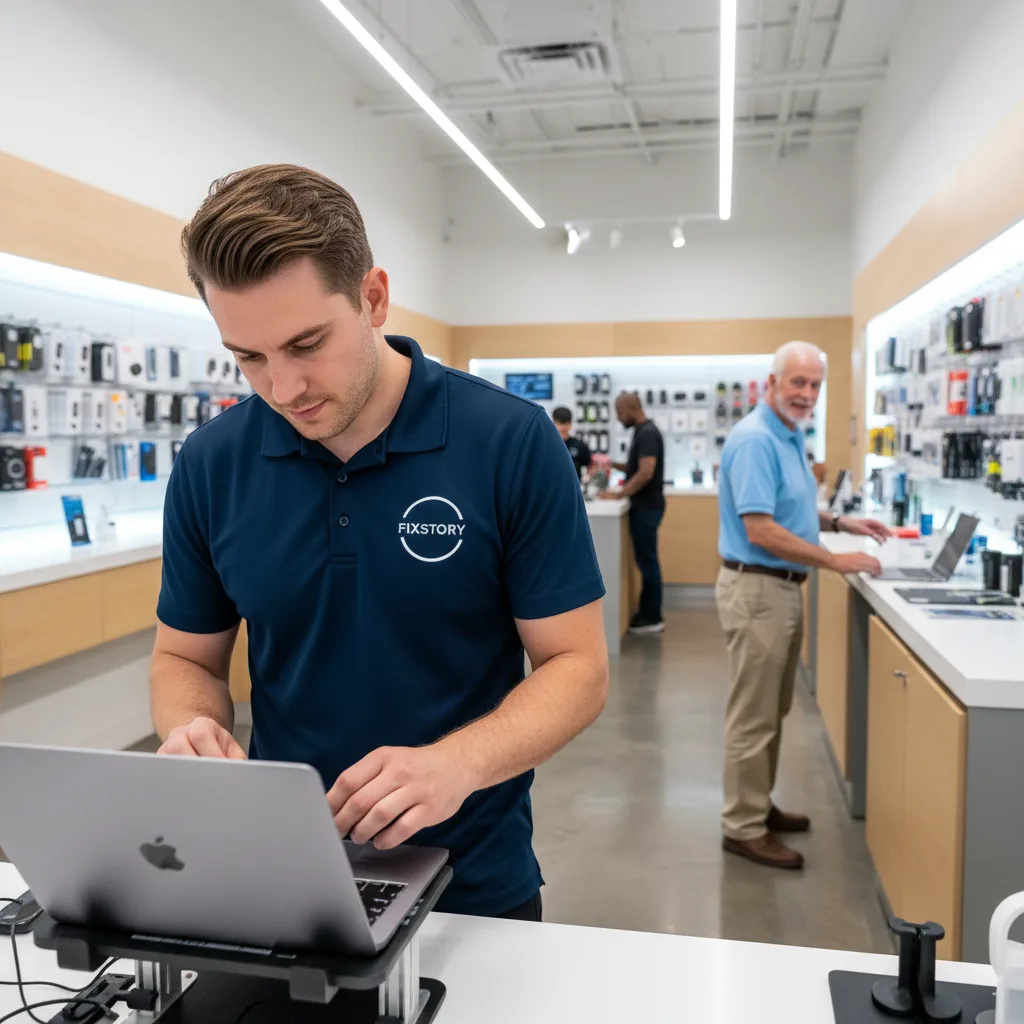
It might seem like a long drive, but we have customers from Carson and all over Orange County who bring us their MacBooks for this exact issue. Why? Because they know they can walk in and talk directly to our specialist technician. There's no appointment needed, and you get an honest answer on the spot. We offer a free diagnostic service where we'll open the device and show you the problem. This isn’t something you’ll get at a big-box store or mailing your device away for a week.
People looking for "MacBook repair near me" often find that speed and transparency are hard to come by. At FIXSTORY, we can often complete a battery replacement the same day, getting you back to work without a long wait. The only way to know your exact cost is to bring the device in. FIXSTORY diagnoses for free, no commitment needed. You’ll know exactly where you stand in minutes.
Your Best Move If You're in Downtown LA
If you're already in the area — working downtown or living near LA Live — you have no reason to wait. That hot car problem? It’s a real threat. A battery replacement is one of the most common and effective ways to extend the life of your machine, and it's a routine job for our experts who handle MacBook / laptop / PC repair in Downtown LA daily. It costs far less than buying a new laptop or dealing with the manufacturer’s lengthy and expensive mail-in process.
Our technicians will not only replace the battery but also check for any collateral damage to the trackpad connections or case. We offer different part options to fit your budget and needs, and we explain the difference clearly. You get a professional repair, a warranty on our work, and your MacBook back — often before the end of the workday. Don't let a small bulge turn into a huge headache. You can reach our computer specialist directly at (213) 294-9490 with any questions.

Not sure if it's worth fixing? FIXSTORY offers free diagnosis — walk in, we'll tell you exactly what's wrong and what it costs. No obligation. Call (213) 294-9490.