The 8 AM Coffee Disaster
It was Tuesday morning. For Maya, a freelance designer who lived just a short drive away in Lincoln Heights, that meant a deadline was looming. A full cup of coffee sat next to her MacBook Pro, steaming away as she put the final touches on a client presentation. Her cat, unimpressed by the urgency, chose that exact moment to leap onto the desk. The next few seconds were a blur of brown liquid arcing through the air and a sickening sizzle as it hit the keyboard.
Her screen flickered, glitched into a pattern of static, and went black. Total silence.
Maya did what we see people do every single day. First, panic. Second, grab a towel and frantically wipe the surface. Third, try to power it back on. Nothing. A friend once told her to put a wet phone in rice, so she found the biggest bowl she could and buried the laptop, a desperate move she immediately knew was useless for a device this complex. The real damage was already happening inside, silent and corrosive.
Googling for a Lifeline
An hour later, giving up on the rice myth, she was on her phone searching for “MacBook water damage repair Downtown LA.” The first results were for the official manufacturer, but she’d heard stories from friends about that process. It meant booking an appointment days away, being without her primary work tool for a week or more, and facing a bill that could be close to the cost of a new machine. That wasn’t an option.
She kept scrolling and found FIXSTORY. Walk-in service. Free diagnosis. Located right in DTLA. It felt like the only practical choice. She put the dead MacBook in her bag and made the quick drive from Lincoln Heights, bypassing the freeway traffic and getting to our shop in under 15 minutes.
What We Found Inside
When Maya walked in, we could see the stress on her face. It’s a look we know well. “Coffee,” she said, placing the laptop on the counter. “A lot of it.”
Our computer technician, who specializes in exactly this kind of disaster, took it straight to the back. This isn't a simple fix; it's a rescue operation. The single most important step with any liquid damage is to disconnect the battery immediately to stop power from flowing through wet circuits and causing shorts. That’s what we did first.
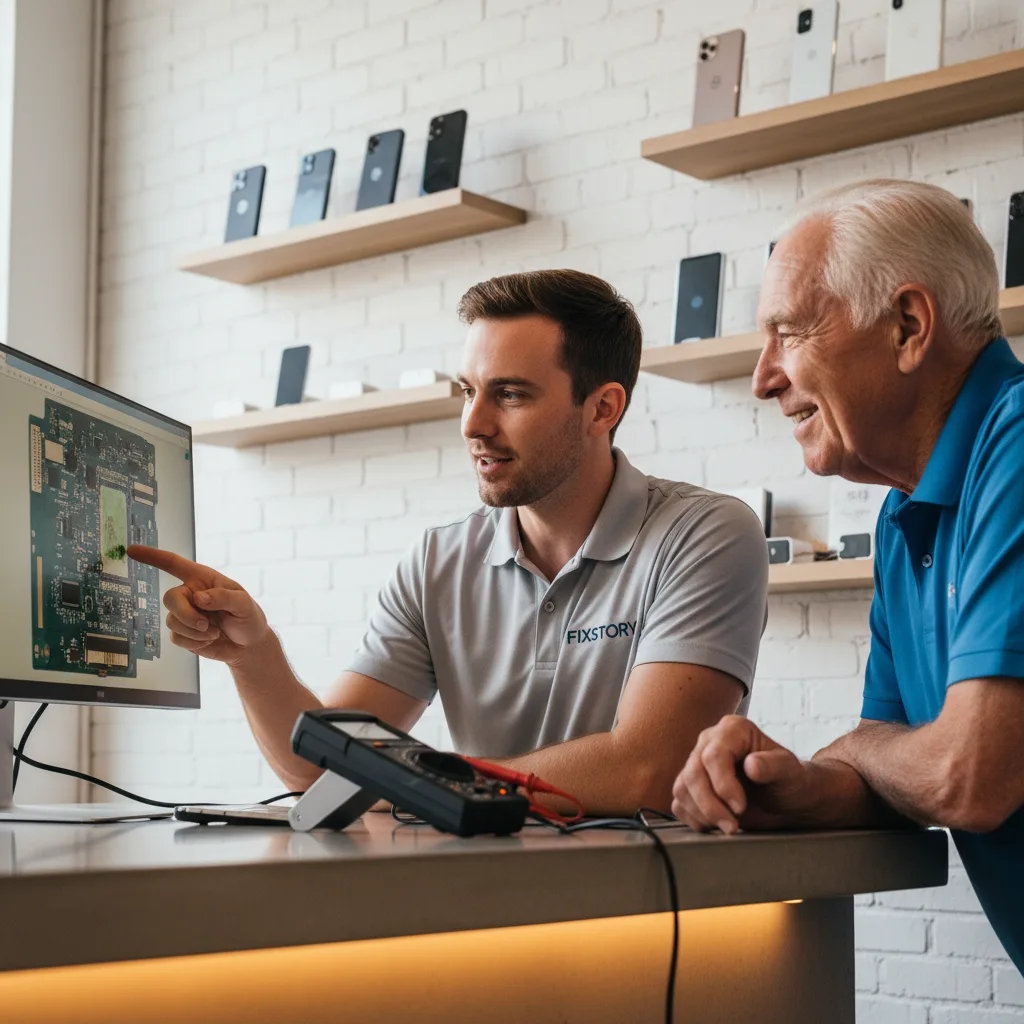
When we opened the bottom case, the smell of coffee was strong. We could already see the first signs of corrosion starting to form on the delicate connections of the logic board. We brought Maya back to show her exactly what was going on. This is part of our free diagnostic service — we want you to see what we see.
“See this greenish-white stuff here?” our tech pointed out. “That’s what does the real damage. Leaving it to dry makes it a thousand times worse.” We explained that the price isn't a flat rate, because every spill is different. The only way to know your exact cost is to bring the device in. FIXSTORY diagnoses for free, no commitment needed. We explained that our MacBook / laptop / PC repair in Downtown LA focuses on board-level repair, not just expensive part swaps.
The Repair Process — Not Just 'Drying It Out'
Maya’s biggest fear was losing her project files. We assured her that our goal was to save the logic board and everything on it. In severe cases, we have a full data recovery service in Downtown LA, but her machine was a good candidate for a direct repair since she brought it in so quickly.
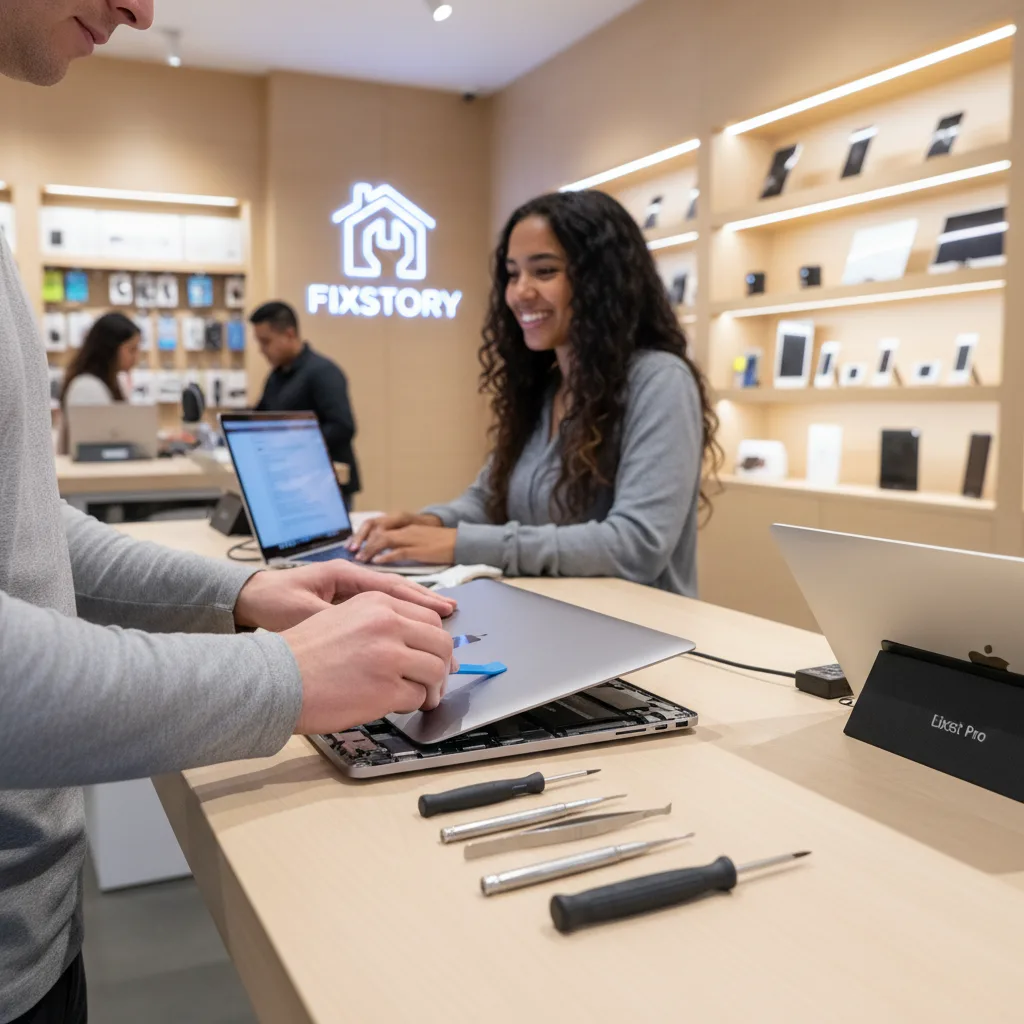
She gave us the go-ahead. The process involves completely disassembling the MacBook, removing the logic board, and putting it through an ultrasonic cleaner with a special solution that aggressively removes the coffee residue and mineral deposits without harming the components. It’s a delicate, detailed process that requires experience. After the cleaning, we meticulously inspect every capacitor and resistor under a microscope, replacing any components that were shorted out by the spill.
This is the difference between a professional repair shop and the advice you find online. You can't fix corrosion with a hairdryer or a bag of rice. You have to physically remove it.
Back to Work the Same Day
Just after lunch, we called Maya. Her MacBook Pro was alive. The logic board cleaning was successful, and we only had to replace a small chip that controlled the keyboard backlight. She came back to the shop, and the relief was immediate when she saw the familiar login screen pop up. She typed in her password, opened her design file, and everything was exactly as she'd left it.
She told us about a friend from Leimert Park who had a similar spill but went through his carrier’s insurance. He was without his laptop for over a week, only to be told it was unfixable and offered a refurbished replacement for a high deductible, losing all his local data in the process. Maya walked out of our Downtown LA shop with her original computer, all her data intact, for a fraction of what a replacement would have cost.
Spilling liquid on your MacBook feels like a catastrophe, but it doesn’t have to be. Don’t try to turn it on, don’t plug it in, and please, don’t put it in rice. Just turn it off and bring it to us. If you’re in Downtown LA or the surrounding neighborhoods, we’re right here. Call our computer specialist at (213) 294-9490 or just walk in.
Downtown LA's go-to repair shop. Free diagnosis. Fast turnaround. Honest pricing. Walk in anytime or call (213) 294-9490 — we'll take it from there.