Myth: Putting Your Wet MacBook in a Bag of Rice Will Save It
Let's get this one out of the way immediately. We see the aftermath of this advice every week, and it never works. Putting your water-damaged MacBook in rice is one of the most persistent—and damaging—myths out there. The liquid, whether it's coffee, water, or soda, has already reached the delicate logic board. Rice does nothing to stop the corrosion that begins the second the liquid touches the electronics. Worse, tiny grains of rice dust and starch get into your ports and keyboard mechanism, creating a whole new set of problems for our technicians to clean up.
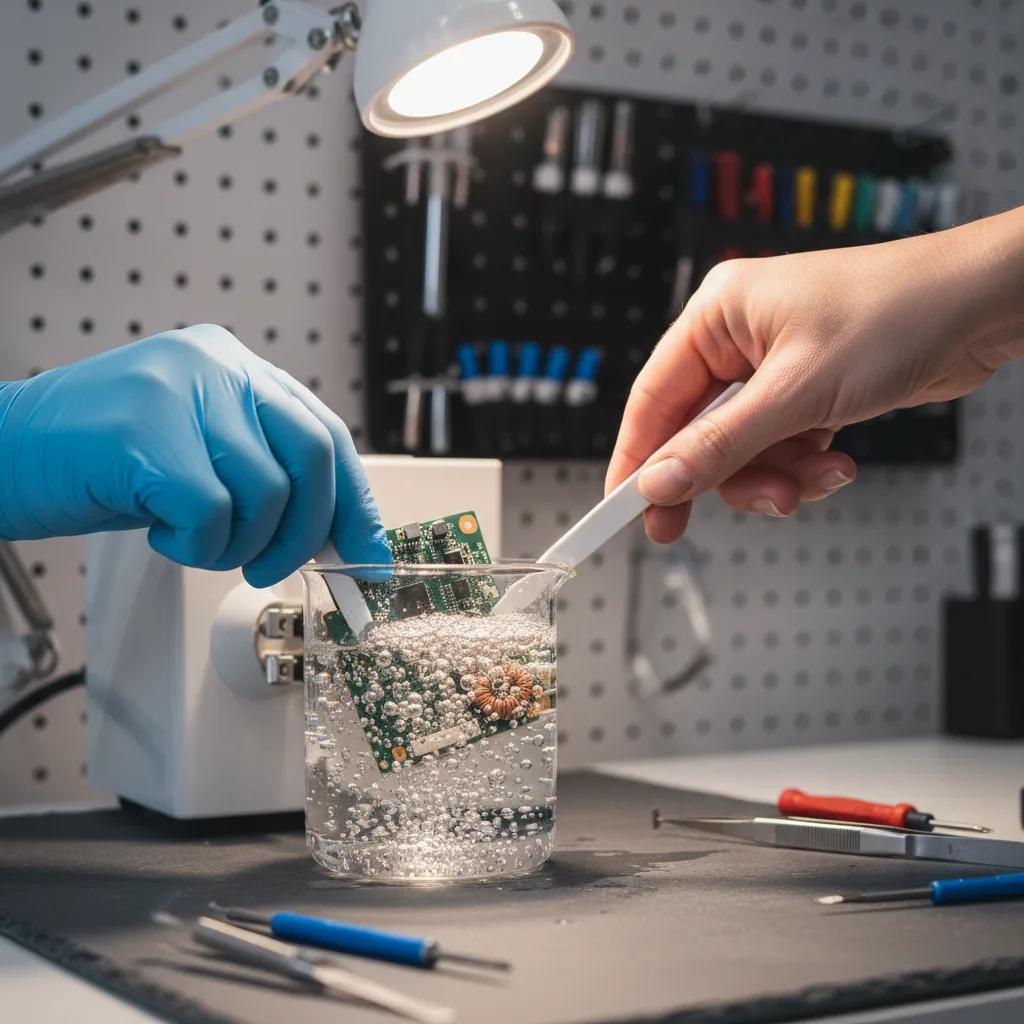
The sugar and acids in a spilled drink are actively eating away at the tiny circuits. The only thing that stops it is a proper, professional cleaning. When a liquid-damaged MacBook comes into our shop, the first thing our computer specialist does is a complete disassembly and ultrasonic cleaning of the logic board to halt any corrosion. Rice just can't do that.
Myth: A Slow MacBook Just Means It's Old and Needs Replacing
This is the myth that costs people the most money. We regularly see customers ready to drop a huge amount on a new laptop when their current one is perfectly fine—it just has a single, failing component. A Mac that's lagging, freezing, or taking forever to boot up isn't necessarily at the end of its life.
Nine times out of ten, a slow MacBook is suffering from one of these issues:
- A Failing Hard Drive or SSD: The storage drive is the most common point of failure. Upgrading from an old spinning hard drive to a modern solid-state drive (SSD) can make a five-year-old MacBook feel faster than new.
- A Swollen Battery: We've seen batteries swell up so much they press on the underside of the trackpad, causing erratic cursor movement and a feeling that the whole machine is sluggish. This is also a safety hazard.
- Not Enough RAM: If you're a student or professional working with lots of tabs and apps open, you might just be hitting your RAM limit. An upgrade is often possible and highly effective.
Just last month, a student from a neighborhood near MacArthur Park came in, panicking about finals. Her MacBook was beach-balling constantly. She was convinced she needed a brand-new machine. Our technician opened it up and identified a failing SSD right away. An hour later, we had a new drive installed, all her data transferred over, and she walked out with a laptop that was faster than ever. That's the power of a proper free diagnostic service.
Myth: Going to the Apple Store is the Only “Safe” Option
We understand the instinct to go directly to the manufacturer. But for many repairs, especially on devices that are a couple of years old, it's not the most practical or affordable route. The official service centers often have a one-size-fits-all approach. Is there a single dead capacitor on your logic board? Their solution is often to replace the entire board, a repair that can cost almost as much as a new computer.
At FIXSTORY, our technicians are experts in micro-soldering and component-level repair. We can often fix the original logic board, which is a far more economical solution. You also don't need an appointment that's three days out. People drive to our Downtown LA shop from El Sereno and even Orange County because they know they can just walk in and talk to a real person immediately. The only way to know your exact cost is to bring the device in. FIXSTORY diagnoses for free, no commitment needed.
Myth: All Third-Party Repair Shops Use Cheap Parts and Void Your Warranty
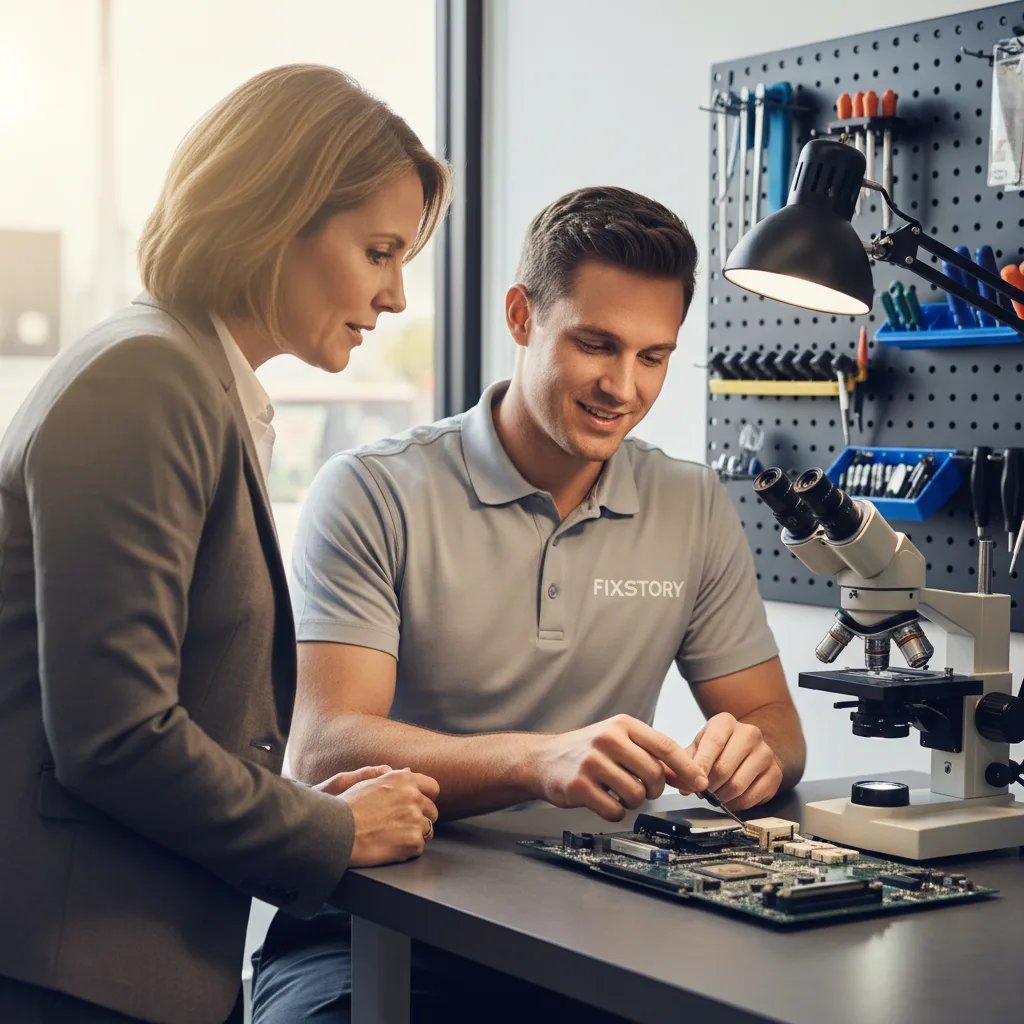
This is a broad generalization that just isn't true for a professional computer repair shop. We built our reputation in Koreatown and Downtown LA on trust. We are completely transparent about parts. Our technicians will explain the different quality tiers available for a screen or battery, from reliable aftermarket options to parts sourced from official suppliers, and tell you the pros and cons of each. You make the informed choice.
As for the warranty, if your MacBook is already out of its one-year manufacturer warranty, that point is moot. Any repair, even at the Ap*** St***, would be out-of-pocket. We stand by our work and provide our own 30-day warranty on every MacBook / laptop / PC repair in Downtown LA we perform. If you're looking for 'MacBook repair near me' and want an honest answer, come talk to us. You can reach our computer specialist directly at (213) 294-9490.

Your MacBook Repair Questions Answered
How long do MacBook repairs usually take?
It completely depends on the issue. A battery or SSD replacement can often be done the same day, sometimes within an hour or two. More complex issues like logic board repair from liquid damage can take longer, but we'll give you a clear time estimate after our free diagnosis.
Is it worth fixing an older MacBook?
Very often, yes. If the cost of the repair is a small fraction of the cost of a comparable new model, it almost always makes financial sense. A simple upgrade can add years to your MacBook's useful life, and it's much better for the environment than buying new.
Do you work on Windows laptops and PCs too?
Absolutely. Our computer technician is an expert in all kinds of laptops and desktops, from Dell and HP to custom-built gaming PCs. The same principles of free diagnosis and honest advice apply to every machine that comes through our doors.
Not sure if it's worth fixing? FIXSTORY offers free diagnosis — walk in, we'll tell you exactly what's wrong and what it costs. No obligation. Call (213) 294-9490.