

PS5 Overheating and Shutting Down: The Honest Guide for LA Gamers in 2025
Did you know the average electronics repair through a manufacturer can take 7 to 10 business days? For a gamer, that’s an eternity. When your PS5 suddenly shuts down mid-boss-fight, you're not just losing progress — you're losing weeks of gaming if you send it back to the source.
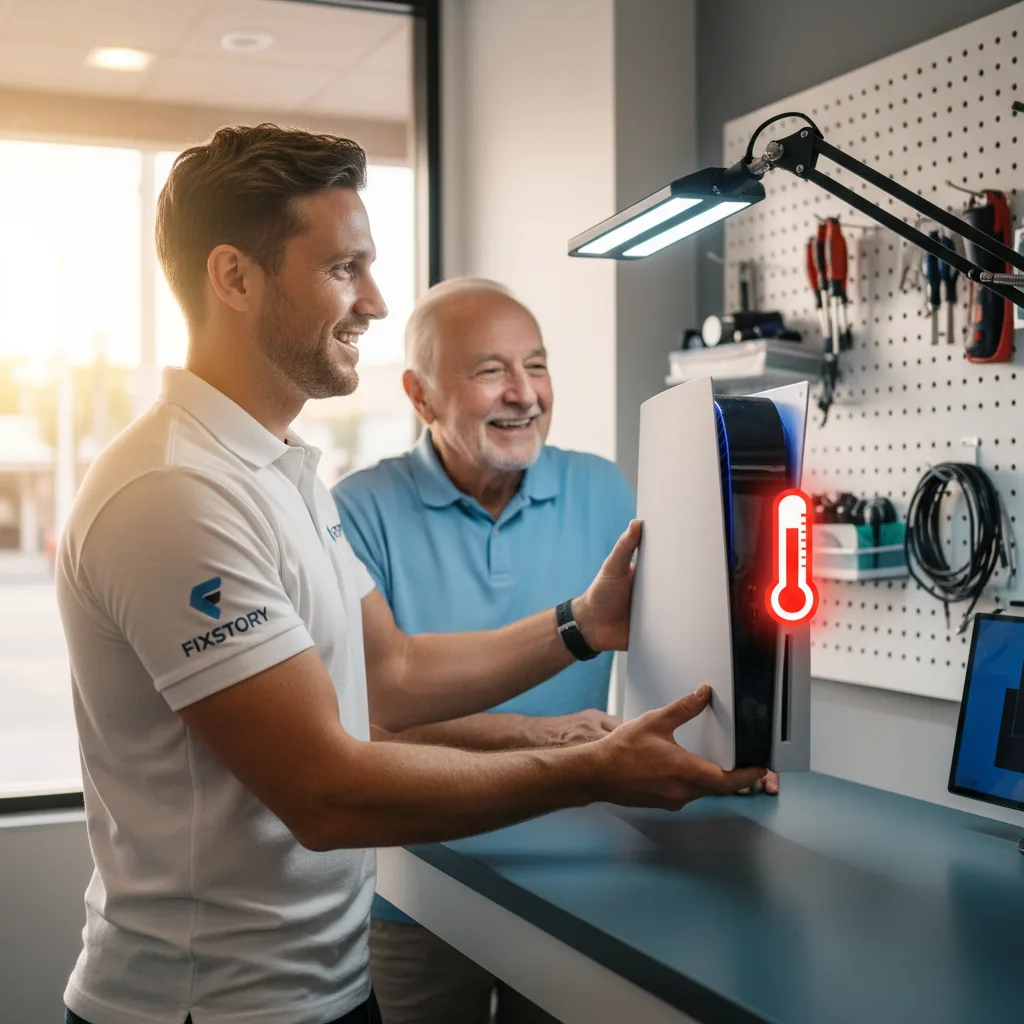
Why Does the PS5 Overheat? The Liquid Metal Problem We See Constantly
Your PlayStation 5 isn't like older consoles. To keep its powerful APU (the chip that's both processor and graphics card) cool, Sony used a high-performance thermal conductor called liquid metal instead of traditional thermal paste. In theory, it's brilliant. In practice, it’s the number one reason we see PS5s failing.
Here’s the technical reality: liquid metal can dry out, pump out, or be unevenly applied from the factory. We see it all the time. A customer brings in a console that sounds like a jet engine and shuts off after 20 minutes. When our technician opens it up, there are visible dry spots on the APU where the liquid metal has failed. Heat isn't transferring to the heatsink properly, so the fan spins at maximum speed trying to compensate until the system forces an emergency shutdown to prevent permanent damage.
This isn't a problem you can fix by just cleaning the vents. It’s an internal hardware failure that requires a careful, professional touch. Trying to handle liquid metal yourself is a huge risk; it's conductive and can short out your motherboard instantly if spilled.
How Many Hours of Gameplay Are You Actually Losing? A Look at Repair Timelines
When your console dies, your main choices are the manufacturer, a big-box store program, or a dedicated repair shop like ours. The biggest difference isn't just the cost — it's time.
Let's be realistic about what each option means for a gamer in Los Angeles:
| Repair Option | Typical Turnaround Time | Walk-in Service? | Location |
|---|---|---|---|
| Manufacturer Service Center | 1-3 weeks (including shipping both ways) | No | Mail-in to a national center |
| Big-Box Retailer Program | 5-10 business days (they often ship it out) | Maybe, but not for on-site repair | Various, but repair isn't done in-store |
| FIXSTORY DTLA | Same day or next day | Yes, no appointment needed | Right here in Downtown Los Angeles |
The data is clear. Sending your console away means accepting you won't be playing for a while. We had a guy drive in from La Palma last month who was quoted three weeks by the manufacturer. He was back to playing his favorite game that same evening after visiting our shop. That's the difference.
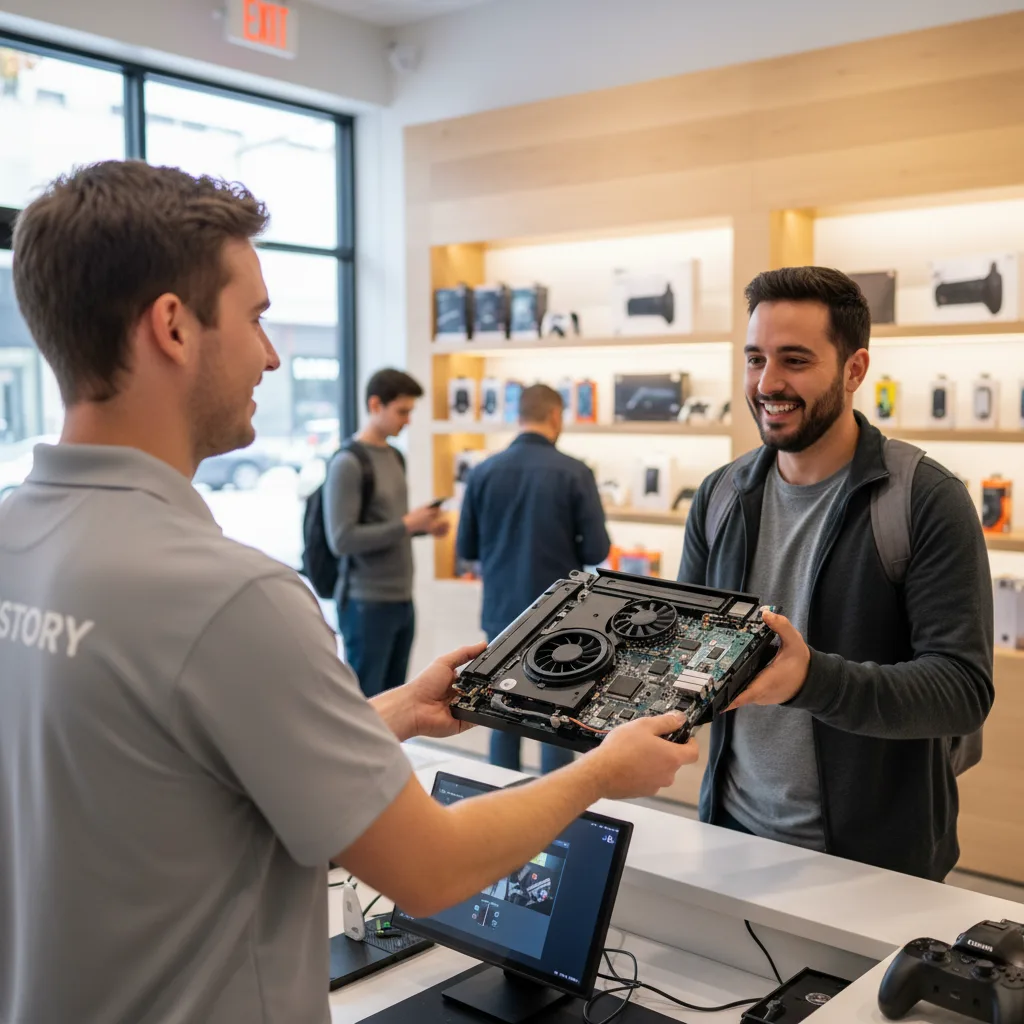
The Real Cost: Extending Your Console's Life vs. Buying a New One
A new PS5 is a major expense. Repairing your current one costs a fraction of what you'd pay for a replacement, and it keeps a perfectly good machine from becoming e-waste. But what's the actual cost to fix it? That's the question everyone asks.
Honestly, it varies. Sometimes the overheating is just the liquid metal. Other times, the constant high temperatures might have damaged the fan or another component. The only way to know your exact cost is to bring the device in. FIXSTORY diagnoses for free, no commitment needed. We'll open it up, show you exactly what's wrong, and give you a precise quote. You decide if it makes sense for you.
We believe in transparency. Our technicians explain your options so you can make an informed choice. Getting a free diagnostic service means you have nothing to lose and everything to gain — namely, a working console and clear information.
Is a Downtown LA Repair Worth It If You're in Los Feliz or La Palma?
If you work or live in Downtown LA, we're your most convenient option. You can drop off your console on your lunch break and likely pick it up on your way home. No shipping boxes, no waiting by the door for a delivery truck.
For gamers in nearby areas like Los Feliz, the short drive saves you weeks of frustration. Instead of boxing up your machine and mailing it into a black hole, you can talk face-to-face with the person who will actually be fixing it. You get answers and a working console, fast.
And if you're coming from further away, like our customers in La Palma, the trip is worth it for the speed and expertise. The alternative is weeks without your primary source of entertainment. At FIXSTORY, the problem is identified and solved, usually in hours. That's a service worth driving for.
Frequently Asked Questions About PS5 Overheating
Can I fix my PS5 overheating by cleaning the dust out?
While cleaning dust from the vents and fan is good general maintenance, it will not solve the core issue if the liquid metal has failed. The console will continue to shut down because the heat isn't being transferred from the processor to the heatsink efficiently, no matter how clean the fan is.
Is it dangerous to keep using my PS5 if it overheats?
Yes. Each time your PS5 performs an emergency shutdown, it's because the internal temperatures have reached a critical level. Continued exposure to extreme heat can cause permanent damage to the APU, motherboard, and other components, turning a fixable problem into one that requires a full PS5 / Xbox / Switch repair in DTLA or even renders the console unfixable.
Does FIXSTORY use quality replacement materials?
Absolutely. We use high-grade thermal compounds designed for maximum heat conductivity and longevity, ensuring your console runs cool for a long time. Our technicians have performed this specific repair hundreds of times and know how to apply it perfectly for optimal performance.
Walk into FIXSTORY in Downtown LA — no appointment needed. Most repairs are done same day. Call us at (424) 270-4369 or just come in.