Your Samsung Galaxy screen just shattered or went black. Don't touch anything yet. Here’s what to do, minute by minute, from a technician who sees this every day in Downtown LA.
The sound is unmistakable. That sickening crunch of your Samsung Galaxy hitting the pavement. You pick it up, and your heart sinks. Maybe it’s a spiderweb of cracks, or maybe the screen is just black, refusing to turn on. Panic sets in. Before you do anything else — especially before you start poking at the screen or plugging it in — read this. These first few minutes are critical.
In the Next 5 Minutes: Stop the Damage from Spreading
What you do immediately after the drop can mean the difference between a straightforward screen replacement and a much more complicated, expensive problem. We've seen people make critical mistakes in these first few moments.
- Do NOT press on the screen. With Samsung’s AMOLED displays, the glass on top is separate from the actual display panel underneath. Even if the glass feels smooth, you could be pushing broken shards into the delicate OLED layer, causing permanent black spots or lines. Just leave it alone.
- If the screen is flickering, black, or showing green lines, turn it off immediately. Hold the power and volume-down buttons together for about 10 seconds to force a shutdown. A damaged display can cause a short circuit, and leaving it on can strain the logic board or battery. We had a customer last week whose cracked screen eventually caused a battery issue because they used it for two more days.
- Do NOT plug it in to charge. If there's any internal damage you can't see, introducing power could cause a serious short. This is especially true if there's any chance of liquid exposure from the drop (e.g., it fell into a puddle). Wait until a professional can look at it.
Within the Hour: Assess and Stabilize
Okay, you've prevented immediate further damage. Now it’s about getting it ready for repair and understanding your options without making things worse.
- Place it on a flat, dry surface, screen side up. This prevents any further pressure on the damaged area. If the cracks are severe, you can gently place a piece of clear packing tape over the screen to hold the glass fragments in place, but don't press down hard.
- Forget the bag of rice. This is one of the biggest myths in tech repair. Rice does almost nothing for water damage, and its dust can get into the charging port and speaker grilles, creating new problems. If you suspect water damage, the only real solution is a professional cleaning.
- Think about your data. Was your phone recently backed up? If not, getting the screen fixed is your best shot at saving your photos and contacts. Sometimes, a broken screen prevents you from unlocking the phone, making a data recovery service in Downtown LA necessary, but often a new screen is all it takes to get everything back.
Same Day: The Smart Repair Choice in Los Angeles
Now you have to decide where to get it fixed. This is where people often overpay or end up without their phone for days. The manufacturer’s service center seems official, but you’ll often face a long wait, an appointment requirement, and a surprisingly high bill. Carrier insurance comes with deductibles that can be frustratingly expensive.
For anyone in Los Angeles, there’s a much better way.
If You're in Los Feliz or a Nearby Neighborhood
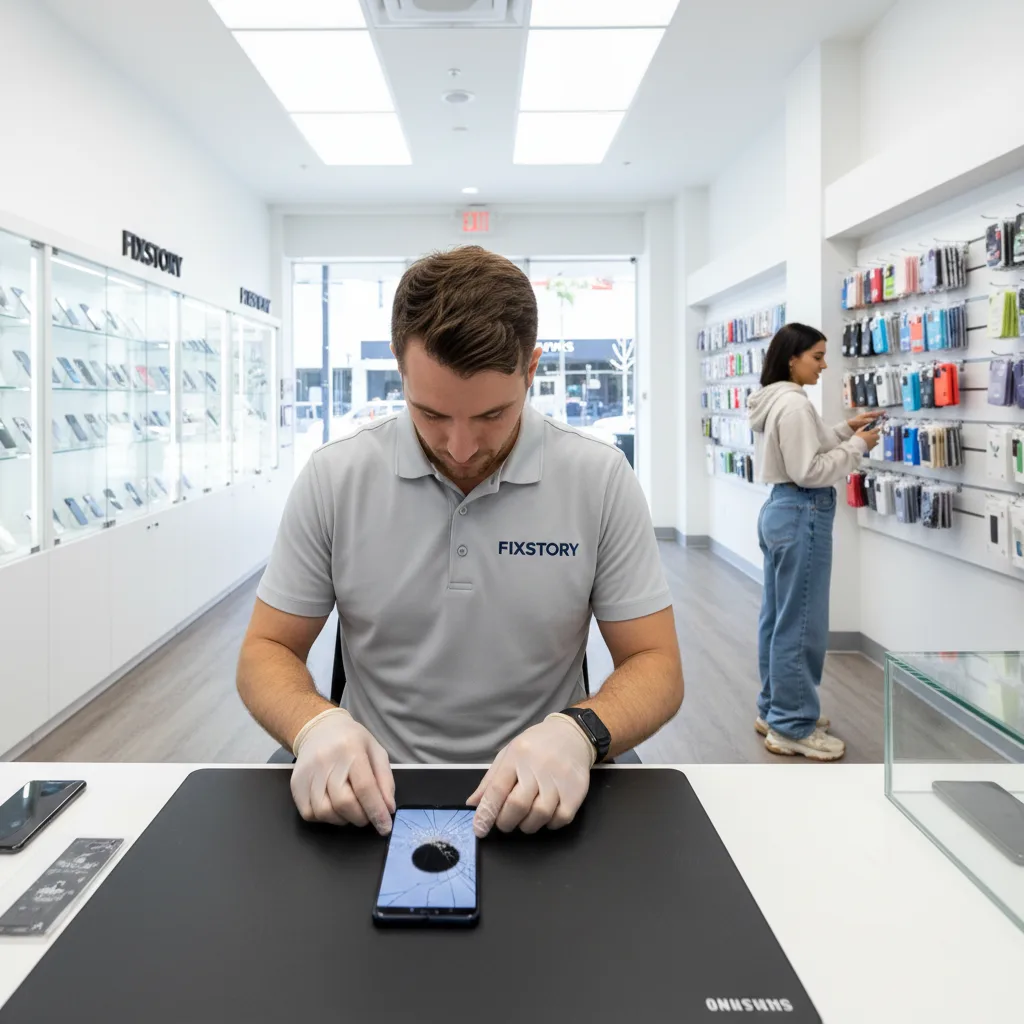
You're a short drive from our shop in Downtown LA. Instead of mailing your phone away or waiting days for an appointment at a mall, you can walk right into FIXSTORY. Most Samsung screen repairs are done in under an hour. You can drop it off on your lunch break and have it back before you head home. It's the most convenient and fastest phone repair in Downtown LA, period.
If You're Driving from Irvine
We know, it's a bit of a drive. But we have customers who come from Irvine and even Orange County every single week, and here’s why: it's worth it. The cost for a high-quality Samsung screen repair at our shop is often significantly less than what you’d pay at a manufacturer’s center, easily justifying the trip. Plus, you get it back the same day. No waiting a week for your phone to be mailed back. You can make the drive, get your phone fixed, and be back home with a perfectly working device by the afternoon.
What to Expect at FIXSTORY
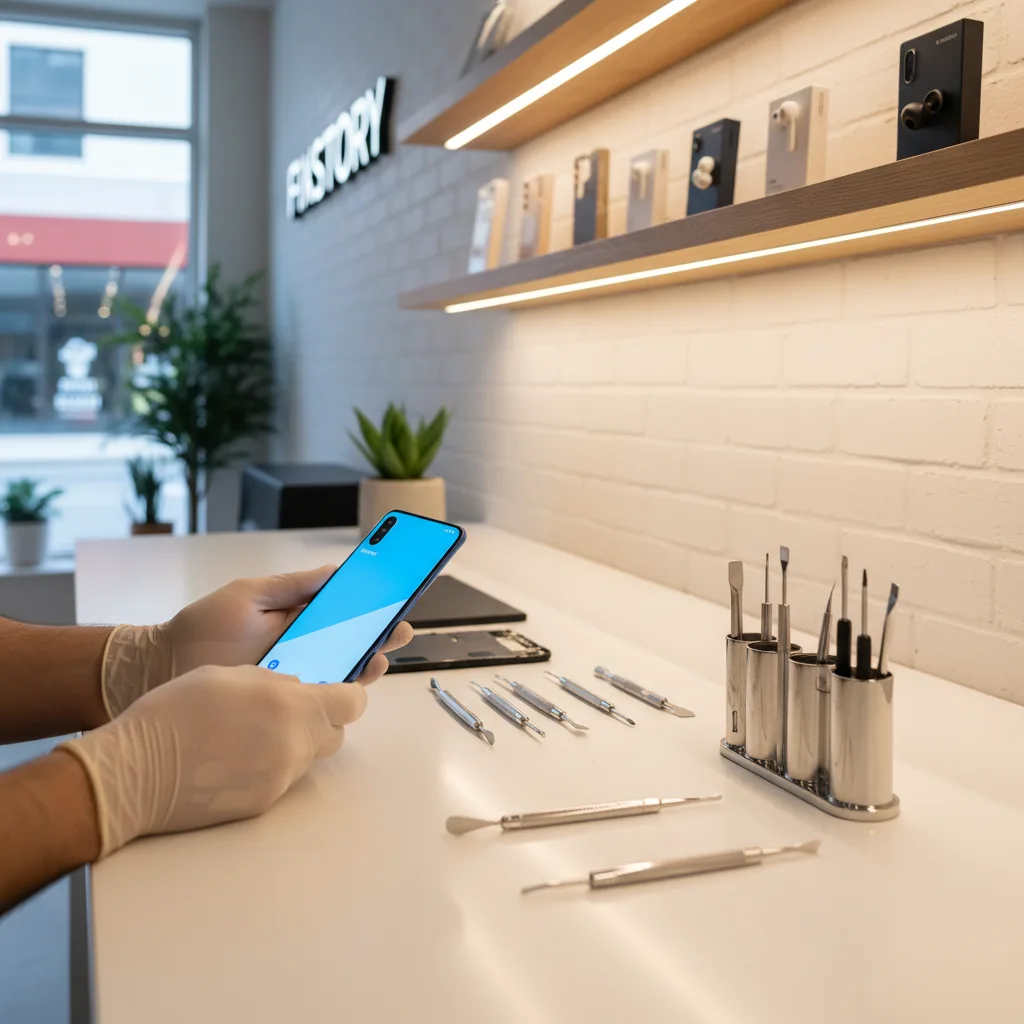
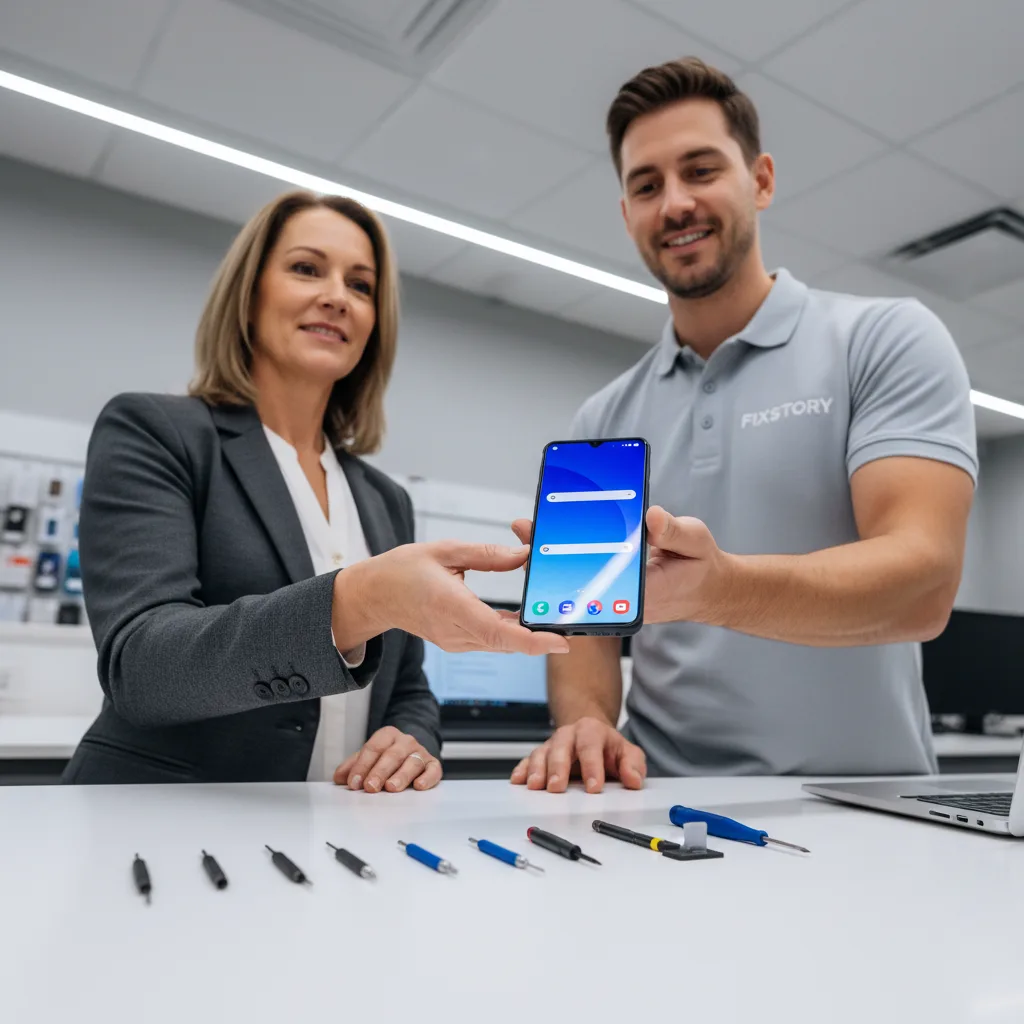
When you bring your damaged Galaxy to us, the first thing we do is a completely free diagnostic service. Our technician will assess the damage to confirm it's just the screen and not something more serious like the frame or logic board. We'll explain your part options—from budget-friendly screens to OEM-grade parts that are identical to the original—so you can make an informed choice.
The only way to know your exact cost is to bring the device in. FIXSTORY diagnoses for free, no commitment needed. We'll tell you exactly what it will take to get your Samsung looking and working like new again.
A broken phone is a crisis, but the fix doesn't have to be a headache. Just follow these steps and bring it to people who do this all day, every day. For a fast, reliable, and affordable phone repair near me, FIXSTORY in DTLA is your answer.
Walk into FIXSTORY in Downtown LA — no appointment needed. Most repairs are done same day. Call us at (424) 270-4369 or just come in.