

A Battery Swap Went Wrong at Another Shop. That’s Fine — It Happens.iPad Air 4 Battery Connector Repair — Downtown LA
This iPad Air 4 came to us from a fellow repair shop. Mid battery swap, the insulating pick slipped a little too hard against the board and snapped the battery connector’s pins — a five-second accident every tech who does batteries has either had or will have. If your shop doesn’t do board-level work, that’s a hard conversation with a customer. We’d rather it just be a quick stop at our bench.

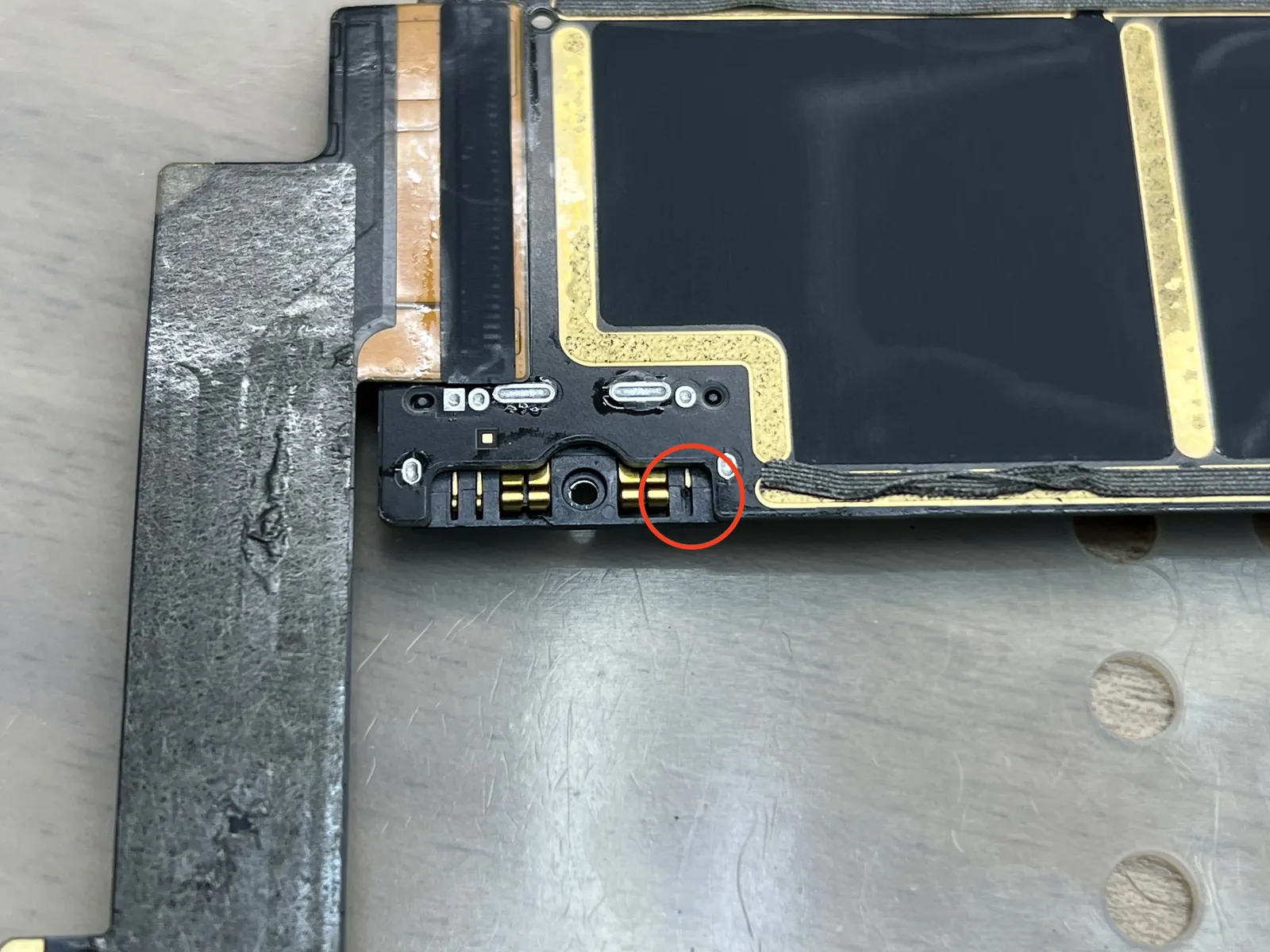
Board-side battery connector broken mid-swap
Pins can’t be rebuilt — the part gets replaced
New connector on, voltage verified
The job, on one card
Everything that matters about this repair, before the story.
| Model | iPad Air 4 |
|---|---|
| Client | A fellow LA repair shop — shop-to-shop jobs are always welcome here |
| Problem | The board-side battery connector’s pins snapped while insulating the battery during a swap. Snapped pins can’t be repaired — the whole connector has to come off and a new one soldered on. |
| Repair time | Under 1 hour, while you wait |
| Warranty | 30 days on the soldering work |
| Teardown | Expert only5 / 5 |
| Tech’s note | No judgment on this one — ever. Cutting battery power with an insulating pick is the correct habit, and the pin that pays for it is fragile. It’s an accident of doing things the right way slightly too firmly. The fix is routine for a soldering bench: old connector off, pads cleaned, new connector on, battery voltage confirmed. For shops that don’t run a hot-air station, this one mistake can turn into an argument with a customer over a device you were trying to help. Bring it here instead — we’ll have it back on your counter before the customer calls to check in. |
The most honest mistake in battery swaps
This failure isn’t carelessness — it’s a fragile pin sitting exactly where careful hands have to work.
The insulation step itself
Sliding a plastic card or pick between the battery terminal and the board is the right way to kill power before a swap. Press a few grams too hard and the board-side pins snap right off.
Snapped pins don’t glue back
Once those contacts break, there’s nothing to straighten or reflow. The only real fix is replacing the connector as a unit — desolder the old body, solder the new one.
For a shop, timing is everything
The customer expects their iPad back today. A board-level partner who can turn the connector around in under an hour keeps a small accident from becoming a refund conversation.
Connector off, connector on, prove it
Routine work for a soldering bench — which is exactly the point.
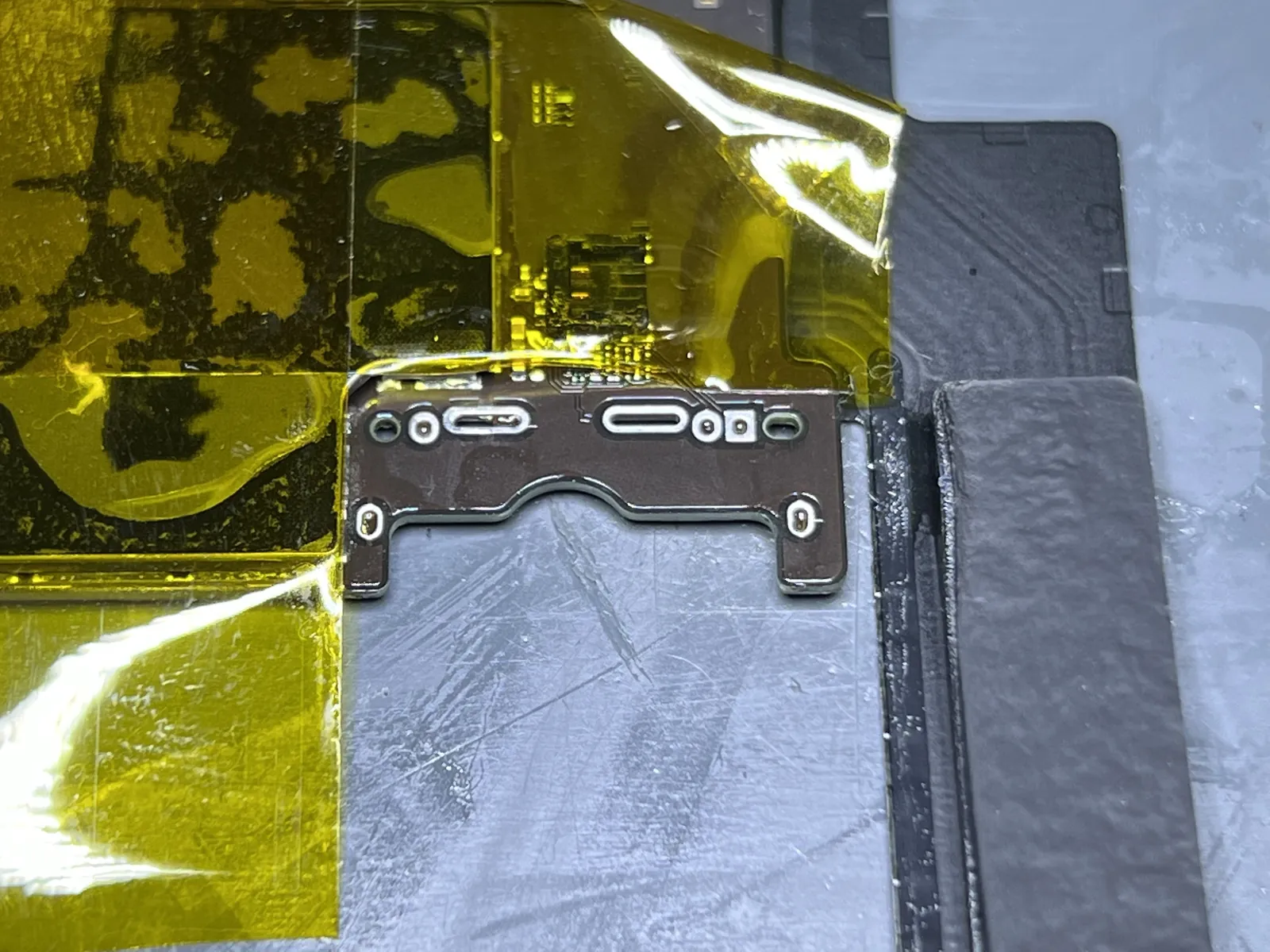
The broken body comes off
The snapped connector is desoldered from the board and the pads underneath get cleaned and inspected. This is also the moment of truth — if the pads had torn with the pins, the job would grow. These were intact.
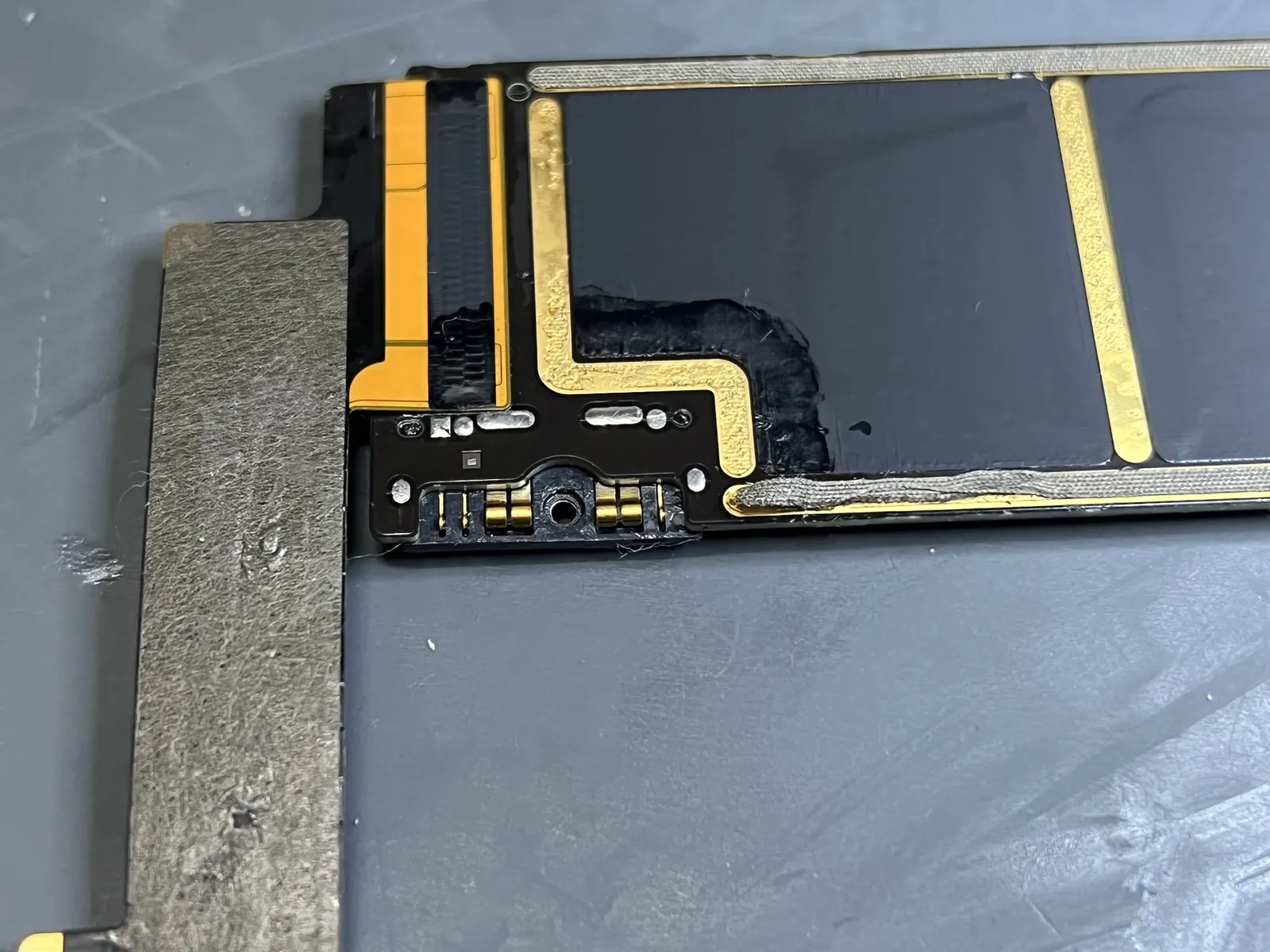
New connector soldered on
With the broken body off and the pads cleaned, the new connector goes on under magnification, joint by joint. Alignment has to be exact — the battery terminal mates blind, so a connector that’s half a millimeter off never connects at all.
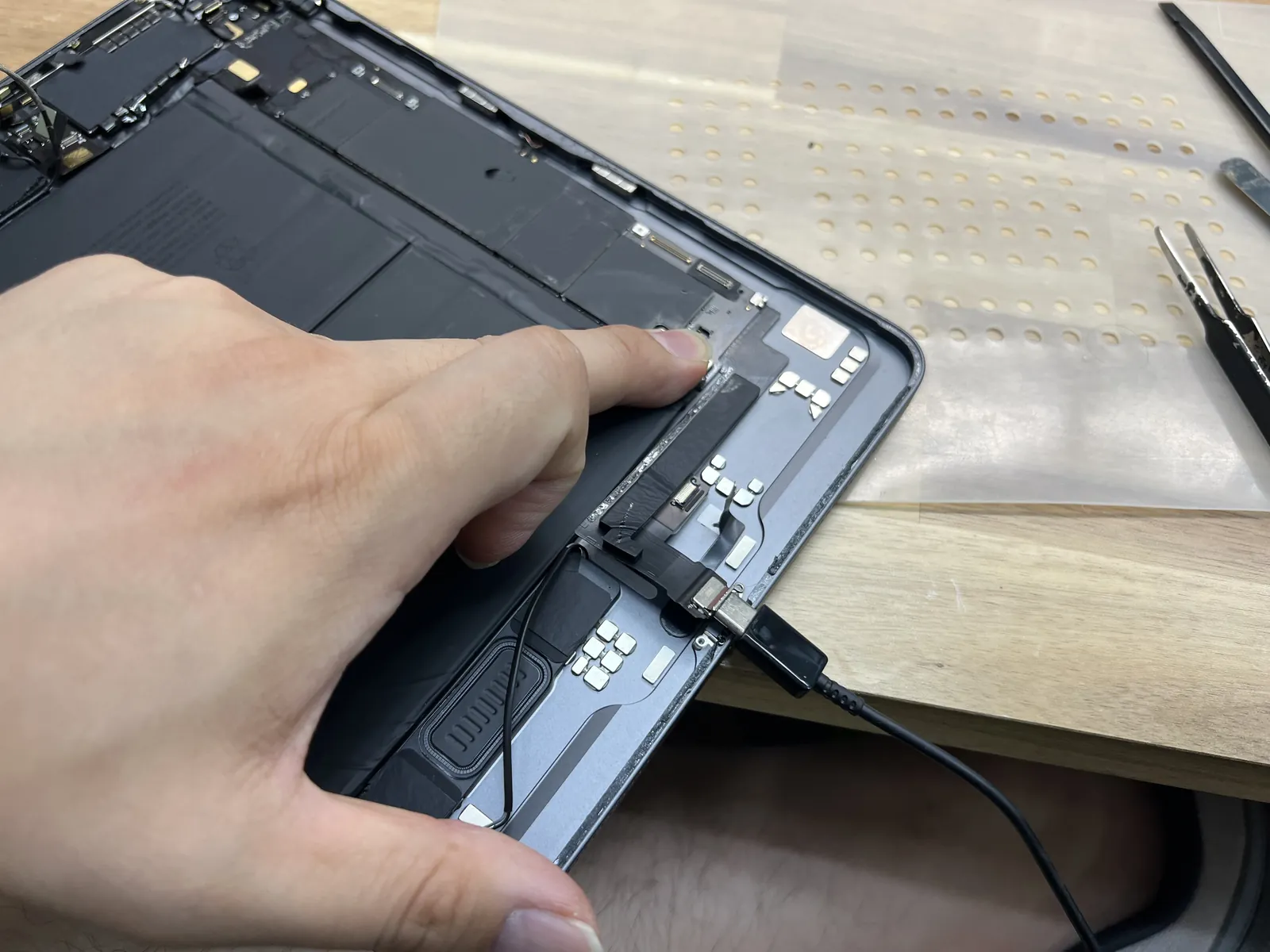
Battery mated and tested
The battery goes back onto the new connector and the iPad has to wake up and see it — proper detection, proper communication, no error flags. If the pad under the connector had been damaged too, this is where it would show.
Numbers, not vibes
A connector repair isn’t done when it looks done — it’s done when the meter says so.
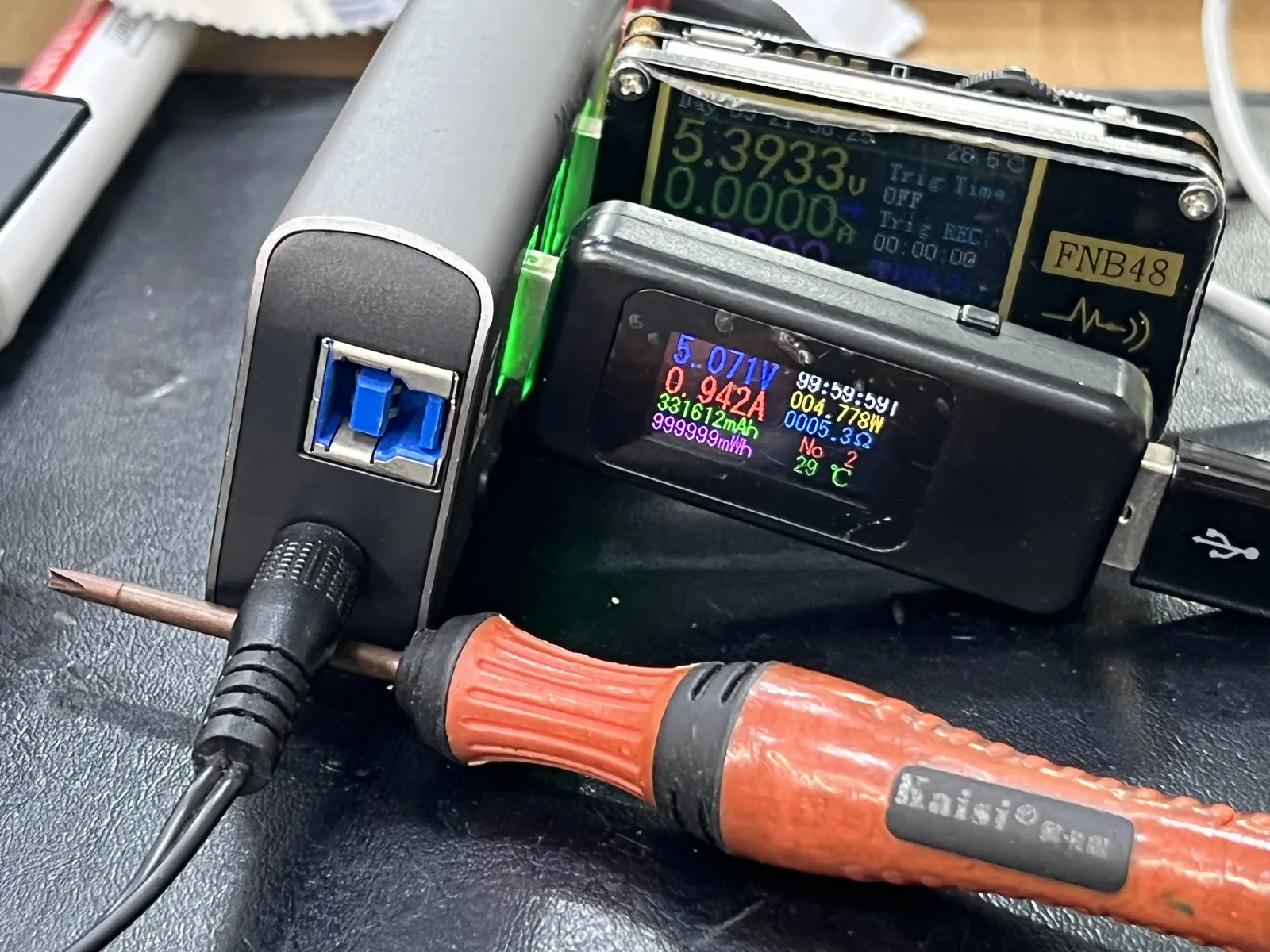
Charging voltage verified
The last step is the multimeter: charging voltage measured at spec with the battery drawing current through the new connector. Then it went back to the shop that sent it — same hour, battery swap finished, their customer none the wiser.
Run a repair shop? Soldering jobs welcome.
Board-level work for fellow LA shops — fast turnaround, shop rates, no judgment. And if you’re a regular customer with a dead iPad, the same bench works for you too. Walk-ins welcome in Downtown Los Angeles.