

One Loose Coil, and an iPad Pro 10.5 Would Only Show the Restore ScreenA known weak point next to the power chip — found by feel, fixed by transplant — Downtown LA
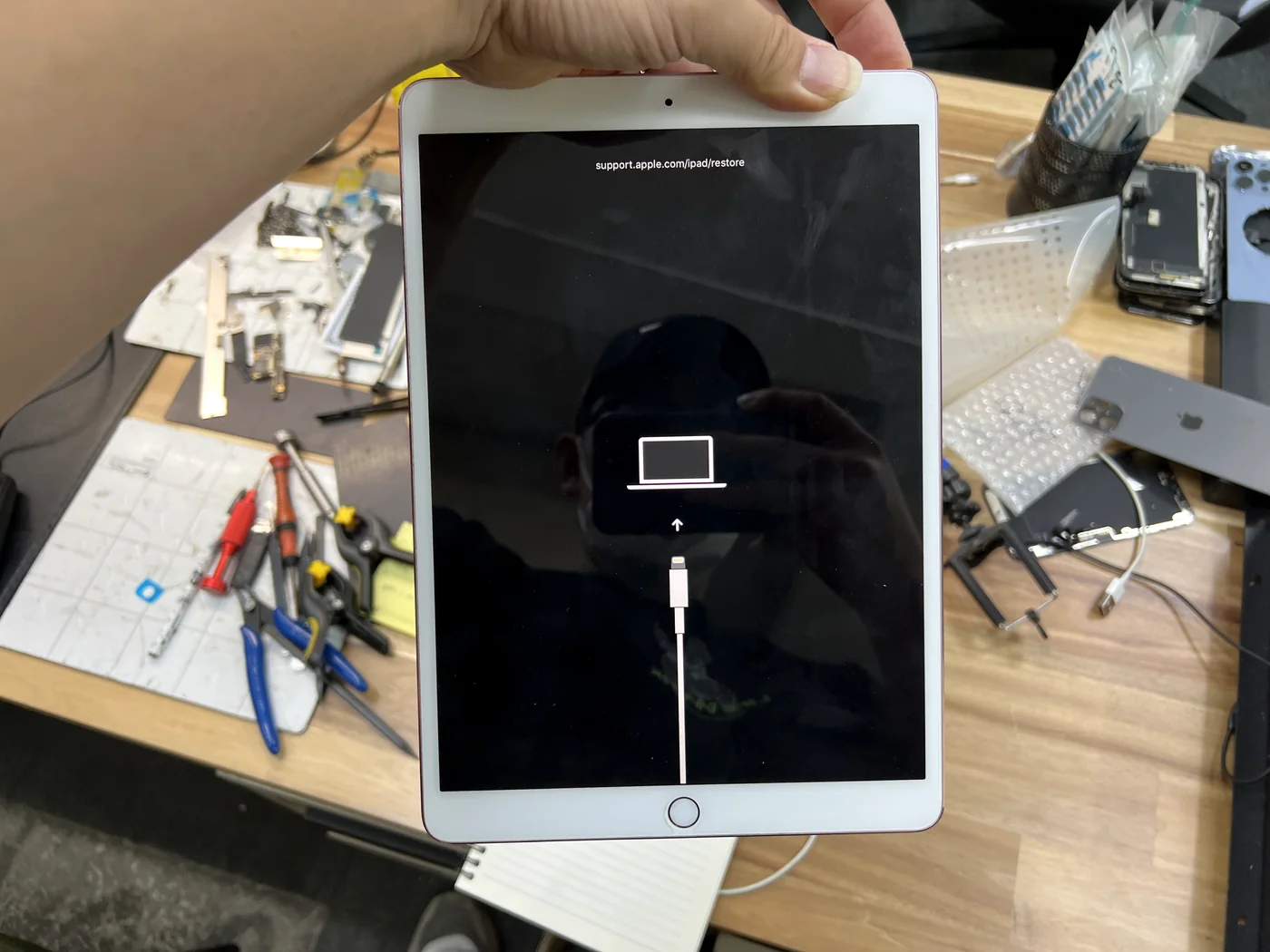
This iPad Pro 10.5 came in dead to the world: no boot, no logo, nothing but the DFU restore screen asking to be plugged into a computer. Nothing had been dropped in water, nothing had been opened before. On this particular model that pattern points somewhere very specific — the small power coils sitting beside the power management chip, which have a long history of working loose on the 10.5. Here is how it was confirmed by hand in under a minute, and how a replacement coil harvested from a donor board brought the iPad back with every photo still on it.
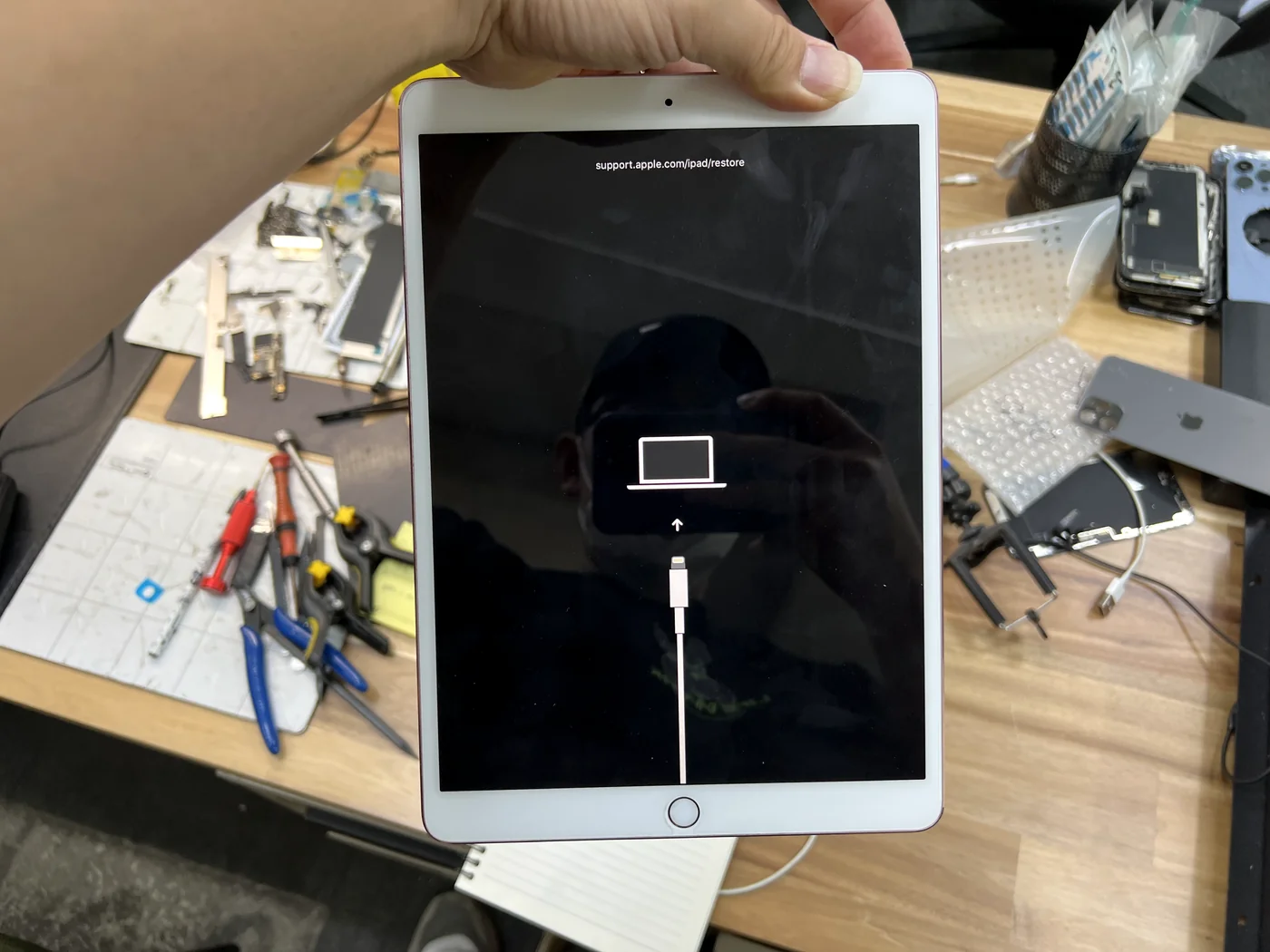
No boot, no Apple logo — just the restore screen, with no drop or water history
A power coil beside the PMIC had lifted — a known weak point on this model
Replacement coil transplanted from a donor board, data untouched
The job, on one card
Everything that matters about this repair, before the story.
| Model | iPad Pro 10.5-inch |
|---|---|
| Symptom | Would not boot at all. The screen showed only the DFU restore prompt — no Apple logo, no loop. No liquid exposure and no previous repair history, which is exactly what makes this one look unexplainable from the outside. |
| Cause | One of the small power coils next to the power management chip (PMIC) had come loose from the logic board. This is a chronic weak point on the iPad Pro 10.5 specifically — not damage the owner caused. |
| Repair | Screen separated → logic board exposed and inspected → every component around the PMIC nudged with tweezers until the loose one gave itself away → matching coil harvested from a donor board under the microscope → transplanted and re-soldered → normal boot verified. |
| Turnaround | Same day · board-level bench work |
| Difficulty | Expert5 / 5 |
| Tech’s note | The hard part of this job is not the soldering — it is knowing where to look. Nothing on the outside of this iPad says "coil." You only go straight to that spot if you know the service history of Apple's own hardware and remember that the 10.5 has been shedding coils around the power chip for years. Without that background you can spend a day chasing a board that has one small part sitting loose on it. With it, this one was found on the first pass. |
A known weak point, not user damage
The iPad Pro 10.5 has a long, well-documented habit of dropping coils next to its power chip.
Nothing the owner did caused it
No drop, no water, no bad charger. These coils sit beside the power management chip and work loose over years of heat cycling and flex. When one lifts, the rail it feeds stops behaving, and the iPad never gets far enough into boot to show you anything but the restore screen.
It looks exactly like a dead board
From the outside there is no clue — the tablet is simply unresponsive with a DFU prompt. That is why this symptom so often comes back as "logic board failure, not worth repairing," and why owners get quoted the price of a replacement iPad for one component the size of a grain of rice.
Knowing the model's history is the whole diagnosis
You will not find this by looking. The coil can sit in place, looking perfectly normal, while no longer being attached. Finding it fast comes down to recognising the pattern for this exact model, then confirming it by touch instead of by eye.
Found by feel, fixed by transplant
In the order it actually happened on the bench.
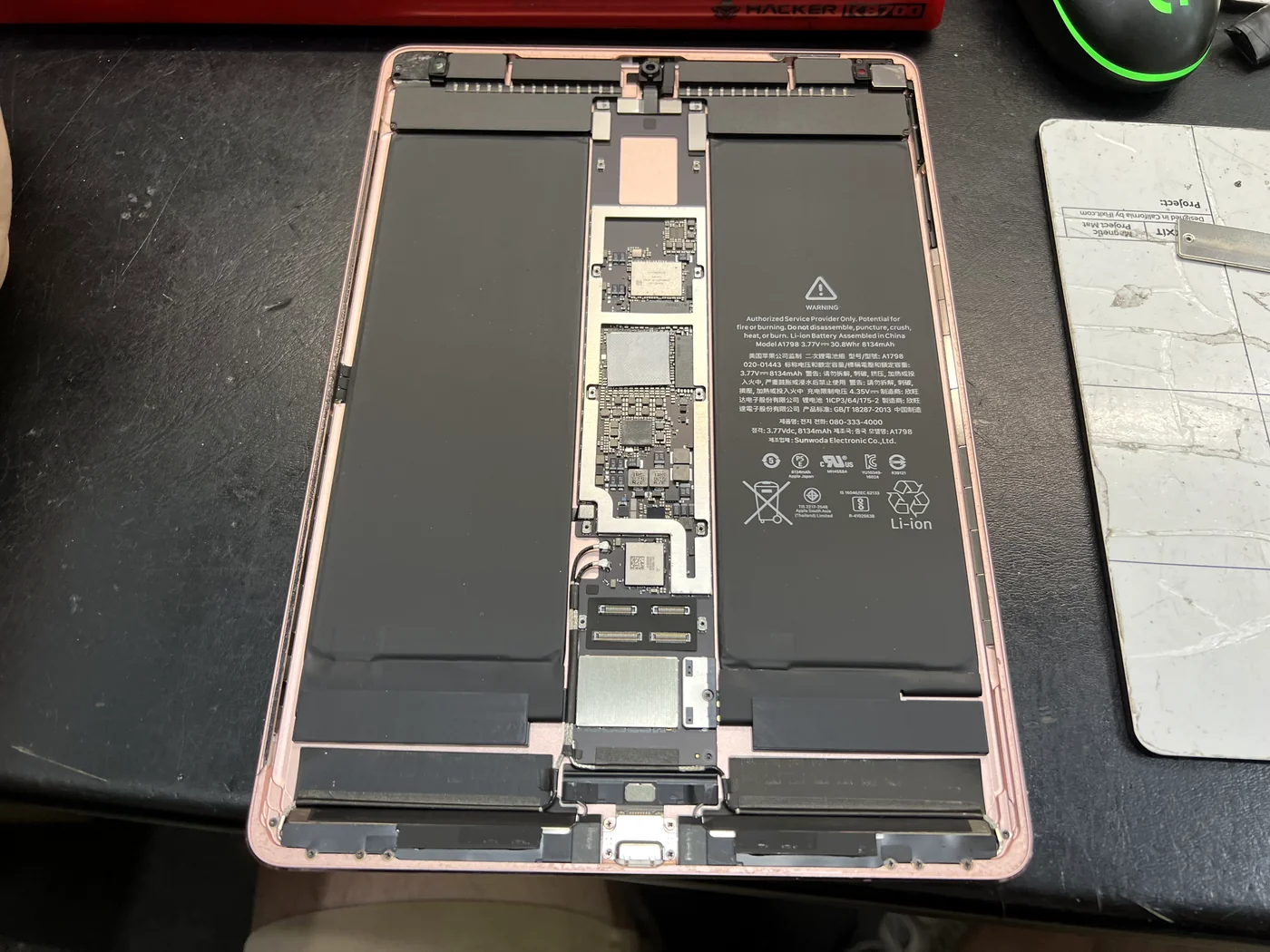
Open it properly, or you never get to look
Every iPad job begins the same way: separating that wide, thin glass with controlled heat and patience. With the display safely off, the logic board sits in its channel between the two battery cells, ready for inspection. Nothing here looked wrong — no burn marks, no corrosion, no impact damage. Which was expected.
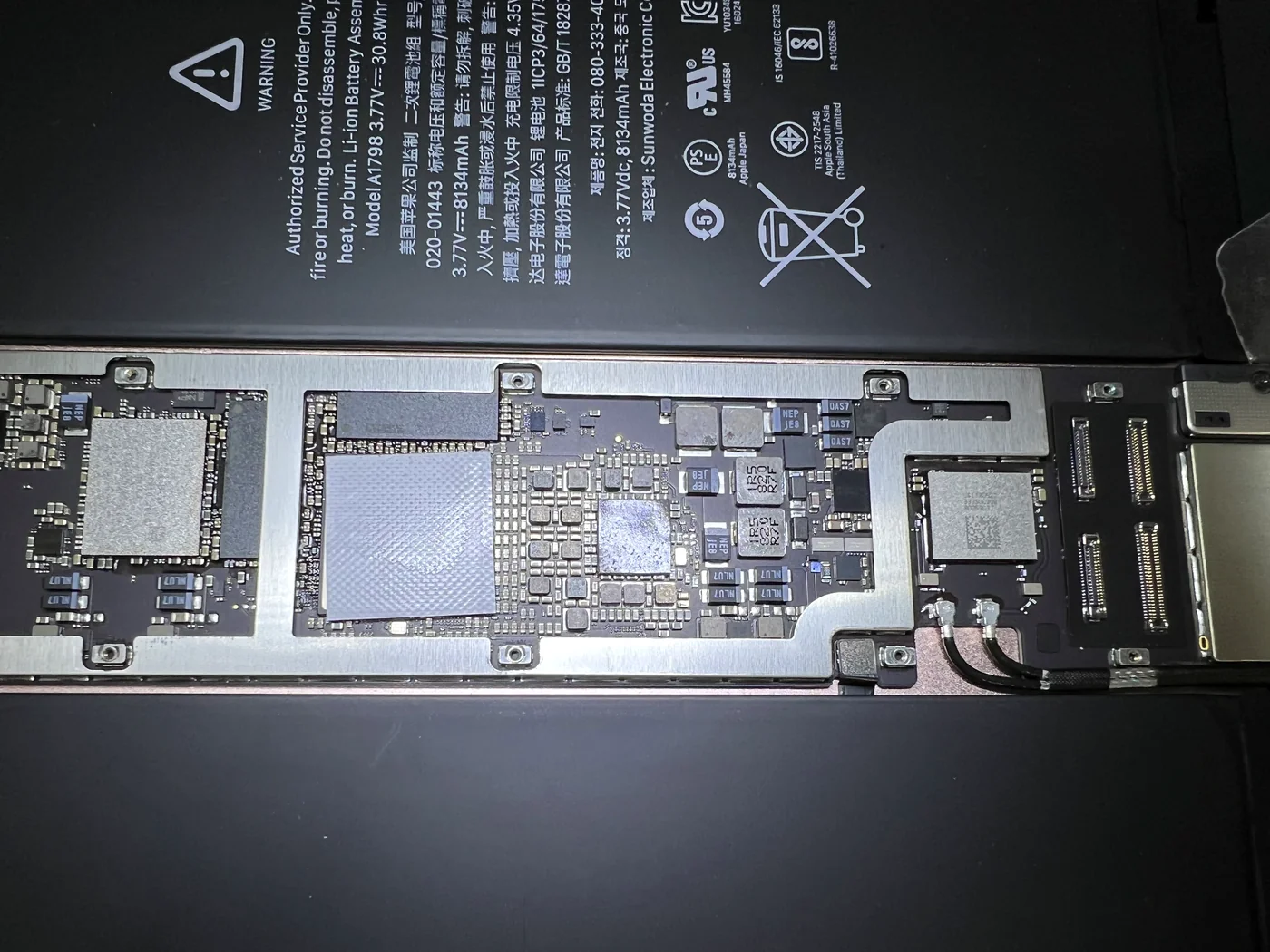
Then check it by hand, one component at a time
A lifted coil can still sit perfectly flat and look completely normal, so eyes are not enough. Every part around the power section gets nudged with tweezers, one by one, feeling for movement. One of them moved. That is the entire diagnosis — no schematics, no hours of measuring, just knowing which neighbourhood to search and checking it by touch.
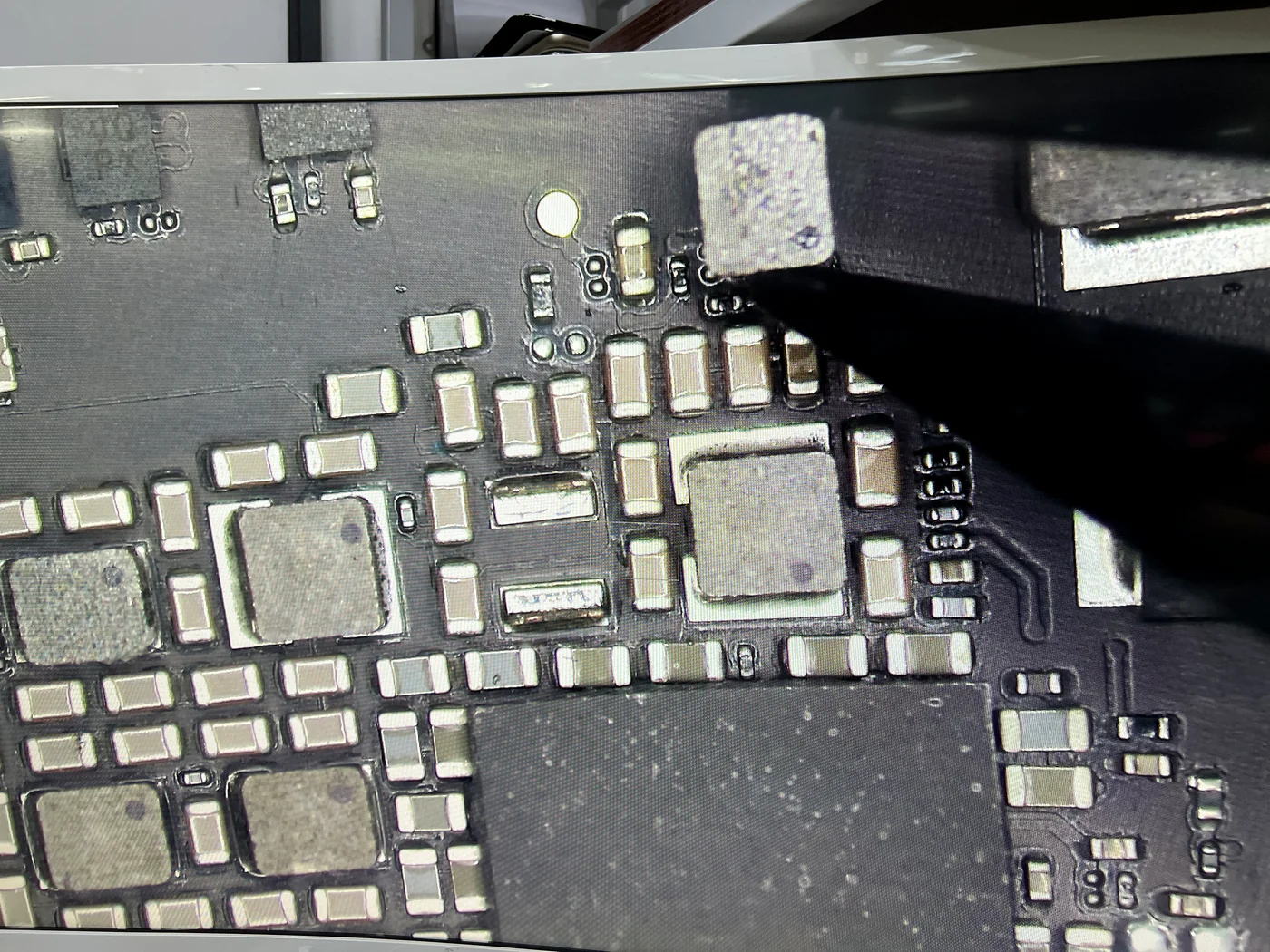
Off it comes — and there is the proof
The coil that moved is lifted straight off with tweezers. It should have taken heat and effort to remove; instead it came away because it was barely holding on. Look at the pads it leaves behind — that is a component that had already let go of the board while sitting in place looking perfectly normal. The pads then get cleaned and prepped for the replacement.
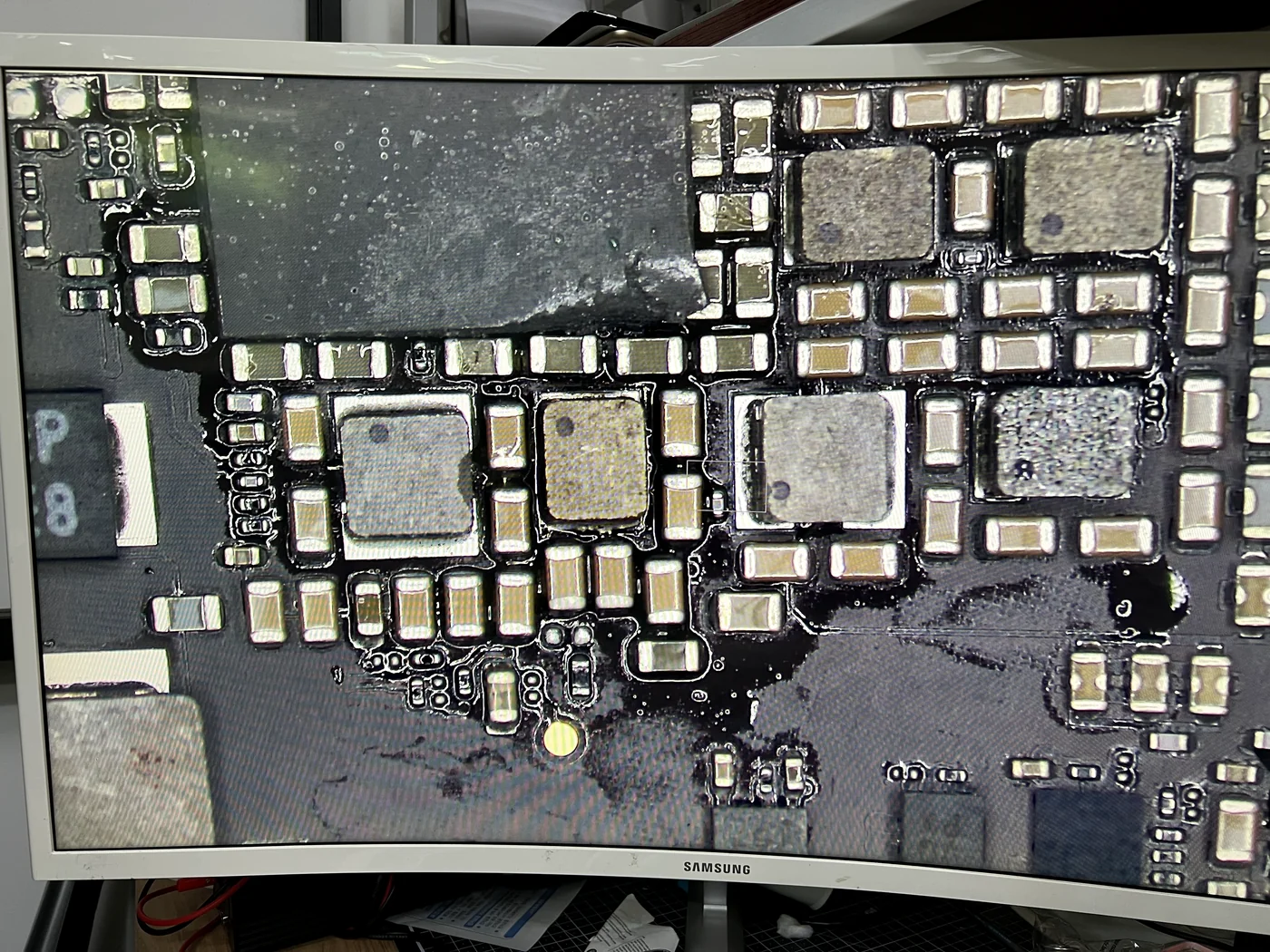
The replacement comes off a donor board
Parts this specific are not sold individually, so the matching coil is lifted from a donor iPad Pro board under the microscope — carefully, because a part removed too hot is a part that will not work. It then goes onto the cleaned pads and gets soldered down properly, seated flat with full contact, so it does not become the next loose component a few years from now.
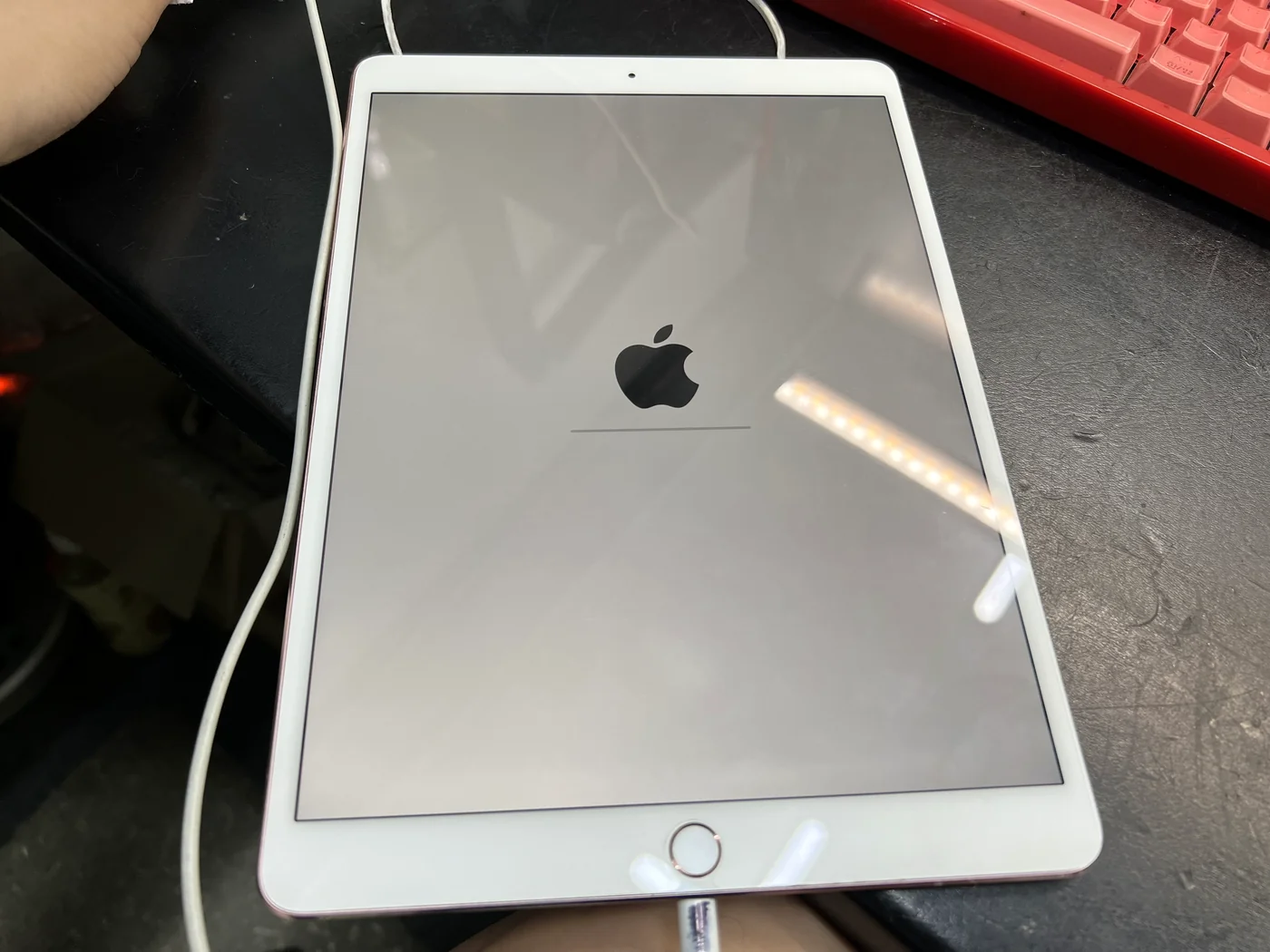
The logo is the answer
Power goes in and the iPad boots straight past the restore screen it had been stuck on. One coil, correctly attached, and a tablet that three minutes of diagnosis had written off as a dead board is running again.
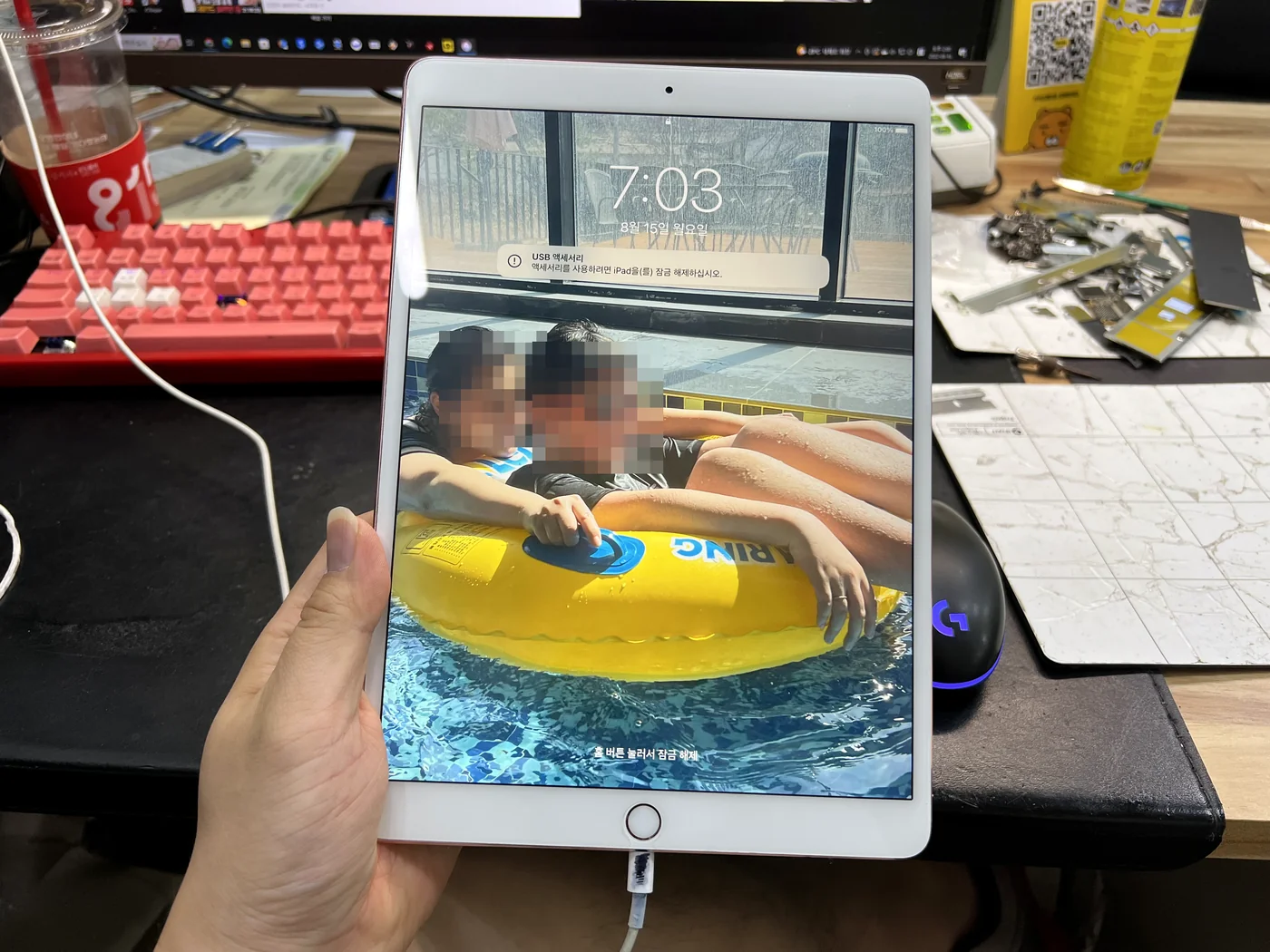
Back to the home screen, with everything still on it
Reassembled and tested, right before it left the bench.
Boots, charges, and nothing was erased
After reassembly the iPad boots normally, holds charge and behaves exactly as it did before the fault. Every photo, app and setting is still in place — a component-level repair never touches storage, and this tablet was never restored.
That last part matters more than the repair itself. The most common way data disappears from an iPad in DFU mode is not the fault — it is somebody following the on-screen prompt and restoring the device before the hardware is looked at.
iPad stuck in DFU mode — common questions
What owners with this exact screen actually ask us.
My iPad only shows the restore screen. Should I just restore it?
Not before the hardware is checked. If the cause is physical — a loose component, for example — restoring changes nothing about the fault, and it permanently erases everything on the tablet. Bring it in exactly as it is. A repair that fixes the board keeps your data; a restore does not give it back.
Two shops told me the logic board is dead. Is that true?
Often it means the board was never opened up and examined at component level. Shops that only swap modules have no way to find one lifted part, so "board failure" becomes the default answer. Board-level diagnosis frequently turns that verdict into a single component.
Why does this keep happening to the iPad Pro 10.5?
The small power coils beside the power management chip on this model have a long history of working loose over time. It is a known weak point of the design, not something the owner caused, and it can show up on a tablet that has never been dropped or opened.
Can you tell it is the coil without opening the iPad?
No. The part can look perfectly seated while no longer being attached, so it is confirmed by touch, not by sight — nudging each component around the power section until one moves. What can happen before opening is recognising the pattern: this model, this symptom, no water and no drop.
Will the same coil come loose again later?
A part that is re-soldered flat with full contact on clean pads is held better than a factory joint that has already fatigued. We cannot promise a decade, but a properly reflowed joint is not the fragile one — the ones that fail are the ones that were never fully attached in the first place.
Do you do board-level repair on other iPads and Macs?
Yes — this is the same micro-soldering bench we use for MacBook logic boards, which is the shop's specialty. iPad, iPhone and Mac boards all get diagnosed at component level here instead of being shipped out or written off. Diagnosis is free.
iPad stuck on the restore screen in Los Angeles?
Do not restore it — that erases everything and fixes nothing if the cause is on the board. Diagnosis is free: we open it, check it at component level, and tell you what it actually is and what it costs before any work starts. Walk-ins welcome in Downtown Los Angeles — Financial District, South Park, Koreatown and the rest of DTLA.