

The Power Button Went In and Never Came BackiPad Air 4 Bent Frame Repair — Downtown LA
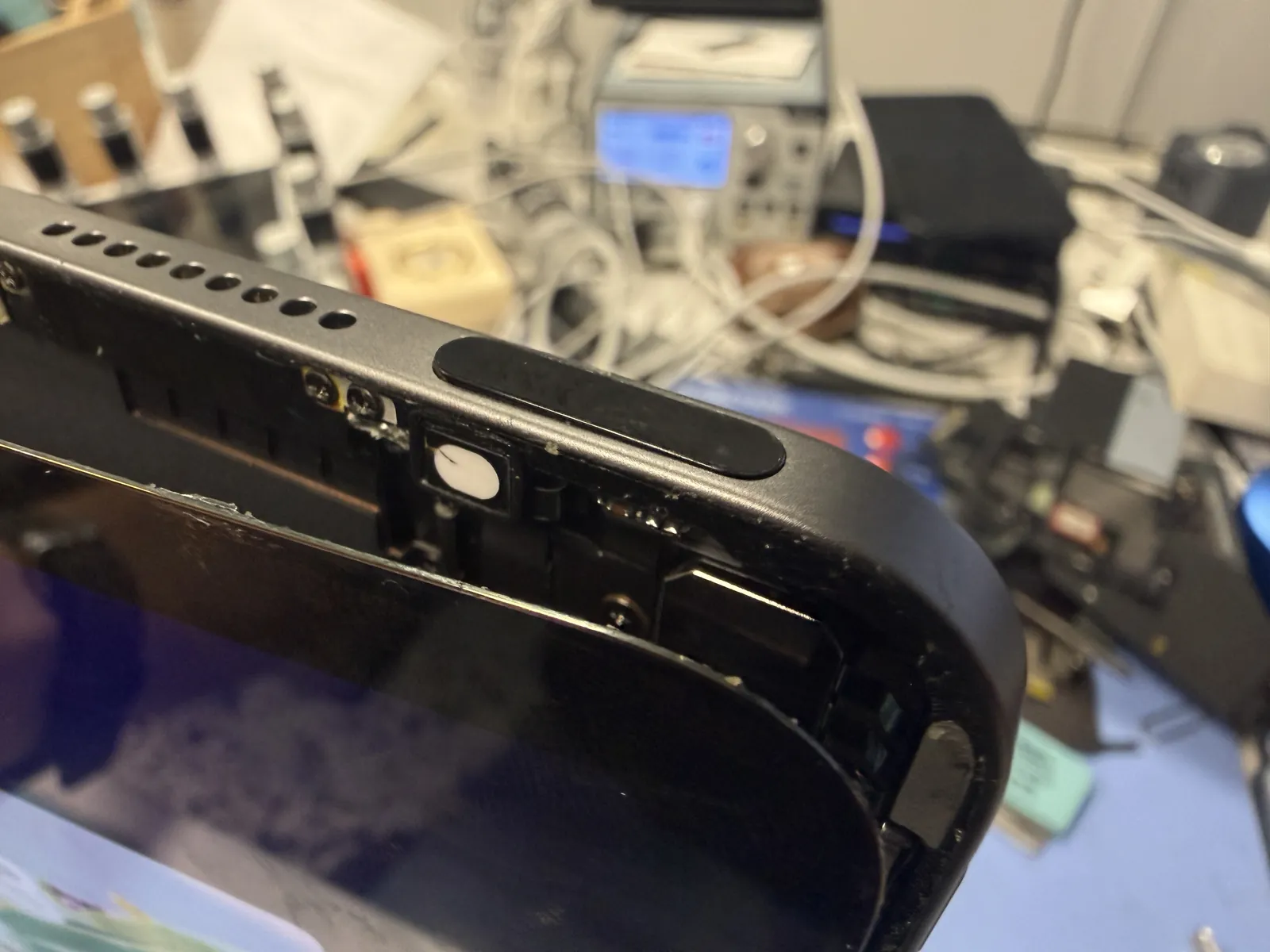
An iPad Air 4 took a fall on its top corner — right where the power button lives. The button sank into the frame and stayed there. Most people assume the button broke. It almost never does: the aluminum around it bends and pinches it in place. Here’s how we fix that, and why you won’t find a mark on it afterward.
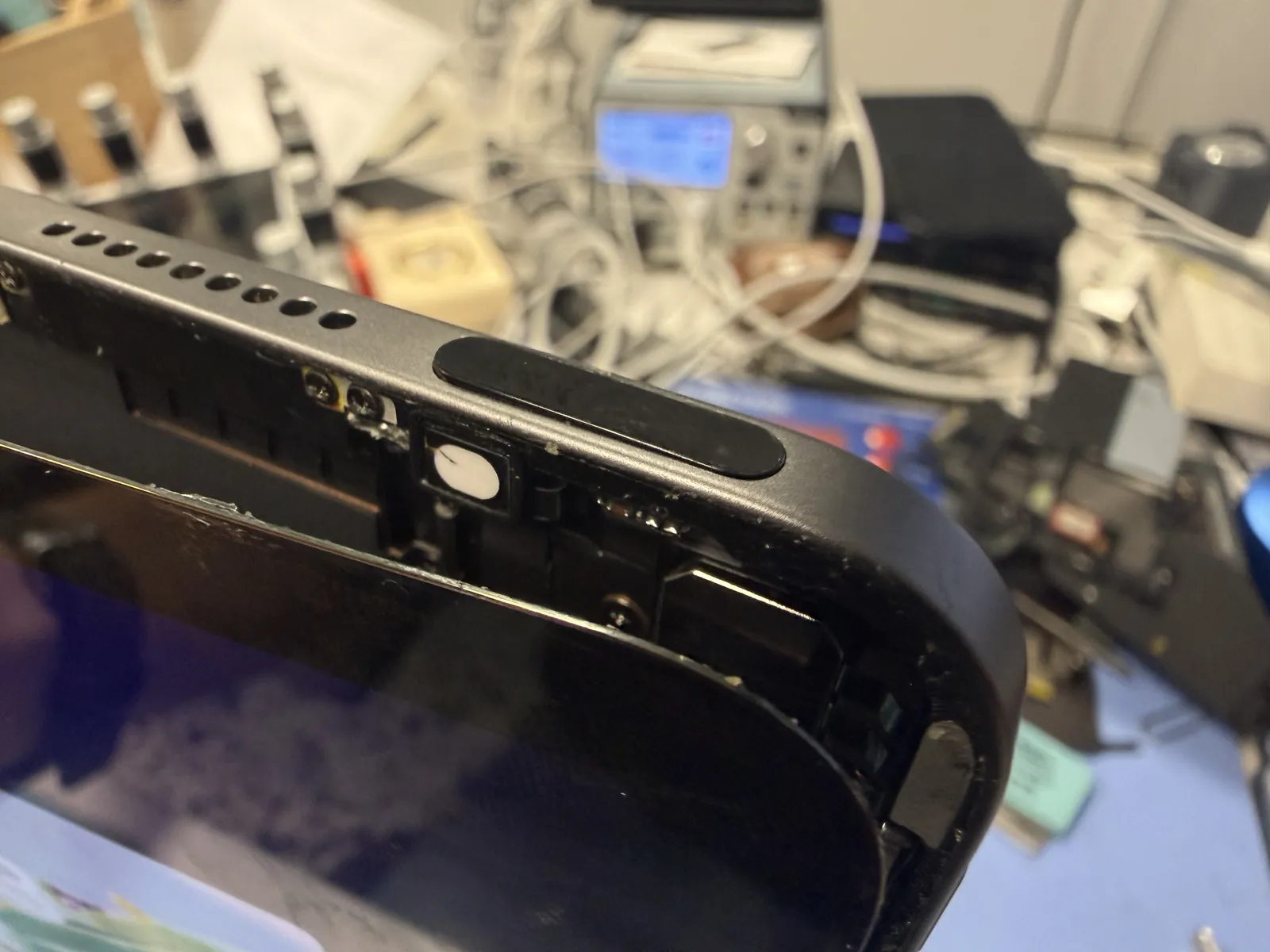
Pressed in after a drop, won’t release
The button itself was fine
Reshaped from the inside only
The job, on one card
Everything that matters about this repair, before the story.
| Model | iPad Air 4 — the same failure shows up on the Air 5 |
|---|---|
| Problem | Dropped on the top-right corner. The frame deformed around the power button and pinned it in the pressed position. |
| Repair time | Same day · 1 to 2 hours |
| Warranty | 30 days on the work |
| Teardown | Difficult4 / 5 |
| Tech’s note | A jammed power button does strange things to an iPad. The button is being held down permanently, so bad cases boot-loop over and over, or sit stuck in DFU mode looking completely dead — and people walk in convinced the board has failed. It hasn’t. The fix is mechanical: take the corner apart and reshape the bent aluminum until the button travels freely again. It only takes a small amount of grinding — just enough to give the button its clearance back, and all of it comes off the inside face. From the outside the iPad is untouched — once it’s back together, you can’t find where we worked. |
Why iPad Air power buttons jam
The Air 4 and Air 5 put the power button in the top-right corner — exactly where a falling tablet tends to land.
A drop on the button corner
Aluminum dents instead of bouncing back. Even a small flat spot on that corner narrows the channel the button slides in, and the button binds.
It gets worse with pressing
Forcing a binding button wedges it deeper into the pinch. What started as “sticky” becomes “stuck in” after a week of pushing on it.
It can look like a dead iPad
A pinned button means the iPad thinks you’re holding it down forever — endless restart loops, or a black screen in DFU mode. The board is fine. The frame isn’t.
Reshaping the frame, from the inside
No parts were replaced on this one. The work is careful access, then careful metal.
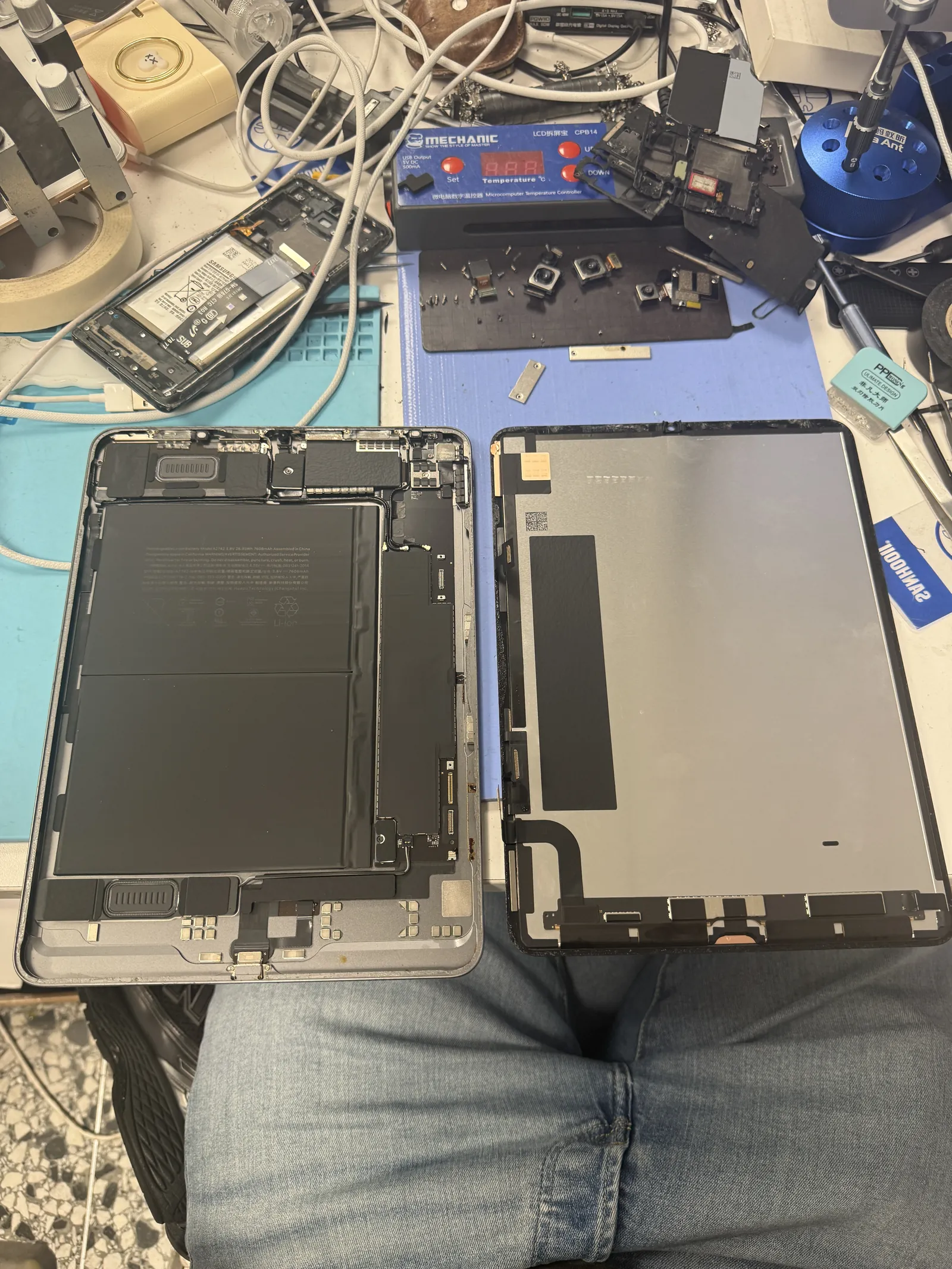
Screen off, corner exposed
The display comes off first — heat, patience, and a steady hand, because iPad glass doesn’t forgive shortcuts. With the screen safe on the bench, the damaged corner is finally reachable from the inside.
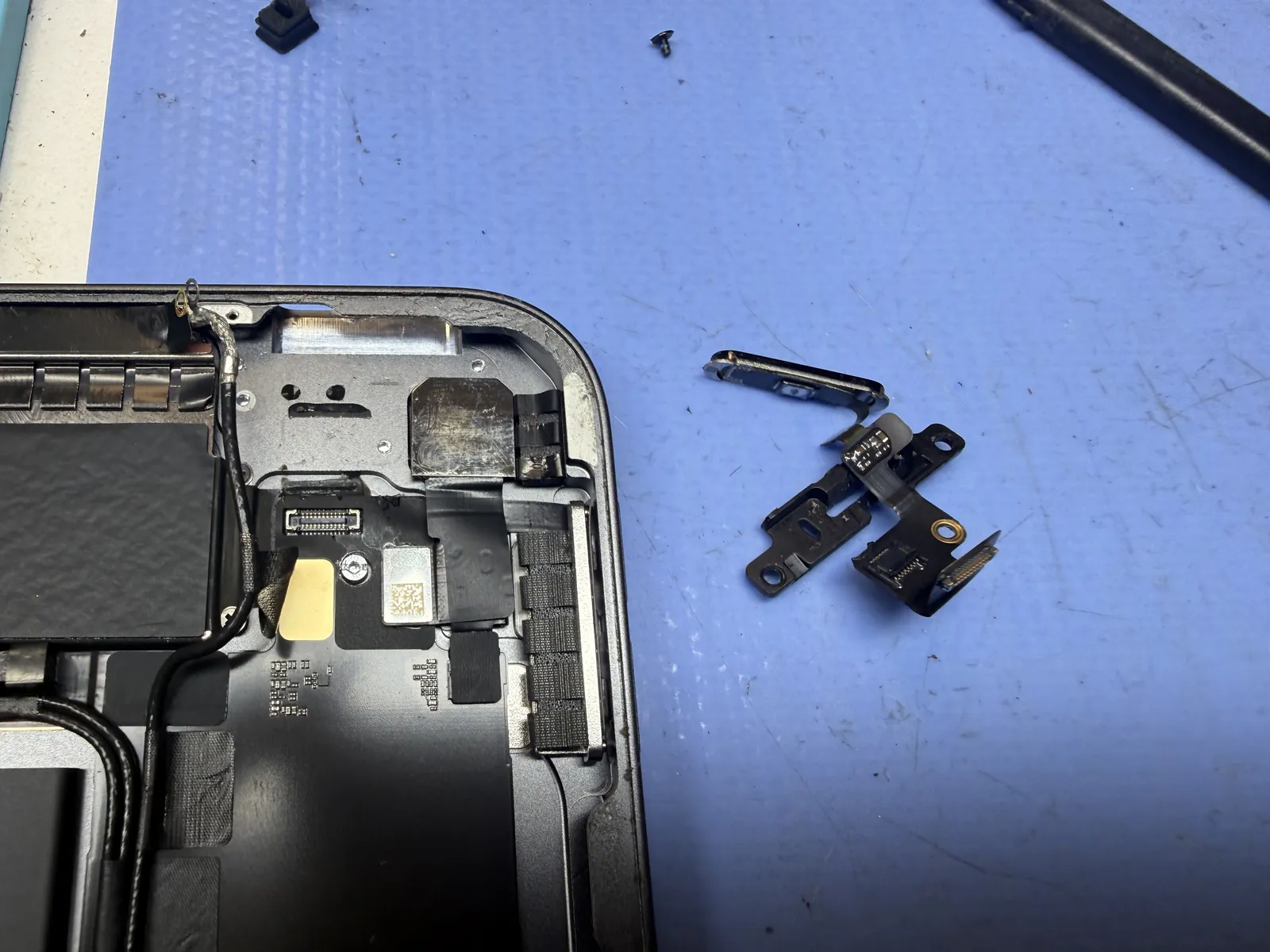
Button assembly out
The power button, its flex, and the little bracket that guides it all come out of the corner. With the parts out of the way, you can see the real problem: the channel they ride in has been squeezed out of shape.
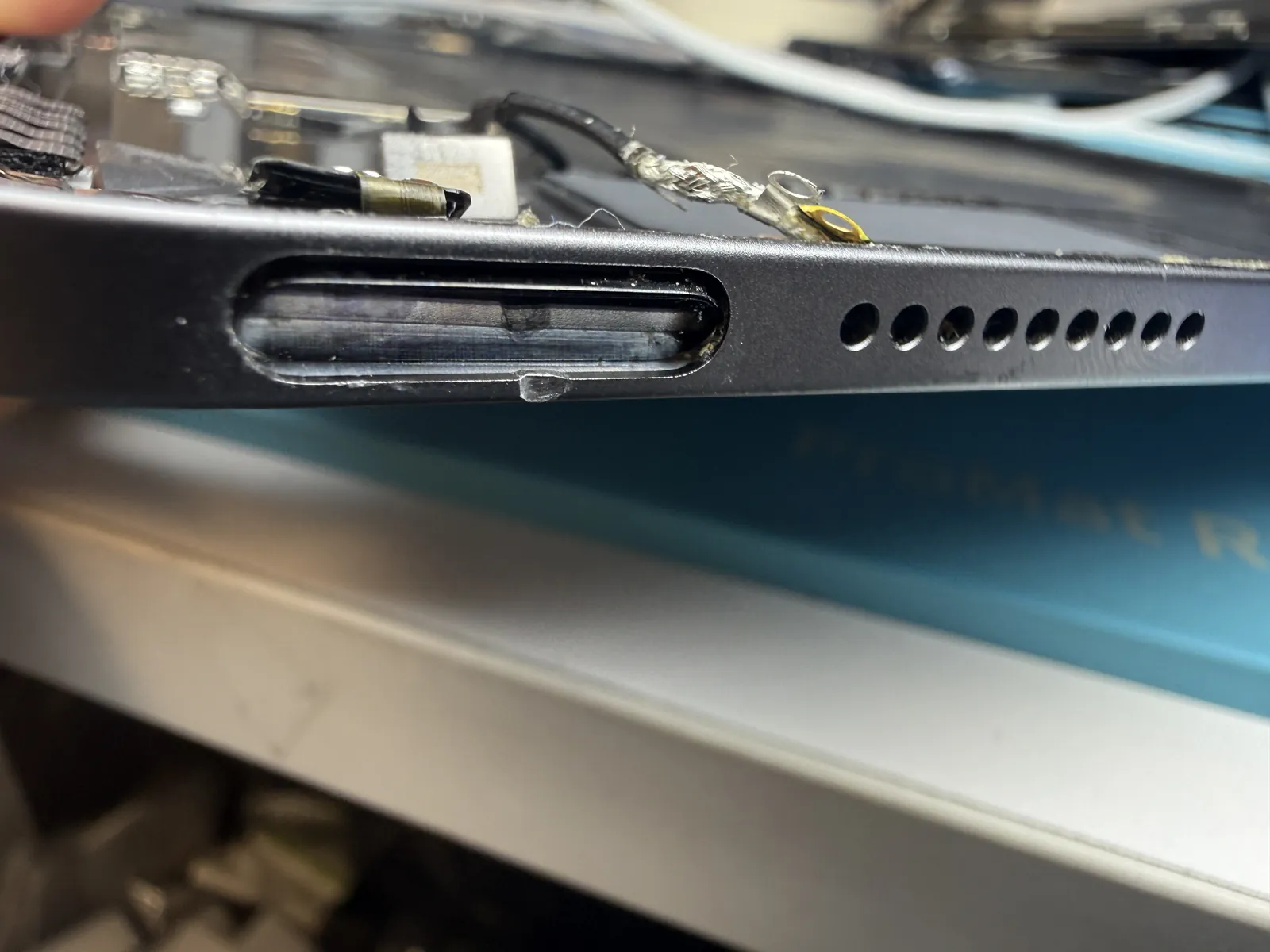
The damage, up close
This is what a “broken power button” usually looks like — the button is fine, but the aluminum channel around it has caved in where the corner hit. Nothing slides through a passage that has changed shape.
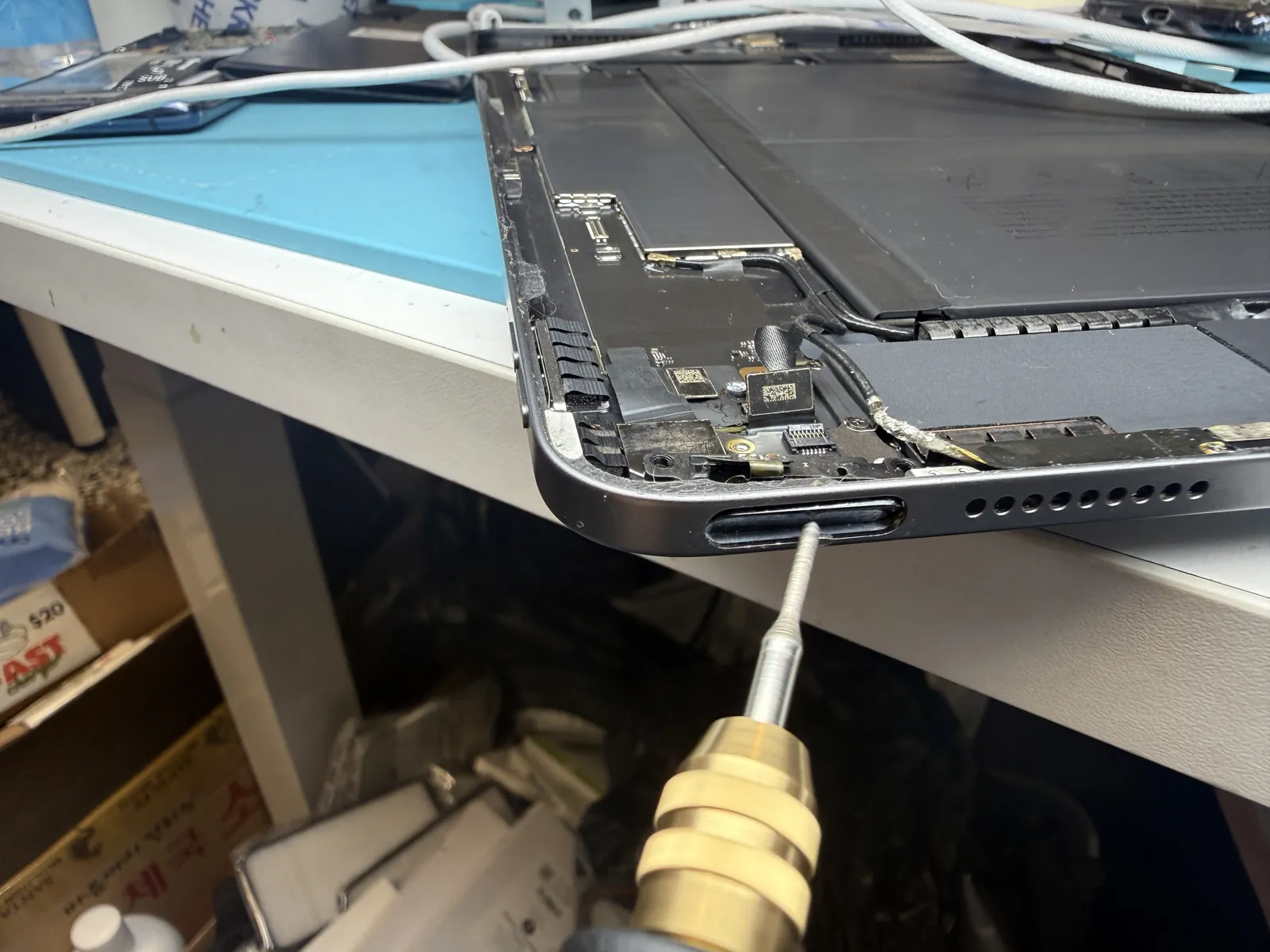
Grinding the bend away
The deformed metal gets ground back, a little at a time, checking the button’s travel after every pass. Take too little and it still drags. Take too much and the button rattles. The target is the exact original clearance.
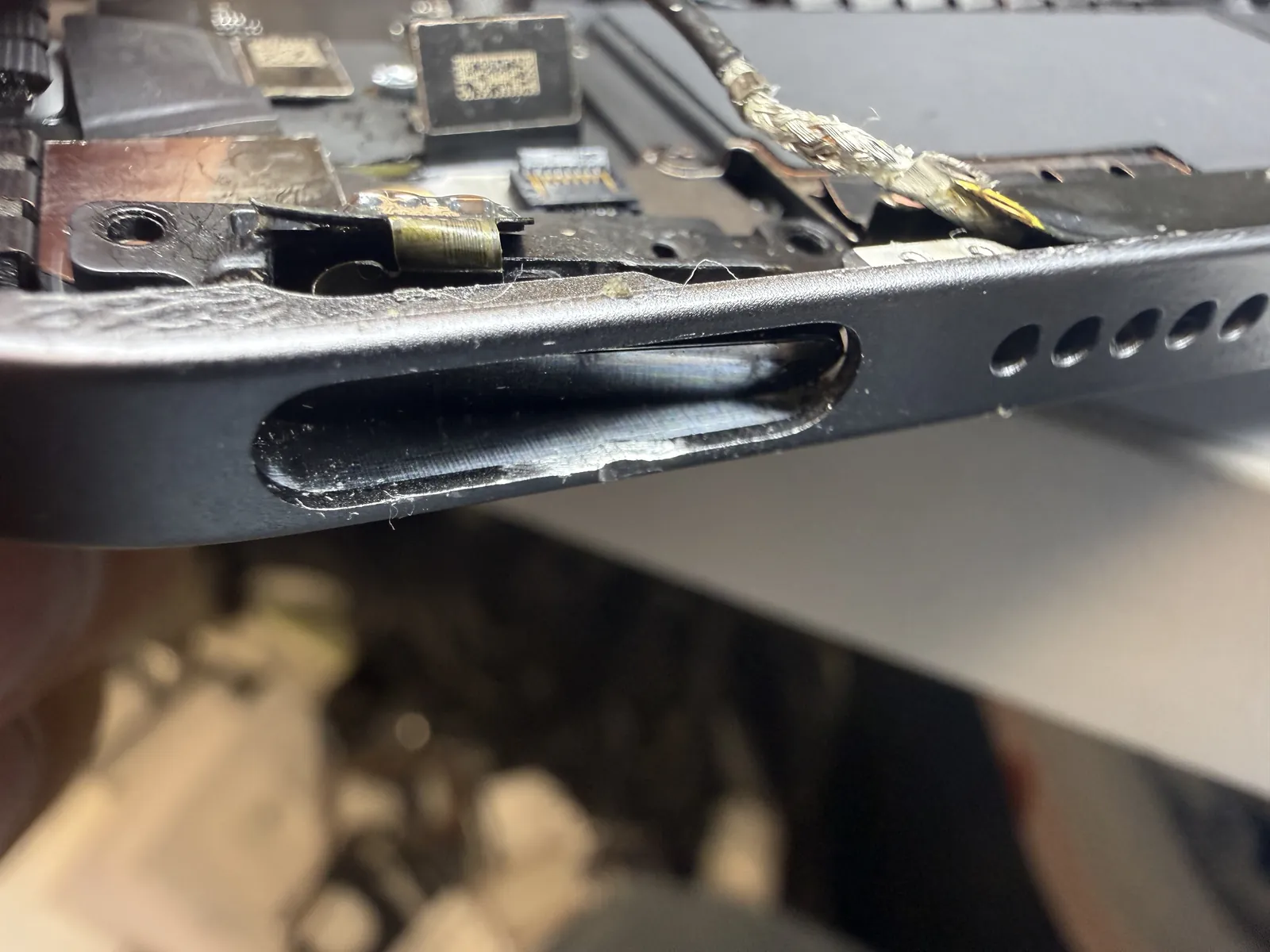
Clean travel, invisible from outside
The finished channel — smooth, clear, and completely hidden once the iPad is assembled. Every bit of metal came off the inside face. The outside of the corner was never touched.
Clicks like nothing ever happened
Button back in, screen back on, and the proof on video.
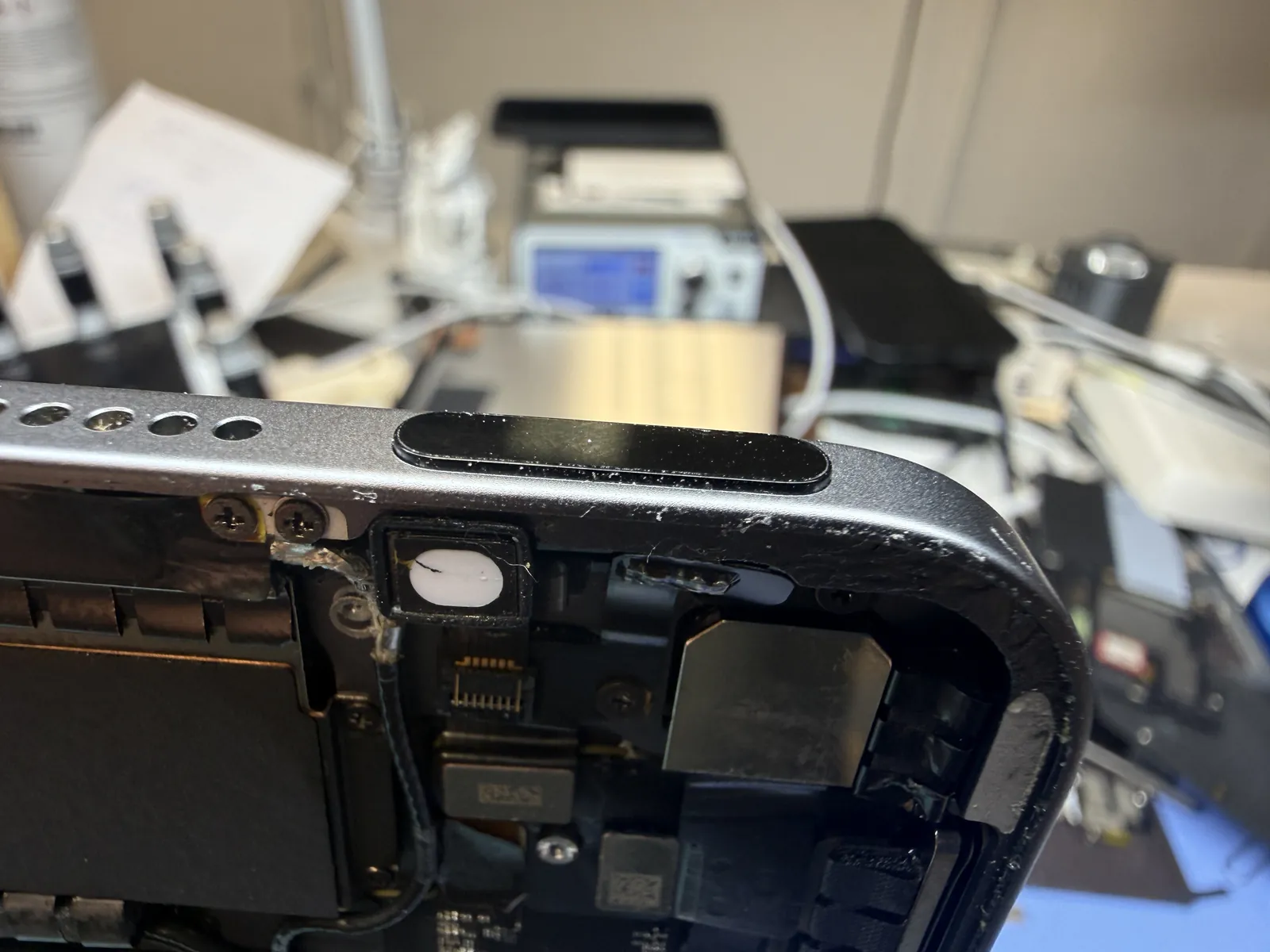
Free travel, clean click, no trace
The button goes in, comes back, and clicks the way it did from the factory — sleep, wake, force restart, all tested before the screen went back on. And because the reshaping happened entirely inside the frame, there’s nothing to see from the outside. No filed edge, no scuff, no sign anyone was ever in there.
iPad button stuck or boot-looping?
Bring it in — diagnosis is free, most frame repairs are done the same day, and you only decide once you know what’s actually wrong. Walk-ins welcome in Downtown Los Angeles.