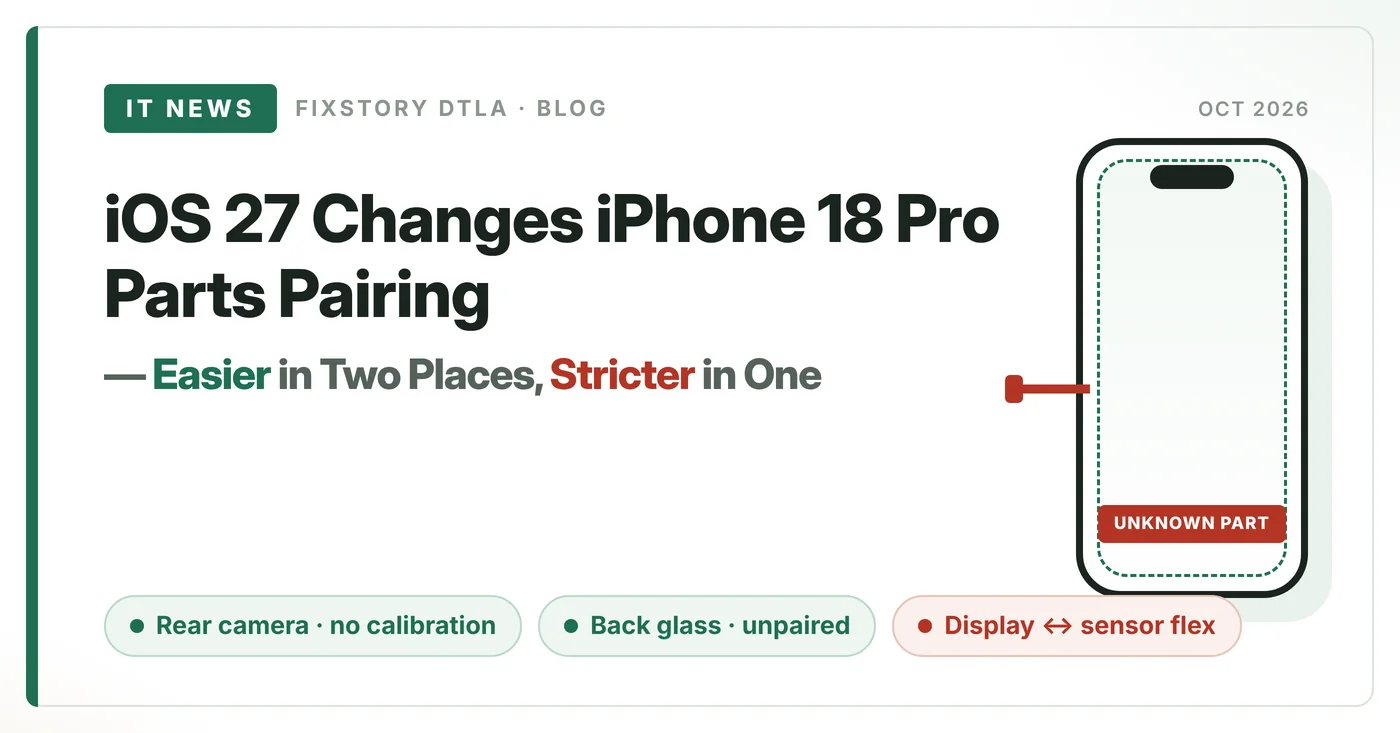
iOS 27 Changes iPhone 18 Pro Parts Pairing — Easier in Two Places, Stricter in One
REWA's parts-swap test shows calibration dropped on the rear camera and the back glass leaving the pairing system — while a new display-to-sensor-flex link quietly raises the stakes on screen jobs.
If you repair iPhones for a living, the iPhone 18 Pro's pairing behavior on iOS 27 is worth five minutes of your time. REWA tore down two units, labeled every part red and blue, swapped the boards to simulate a full parts swap, and ran Apple's Repair Assistant. Two restrictions got lighter. One brand-new restriction appeared — and it lands squarely on the most common job on your bench: the screen.
At a glance
Key findings
- Display, battery, front camera, rear camera: configuration available after the swap, all show "Used" in Parts & Service History.
- Rear camera: camera calibration is no longer required after configuration — LiDAR appears to be out of the pairing chain.
- Back glass: no configuration status at all — effectively removed from the pairing system.
- Battery, enclosure, front camera: same pairing logic as iOS 26. Enclosure configures, but oddly shows no Service History entry.
- New on iOS 27: the display is paired with its front sensor flex cable. A mismatched flex throws "Unknown Part."
Part-by-part results
| Part | After swap | Change vs iOS 26 | Impact on your bench |
|---|---|---|---|
| Display | Configures, shows "Used" | New limitPaired with sensor flex | Keep each display matched to its own flex |
| Sensor flex cable | Mismatched flex → config fails | New limit"Unknown Part" on display | Treat screen + flex as one set |
| Rear camera | Configures, shows "Used" | EasierNo calibration after config | One less step on camera jobs |
| Back glass | No configuration status | EasierOut of pairing entirely | Swap freely |
| Battery | Configures, shows "Used" | SameLogic unchanged | Same workflow as iOS 26 |
| Front camera | Configures, shows "Used" | SameLogic unchanged | Same workflow as iOS 26 |
| Enclosure | Configures, no Service History entry | SameLogic unchanged; history display inconsistent | Don't rely on history to verify the job |
Based on REWA's swap between two iPhone 18 Pro units running iOS 27.
The display–flex pairing, step by step
This is the part to read twice, because the failure shows up after a configuration that looked successful:
- Swap the sensor flex cables between two phones → Repair Assistant configuration fails, display reads "Unknown Part."
- Swap only the displays, run configuration with no sensor flex installed → configuration passes.
- Then install the mismatched sensor flex → "Unknown Part" comes back.
So a screen job can pass configuration on the bench and still flag "Unknown Part" once the flex goes in. The screen and its sensor flex are now treated as a set — a link that didn't exist in this form before iOS 27. REWA says more testing is coming as updates roll out.
Bench rules we're taking from this
1. Transfer the original sensor flex with its own display, every time. On 18 Pro screen jobs, the flex travels with the panel it came with — don't mix donors. 2. Install the flex before you run configuration, so the result you see is the result the customer sees. 3. Quote camera work lighter — the calibration step is gone. 4. Back glass is now a clean swap. And when a customer walks in with an "Unknown Part" banner after a repair done elsewhere, check the flex pairing before blaming the panel.
This article summarizes the test published by REWA Technology: "iPhone 18 Pro Parts Swap: Friendly for 3rd-Party Repair?" — youtube.com/watch?v=6IltlDdaXA0 (Sept 2026). All findings credit REWA Technology.