

A Cracked MacBook Pro Screen, Good as NewMacBook Pro 13" (2018 · Touch Bar) A1989 — Full Display Assembly Replacement
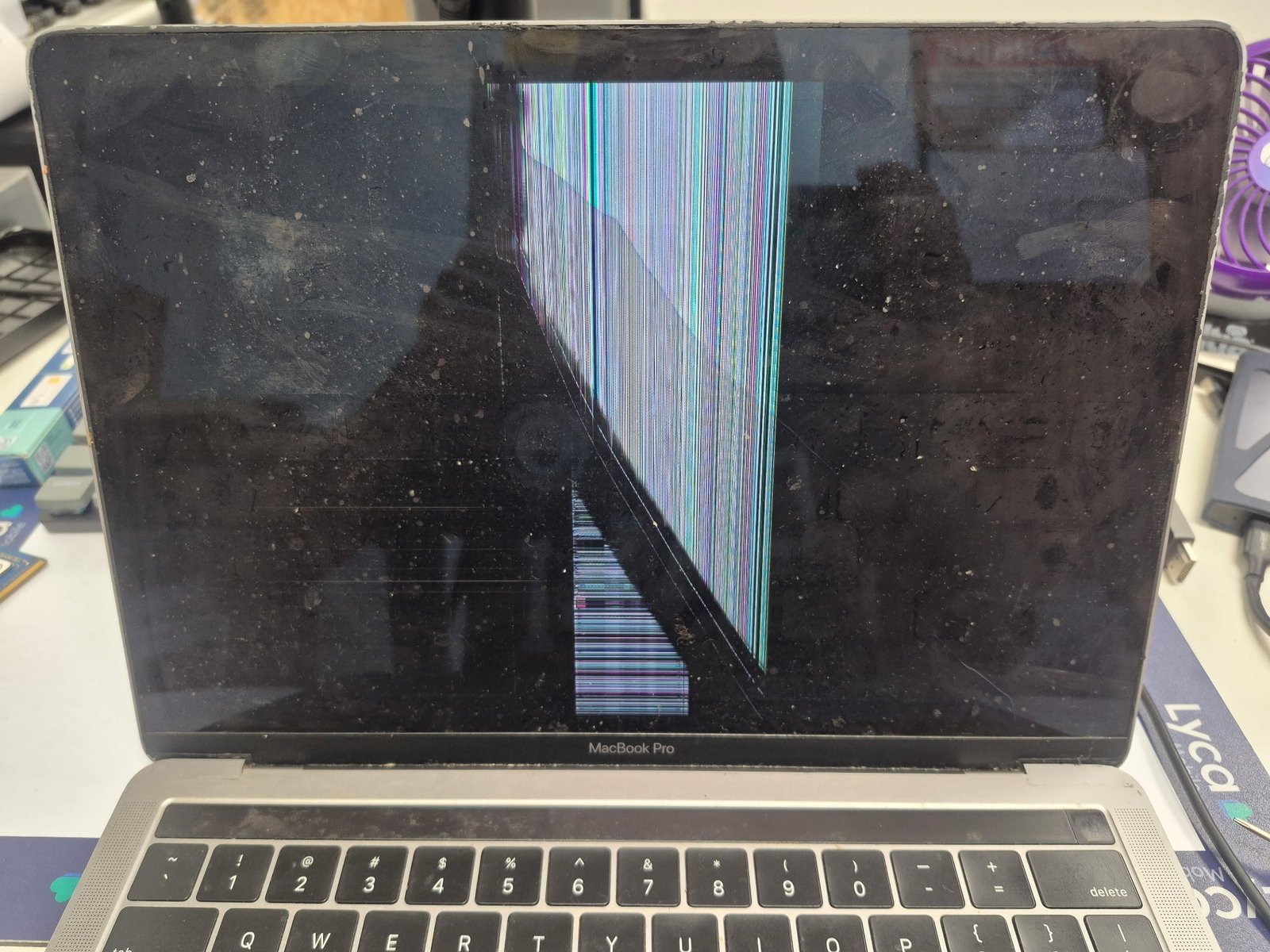
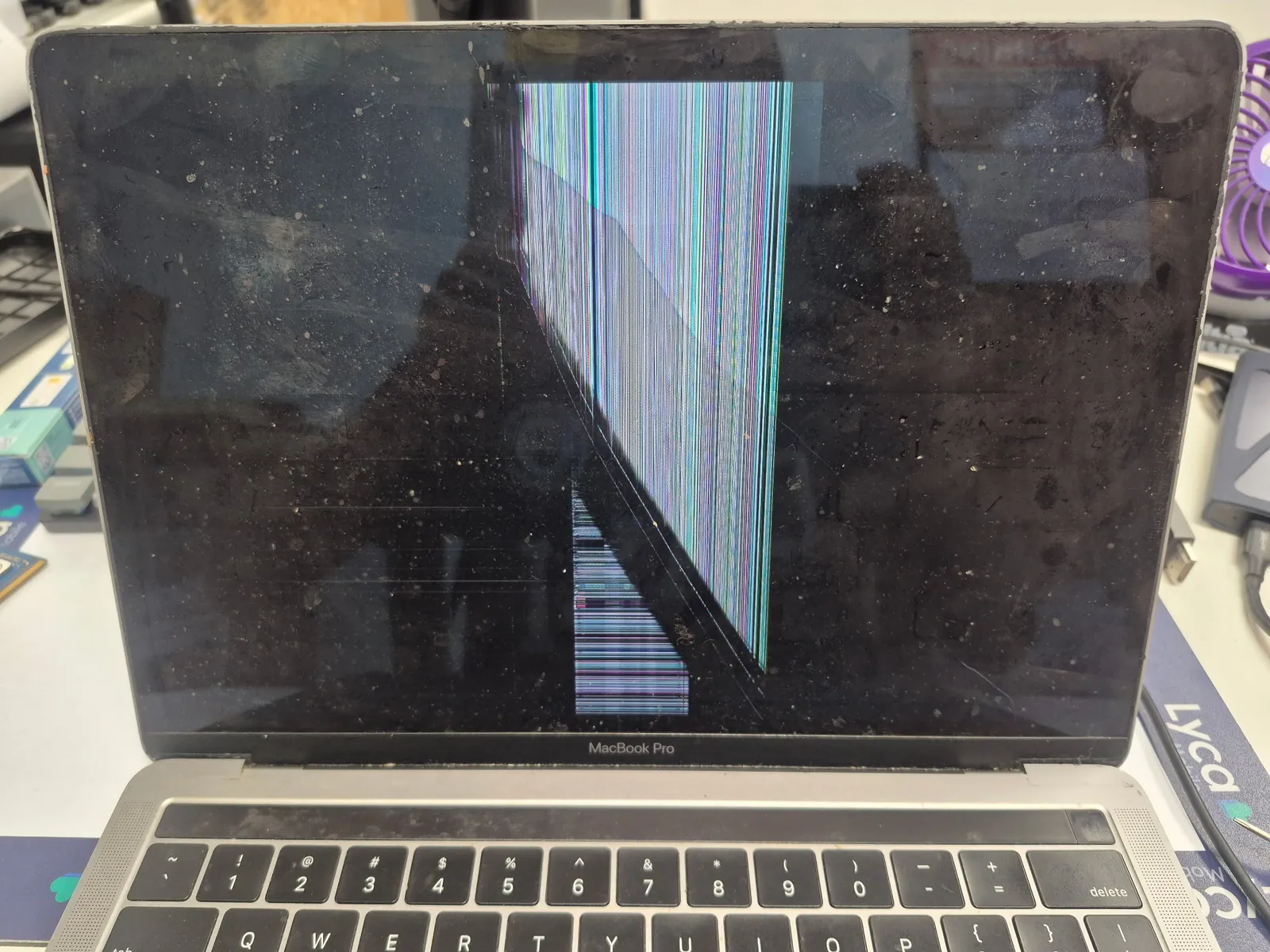
A MacBook Pro 13" (2018, Touch Bar, Model A1989) came in with a cracked display — the lower half of the screen covered in colorful vertical lines after a drop. On this generation of MacBook Pro, the Retina display is a fused unit: glass, LCD, and backlight bonded together at the factory, so the glass cannot be replaced on its own. We replaced the entire display assembly (the lid) — camera, microphone, and Wi-Fi antenna included.
Colorful vertical lines after a drop
Glass-only isn't possible — the whole lid is standard
Auto brightness/color can be lost after a standard swap
One impact, and the screen looks like this
A record of why this generation of MacBook Pro display gets replaced whole, not patched.
| Model | MacBook Pro 13" (2018, Touch Bar) · Model A1989 |
|---|---|
| Symptom | Cracked display — the lower half of the screen was covered in colorful vertical lines, with some areas showing no image at all |
| Cause | Drop / impact — internal wiring or cells inside the LCD panel were damaged from the fall |
| Repair | Full display assembly (lid) replacement — a complete unit including glass, LCD, camera, microphone, and Wi-Fi/Bluetooth antenna |
| Turnaround | 1–2 hours (same-day if the part is in stock) |
| Heads up | True Tone's automatic color adjustment depends on calibration data paired between the original display and the logic board. After this kind of standard replacement, the True Tone option often disappears from System Settings entirely. We flag this to customers before starting the job. |
The Retina display comes as one fused piece
MacBook Pro screens built since 2016 use a fundamentally different structure than earlier generations.
A fused panel
The Retina display is a factory-bonded unit — glass, LCD, and backlight fused into one piece. Even a crack in the glass alone means the LCD has to be replaced with it.
Camera, mic, and antenna come with it
The display assembly houses more than the screen — the webcam, microphone, and Wi-Fi/Bluetooth antenna all live inside the lid, so the whole lid is treated as a single part.
Impact reaches the LCD too
Even when only the glass looks cracked, an impact that reaches the LCD panel shows up as colorful vertical lines, discoloration, or dead patches on the display.
Swapping an entire lid
From disconnecting the battery to reassembly and testing — get the order wrong and a part can get damaged.
Check the logic board first
We power the machine on to confirm the logic board and battery are healthy. If an external monitor shows a clean image, the problem is narrowed down to the display itself.
Disconnect the battery, then the cables
The battery is disconnected first to cut power. Then the hinge screws come out and the display cable, camera cable, and antenna cables are carefully disconnected one at a time.
Reconnect cables, align the hinge
The new display assembly goes in and the cables are reconnected. Getting the hinge alignment and screw torque right is what keeps the lid closing flat instead of twisting.
Re-verify every function
We power it on and check full-screen brightness, color, the Touch Bar, camera, and microphone before handing it back.
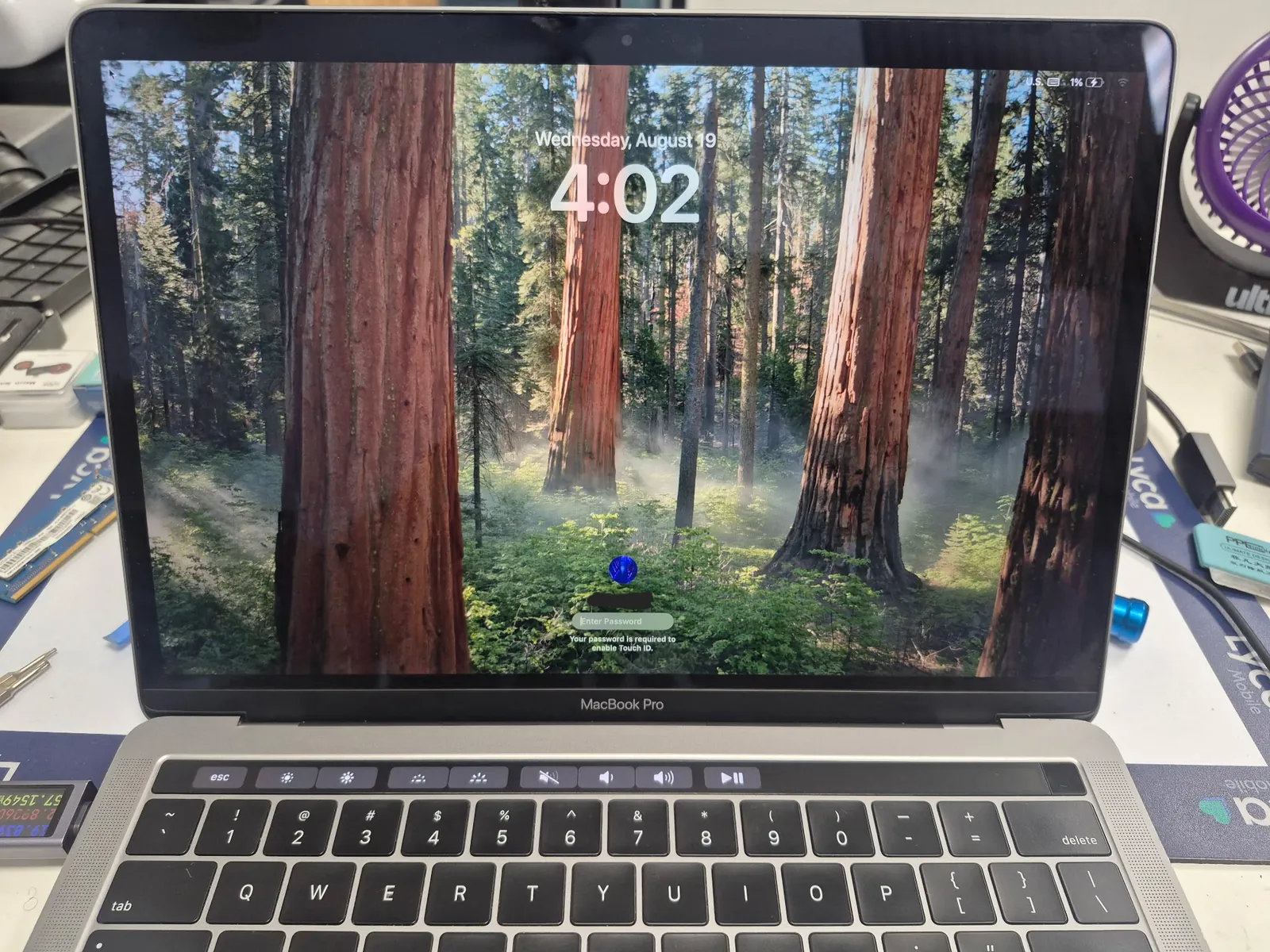
A new screen, everything else untouched
Only the display assembly was swapped, so nothing about the data or settings changes.
Clean, with no lines left
The screen that had been covered in vertical lines is sharp again. The logic board, battery, and keyboard were never touched, so it comes back exactly as it was — just with a new screen.
Common questions about MacBook Pro screen repair
If my MacBook Pro screen cracks, can just the glass be replaced?
No. On MacBook Pro models from 2016 onward, the Retina display is a fused unit — glass, LCD, and backlight bonded together — so the full display assembly (the lid) has to be replaced.
Why do colorful vertical lines appear on the screen?
This is the classic symptom of internal wiring or cell damage inside the LCD panel from a drop or impact. The glass can look completely fine while the panel itself is damaged.
Does True Tone still work after the replacement?
After a standard assembly replacement, True Tone is often disabled. That's because the original display's calibration data is paired specifically with the logic board. Screen brightness and color quality themselves aren't significantly affected.
How long does the repair take?
Same-day service in about 1–2 hours is typical when the part is in stock. It can vary by model and parts availability, so it's worth confirming before you come in.
What is the A1989 model?
It's the 13-inch MacBook Pro with Touch Bar released in 2018. You can find the model number stamped on the bottom of the case, or by checking About This Mac.
Is MacBook repair available near Downtown LA?
Yes — our Downtown Los Angeles shop handles MacBook Pro and MacBook Air screens, batteries, keyboards, and board-level repair. Diagnosis is free and we'll walk you through a quote.
A cracked screen doesn't mean a new MacBook
We keep display assemblies in stock, so most repairs are same-day. Free diagnosis at our Downtown LA shop.