Never Dropped, Touch Dead Anyway — the Foldable Cable ProblemGalaxy Z Flip 6 · Dead Touch & Data Transfer — Downtown LA
A Galaxy Z Flip 6 came in with a complaint we hear about foldables all the time: never dropped, not a scratch on it — and one day the touch simply stopped working. The owner had already been to the official Samsung service center in Glendale and was told the fix was a screen replacement. Too expensive, she decided — “just move my data to my new phone.” That’s a job the official center doesn’t offer at all. It’s exactly what an independent shop like ours is for.
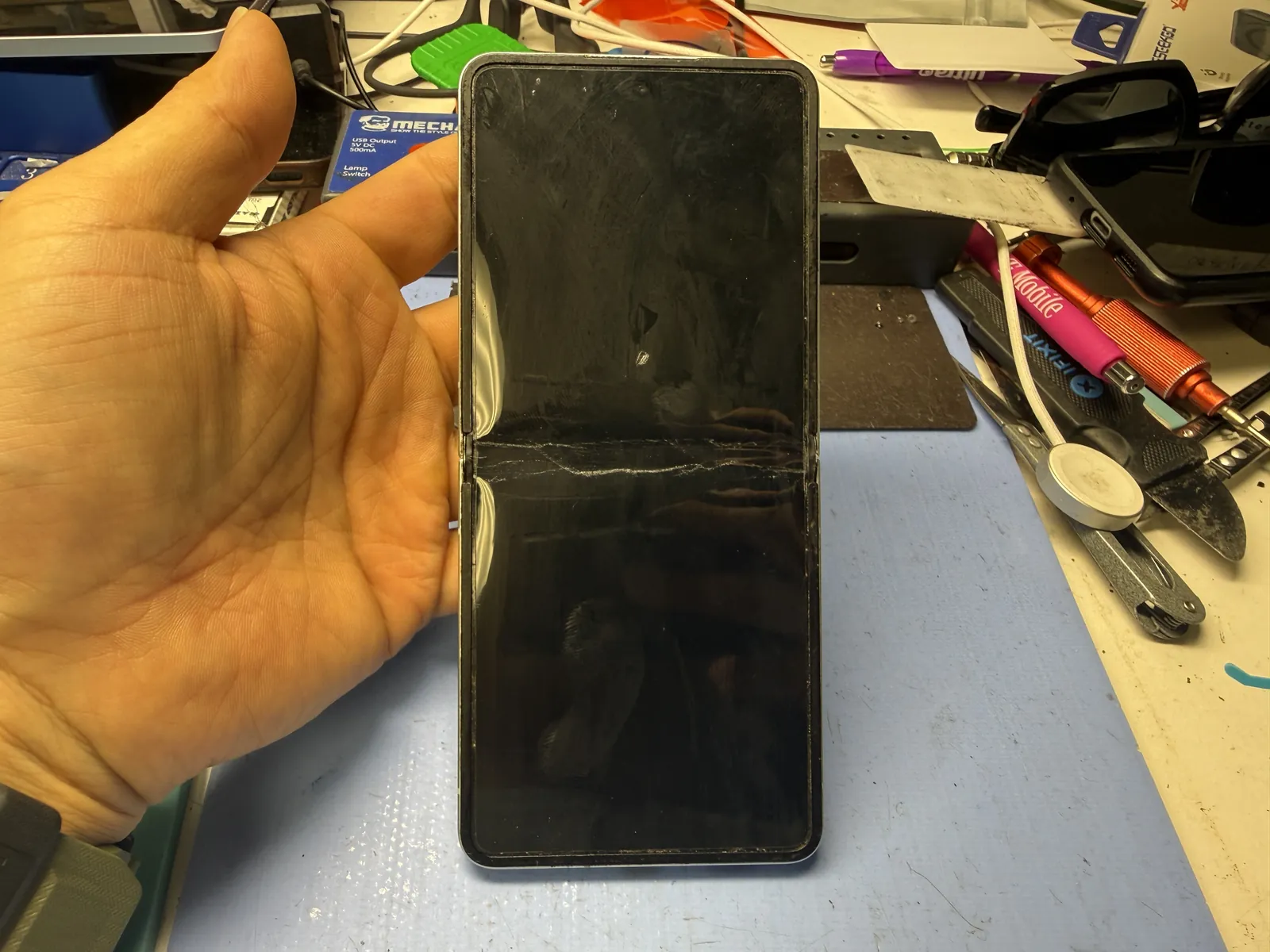
Screen turns on — nothing responds
Folding fatigue, not the screen panel
Touch revived, everything on the new phone
The job, on one card
What was wrong, what the owner chose, and what we did.
| Model | Galaxy Z Flip 6 |
|---|---|
| Problem | Touch completely unresponsive with no drop and no visible damage — the classic foldable failure, where the cable behind the screen gives out from folding, not the panel itself. |
| The ask | The owner heard “screen replacement” at the official service center, decided against the cost, and asked us to move her data to her new phone instead. |
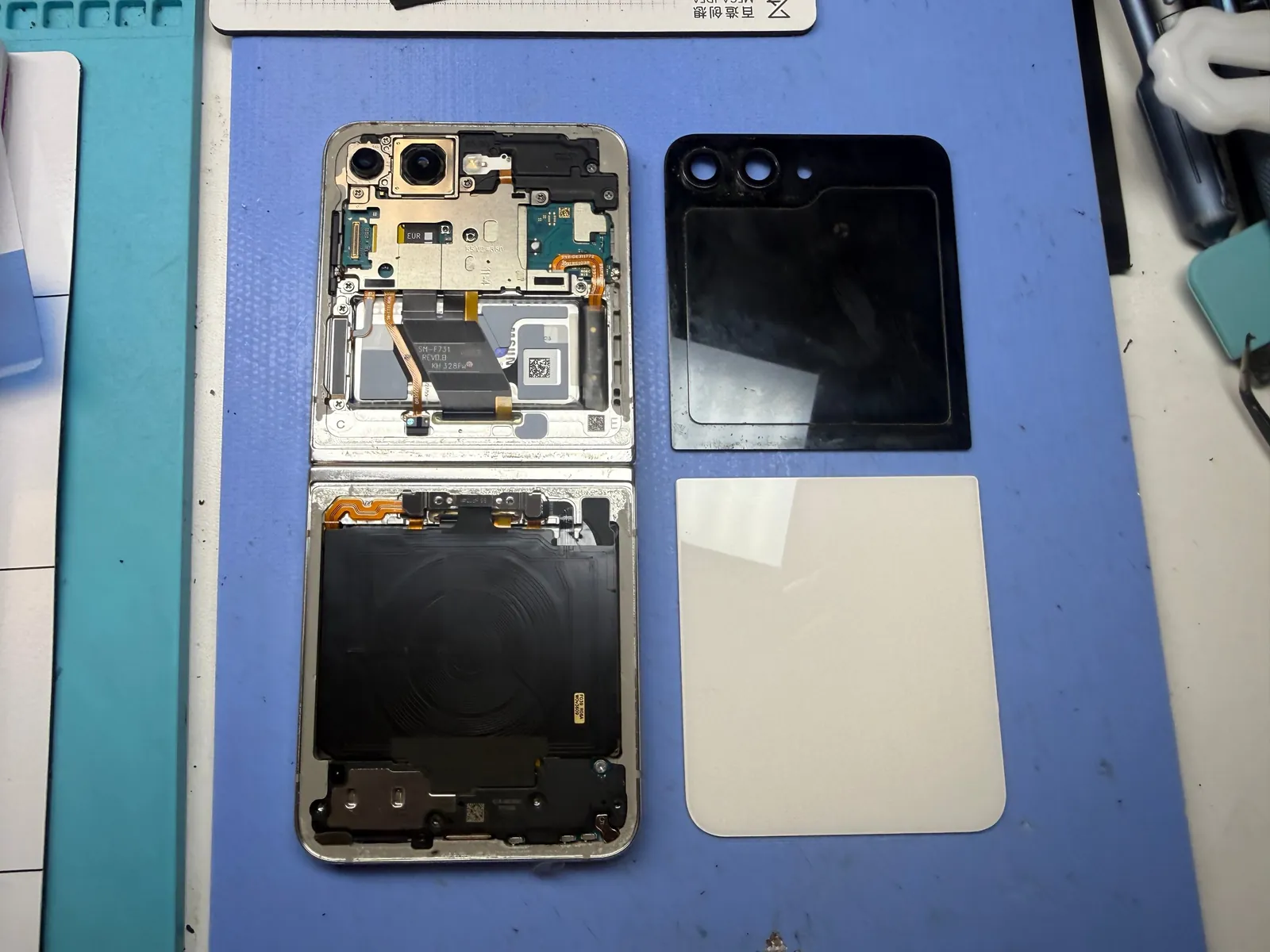
| Service | Front and back covers opened, a new interconnect cable connected — touch came back — then a full data transfer to her new Galaxy. |
| Price | Data transfer service · $120 |
| Teardown | Careful work3 / 5 |
| Tech’s note | Some honesty about foldables, from someone who repairs them weekly. This cable problem has been with us since the very first Z Flip, and it still isn’t solved — I’ve already repaired plenty of early Z Flip 7 units for the same thing. Give any folding phone a year or two of opening and closing, and these symptoms start walking through the door. And it’s not a Samsung thing — every foldable from every brand lives with this, because a cable that bends thousands of times eventually gives out. When that will truly be solved, I honestly don’t know. What I do know: when a foldable’s touch dies without a drop, think cable before you think screen — the difference matters a lot at the register. |
Why foldable touch dies without a drop
The screen usually gets the blame. The real story lives behind it.
The cable behind the screen
Behind a foldable’s display runs a cable linking the upper and lower boards — and it flexes with every open and close. When it gives out, the screen may light up with no touch, or show nothing at all. The panel itself is often perfectly fine.
As old as the Z Flip itself
This failure has existed since the first Z Flip, and the early Z Flip 7 units we’ve repaired show it’s still around. The pattern is consistent: one to two years of normal folding, then the symptoms arrive.
Every brand, every foldable
This isn’t a Samsung defect — it’s the physics of folding a cable thousands of times, and every foldable on the market lives with it. Until someone truly solves it, knowing the symptom saves you from paying for the wrong fix.
From dead touch to a finished transfer
The data can’t move while the phone can’t be touched — so the touch comes back first.
The symptom: a screen that ignores you
On video, the whole problem in a few seconds — the display is on and healthy-looking, and no amount of tapping does anything. No drop in this phone’s history. That combination is the signature of the cable, not the glass.
New cable in, touch comes back
Front and back covers come off, and a new interconnect cable takes over from the worn one. The result is on video: the same screen that ignored every tap now responds normally. No screen replacement — the panel was never the problem. With the phone usable again, the real job could start.
Everything moved to the new phone
The job the owner actually asked for — delivered in full.
Photos, messages, apps — all on the new Galaxy
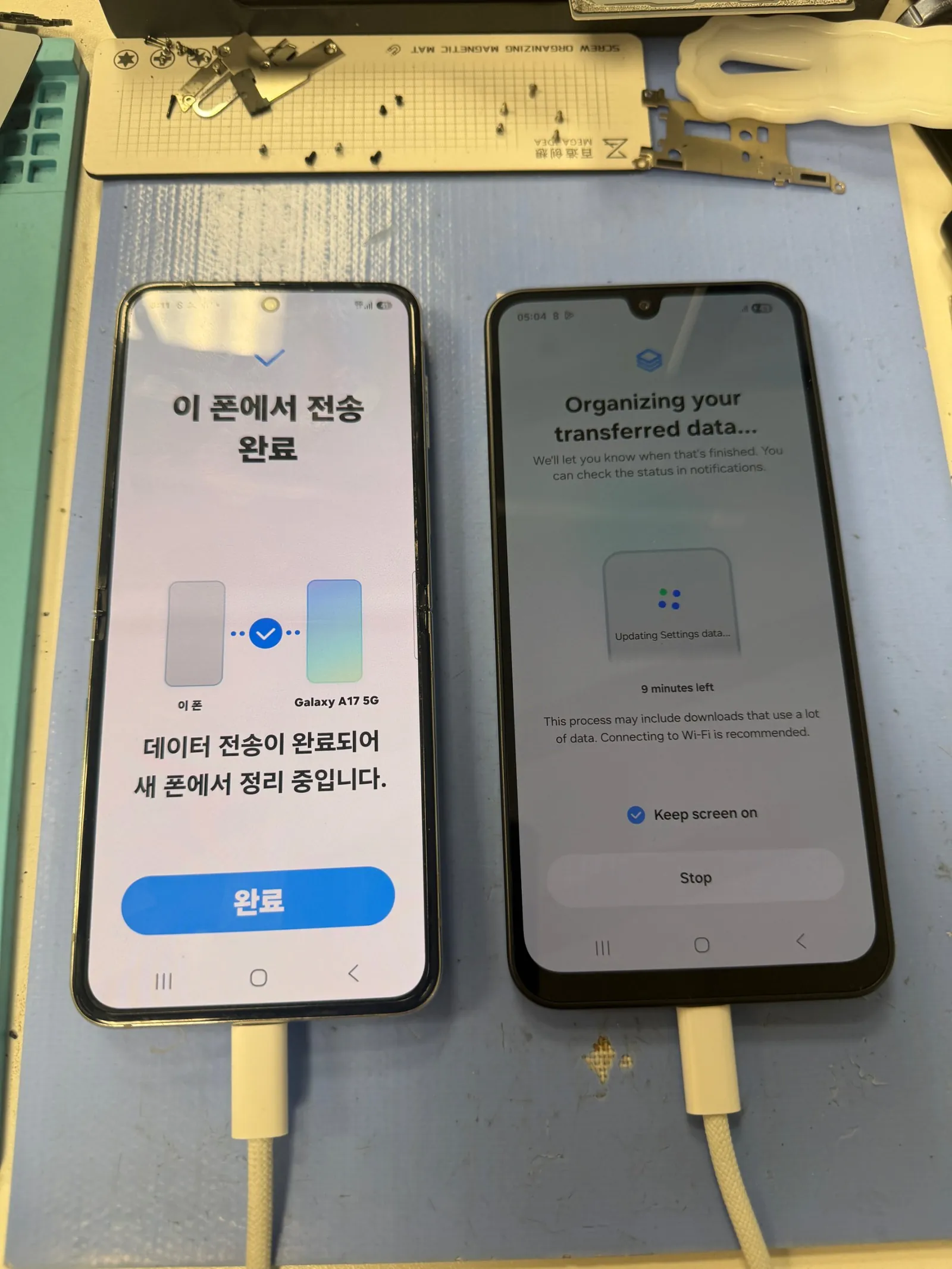
With touch revived, the Flip 6 unlocked and handed over everything it was holding — the transfer ran cable-to-cable to her new Galaxy, and we watched it through to the final confirmation on both screens. She walked out with her new phone feeling like her old one, which is the whole point. This is the $120 data transfer service: for owners who don’t want to invest in repairing a foldable, but aren’t willing to lose what’s on it. The official service center doesn’t offer data-only work — it’s independent-shop territory, and we’re glad to be that shop.
The two questions everyone asks
Straight answers, as always.
My foldable’s touch died — do I really need a new screen?
Often, no. When a foldable’s touch dies without a drop, the usual culprit is the cable behind the screen, worn out by folding — the panel itself is frequently fine. The symptoms are touch that stops responding, or a main screen that stays black while the phone runs. Diagnosis is free and takes minutes. When the screen itself does need replacing, we fit genuine panels only — here’s a Z Flip 7 screen job showing why.
Can you move my data without repairing the phone?
Yes — that’s our $120 data transfer service, and this post is exactly what it looks like. We revive the phone just enough to unlock it, then move everything — photos, messages, contacts, apps — to your new phone and confirm it on both screens before you leave. Official service centers don’t offer data-only work; independent shops like ours do.
More honest repair stories
Same bench, same philosophy, different devices.
Foldable acting up — or just want your data out?
Bring it in — diagnosis is free, the honest answer may be cheaper than you were quoted, and if you’d rather skip the repair, the $120 data transfer gets everything onto your new phone the same visit. Walk-ins welcome in Downtown Los Angeles.