

The Battery Comes Out the Back on This OneiPhone 15 Battery Replacement — Downtown LA
This iPhone 15 came in for a battery replacement, but the useful part of the story is how the job is reached. On this model, the battery is accessed from the rear. The back glass comes up first, the original adhesive is pulled out from under the cell, and the replacement battery goes into the same bay before the phone is closed and tested.
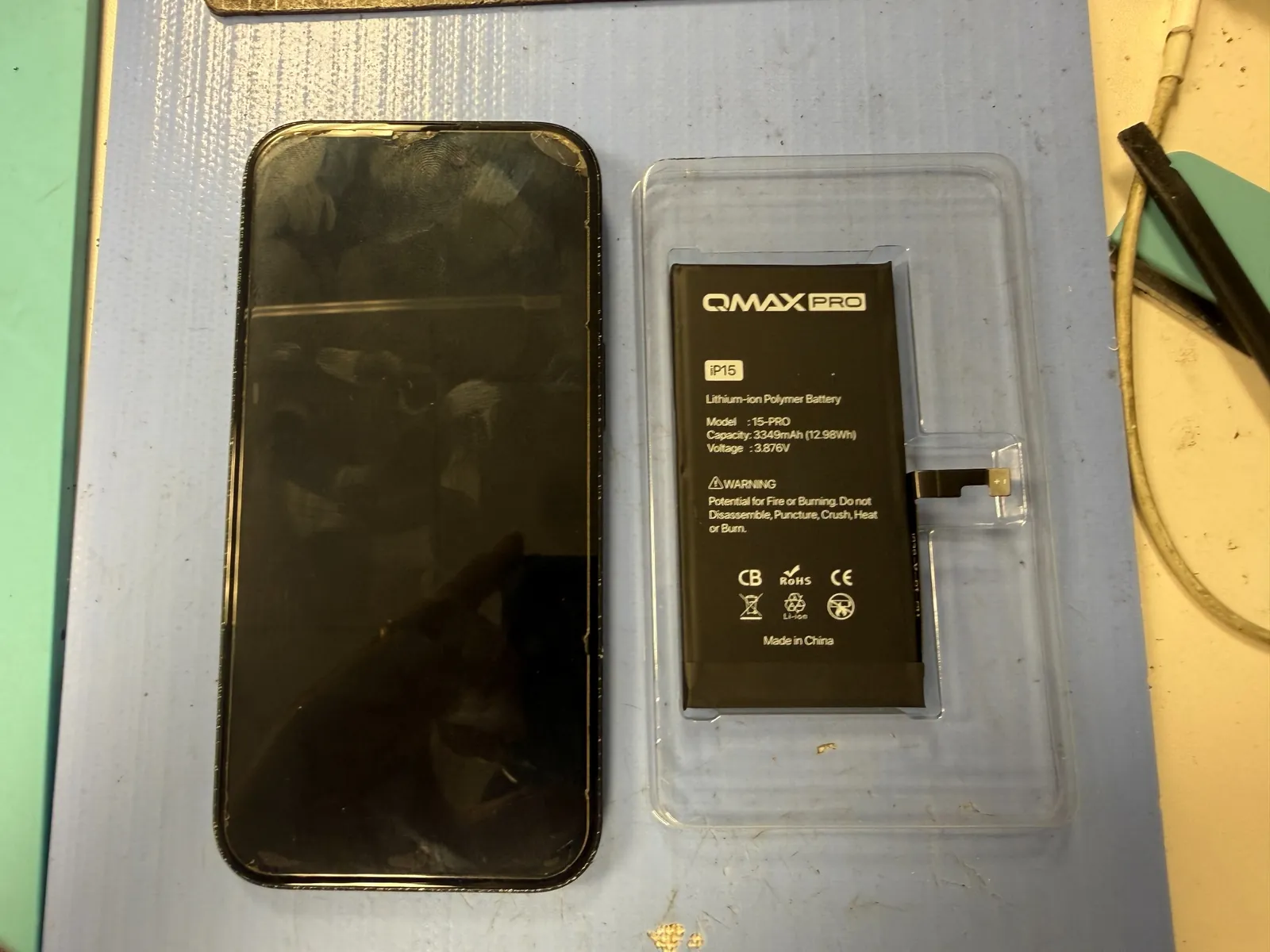
The original Apple battery was removed and replaced with a new aftermarket cell.
The back glass comes off first so the battery and its adhesive can be reached directly.
The new battery was seated, the phone reassembled, and the display came back up normally.
The job, on one card
What this repair record actually shows, without filling in details that weren't recorded.
| Model | iPhone 15 |
|---|---|
| Problem | Battery replacement requested. No separate battery-health percentage or runtime complaint was recorded with this photo set. |
| Part | Aftermarket replacement battery. The label on the new cell shows a 3349 mAh rating. |
| Repair time | Not timed for this repair record |
| Warranty | Current battery-repair warranty is confirmed at check-in. |
| Teardown | Careful work3 / 5 |
| Tech's note | The detail I like about this job is that it punishes habit. If you've opened enough older iPhones, your hands want to start at the display. The iPhone 15 changes that route. For a battery job, the clean way in is through the rear glass. Once you're inside, the battery itself isn't the dramatic part — the adhesive is. Keep the pull low, keep it moving, and don't turn a routine battery swap into a bent cell or a damaged flex. |
The battery is familiar. The route is different.
Three details in the photos explain most of the job.
The back glass is the door
The rear panel is lifted first. That exposes the battery side of the chassis without turning the job into a display-removal repair.
Long pulls beat brute force
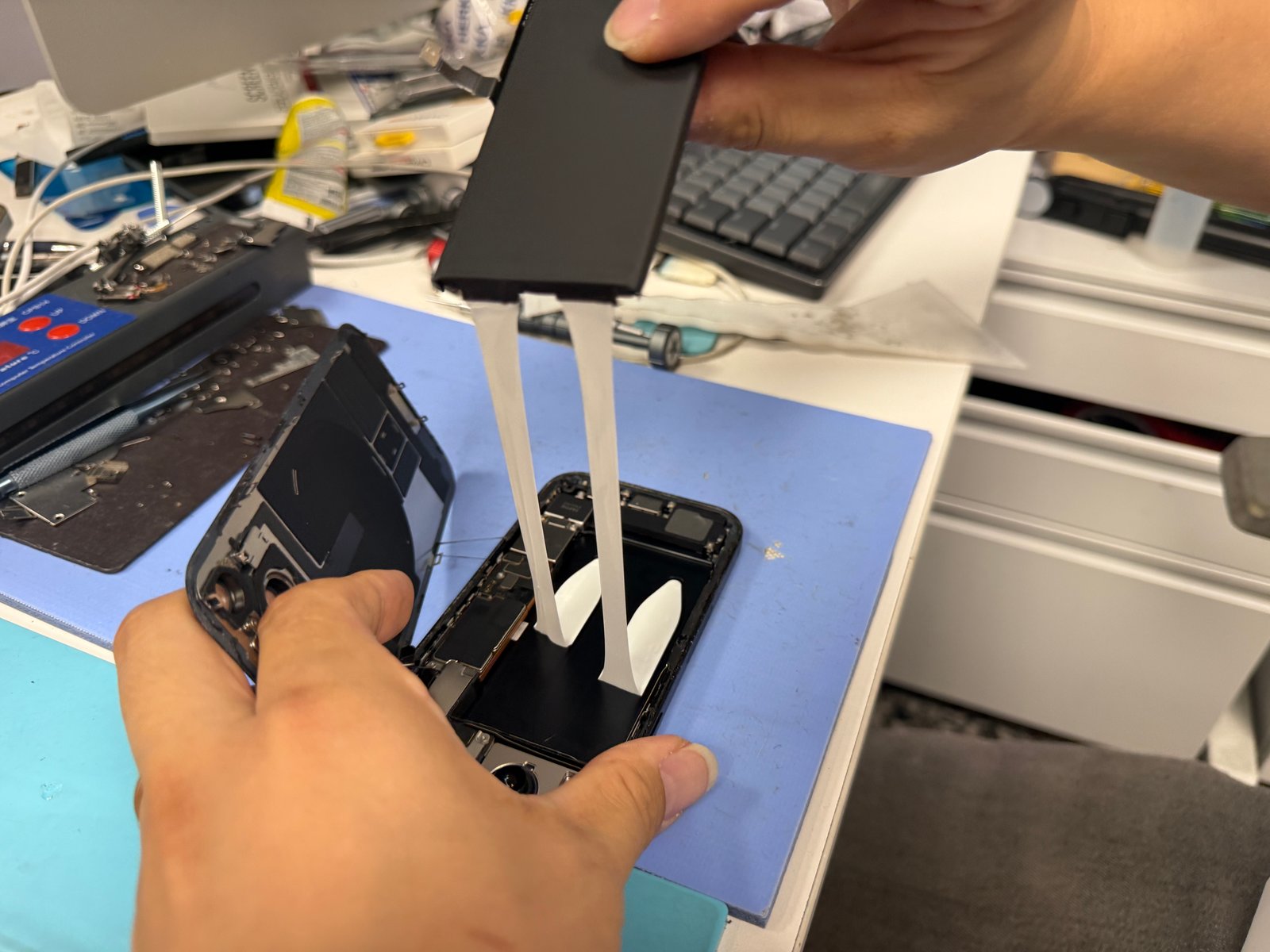
The original battery is held down with stretch-release adhesive. The white strips are pulled out from under the cell instead of forcing the battery upward.
A flat battery bay matters
Before the replacement goes in, the bay needs to be clear. The new cell has to sit flat so the rear assembly can close without pressure underneath it.
Rear glass up, adhesive out, new battery in
Four frames from the actual repair.
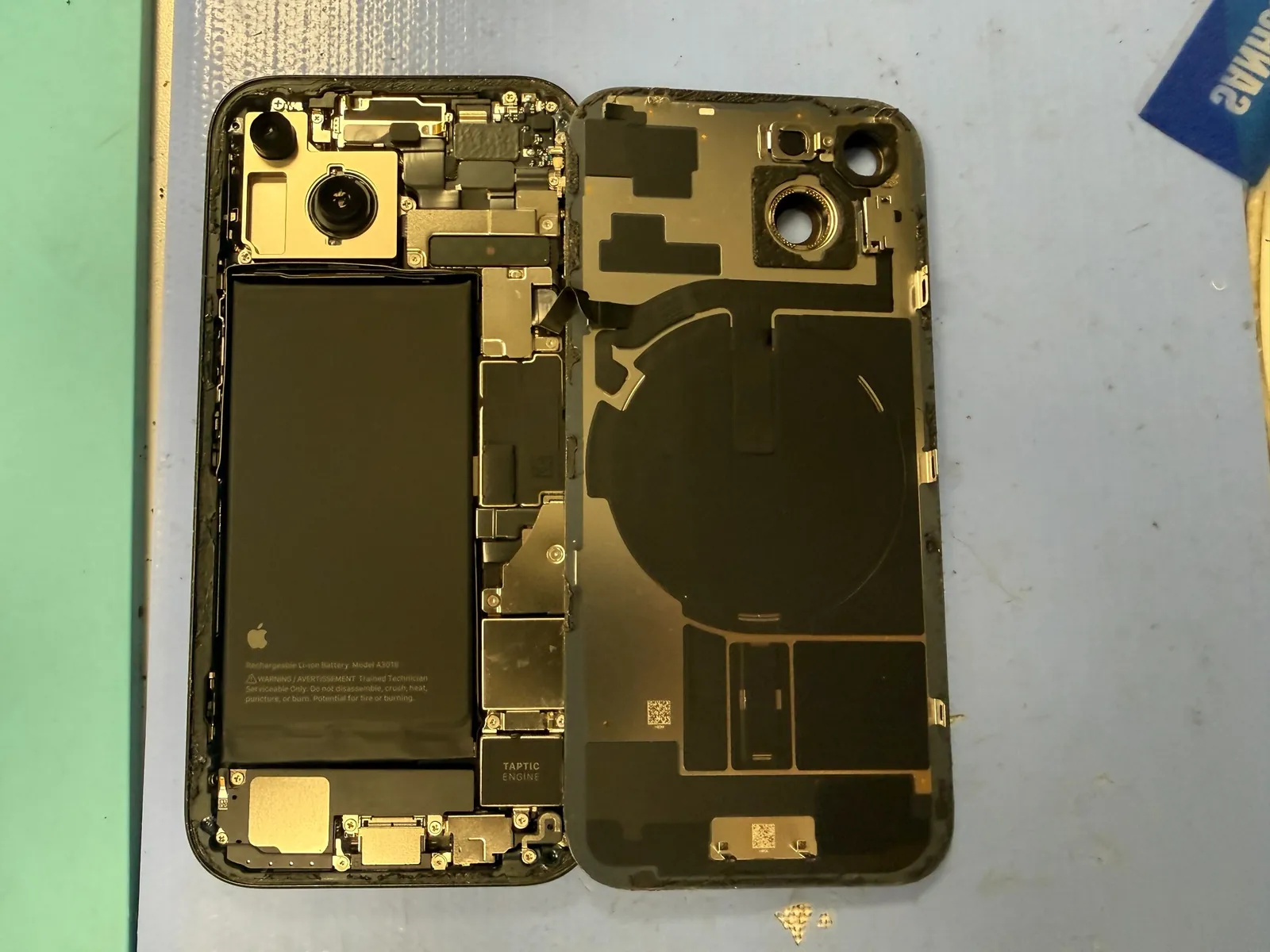
Open from the back
The rear glass is separated and folded open carefully. With the back off the chassis, the battery and its connection area are accessible without removing the display.
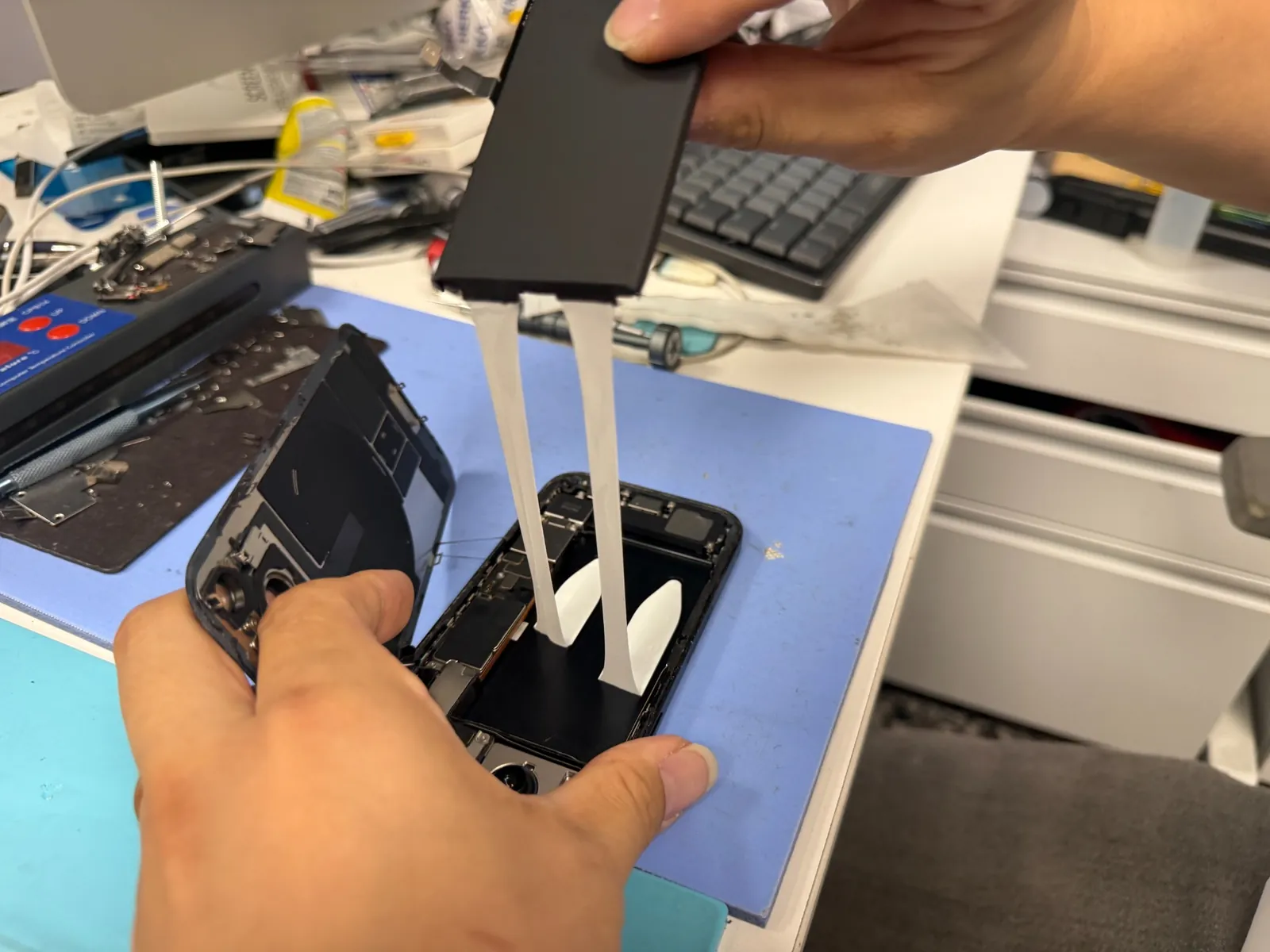
Release the original battery adhesive
The white adhesive strips are drawn out from under the original battery. A smooth, low-angle pull matters here — once a strip snaps underneath, the job gets slower and the cell has to be handled more cautiously.
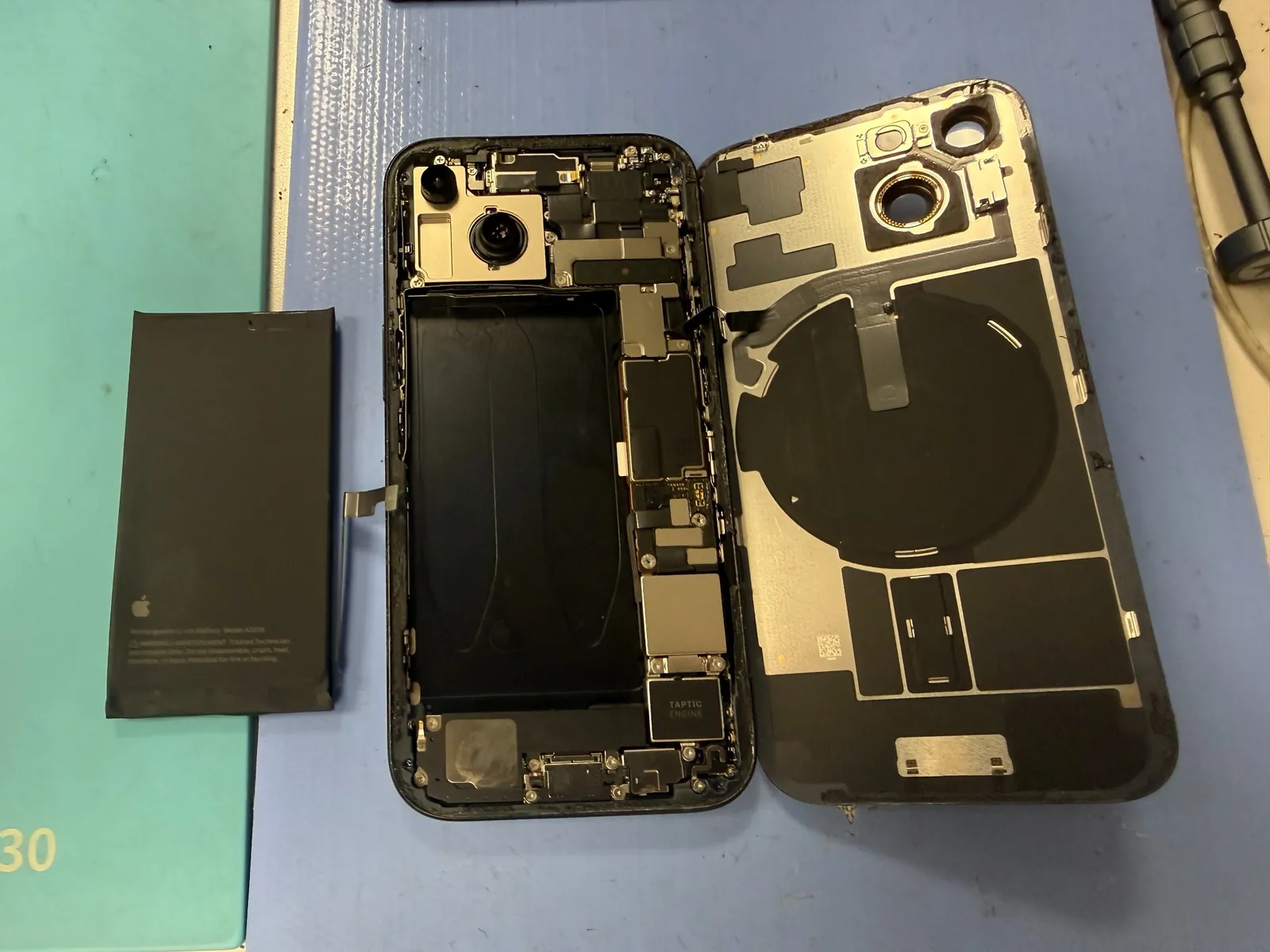
Old battery out, chassis exposed
With the original cell removed, the battery well is open for inspection and cleanup. This is the moment to make sure nothing is trapped underneath before the replacement goes down.
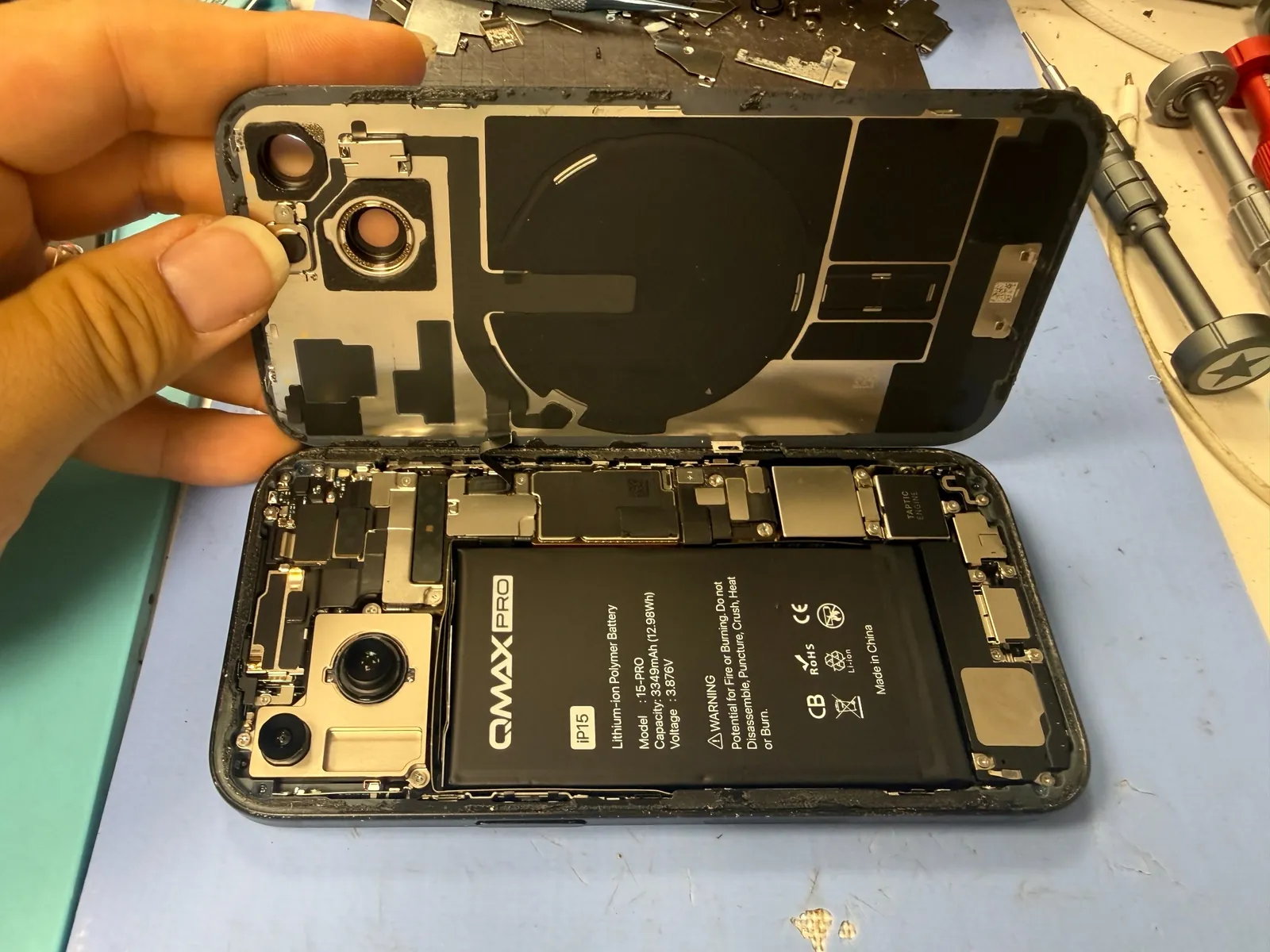
Seat the new cell and reconnect
The aftermarket battery is placed into the cleared bay and connected. Alignment matters because the rear glass has to close over a battery that sits flat, not one riding on leftover adhesive or debris.
Back together and powered on
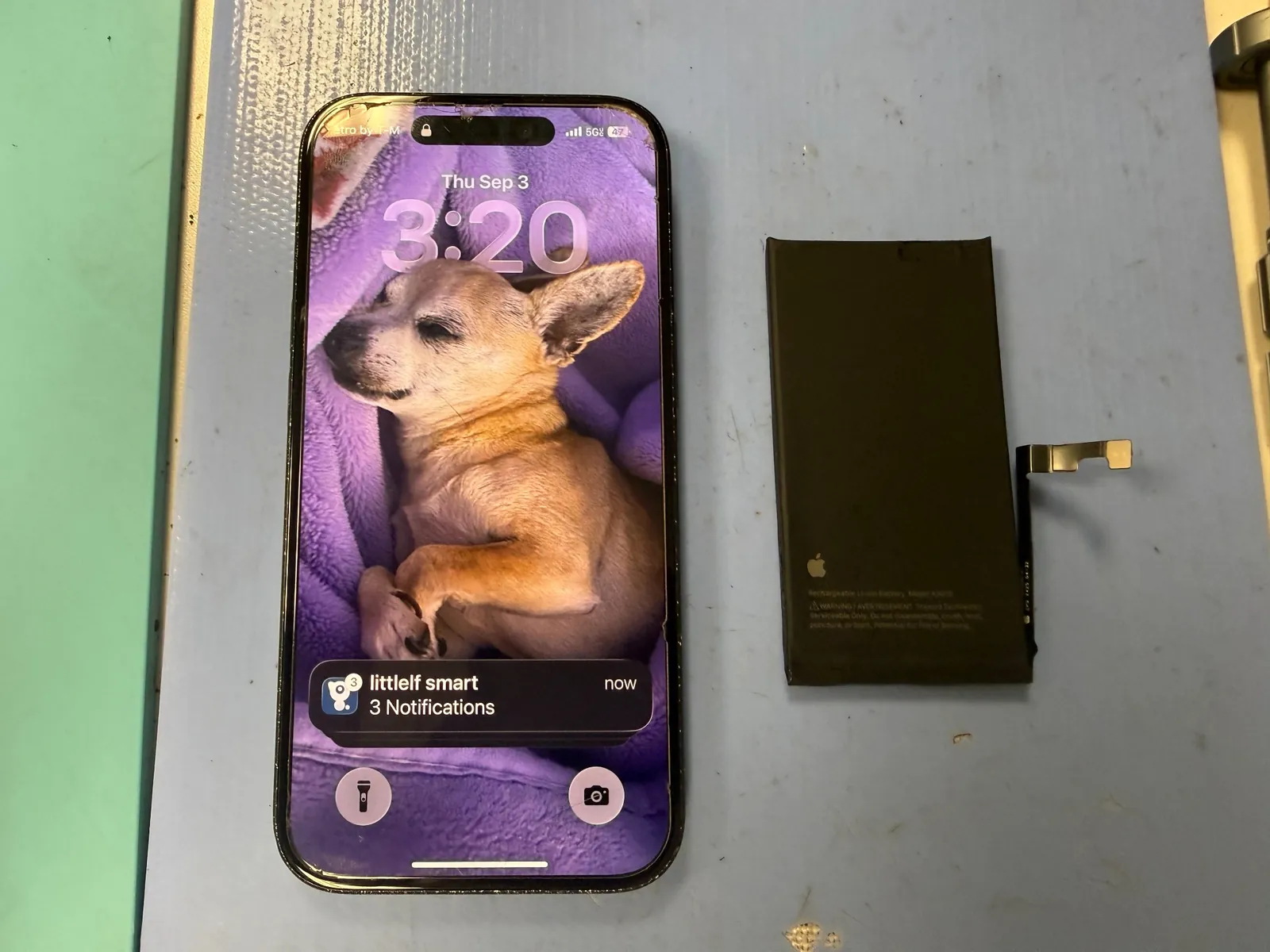
The removed Apple battery stayed on the bench. The iPhone left with the replacement installed.
New cell in, phone back up
After reassembly, the iPhone powered on normally. The last photo is the cleanest summary of the repair: working phone on the left, removed Apple battery on the right.
The two questions that usually follow
Straight answers, as always.
Will a battery replacement erase my data?
No. The repair doesn't require wiping the phone's storage, so photos, messages, apps, and accounts stay on the device. As with any repair, having a current backup is still a sensible precaution before service.
Can an iPhone 15 battery be replaced the same day?
Usually, when the correct battery is in stock and the phone doesn't have additional damage. Stock and bench load can change, so we confirm the part and the condition of the phone before giving a firm turnaround.
More honest repair stories
Same bench, same philosophy, different repairs.
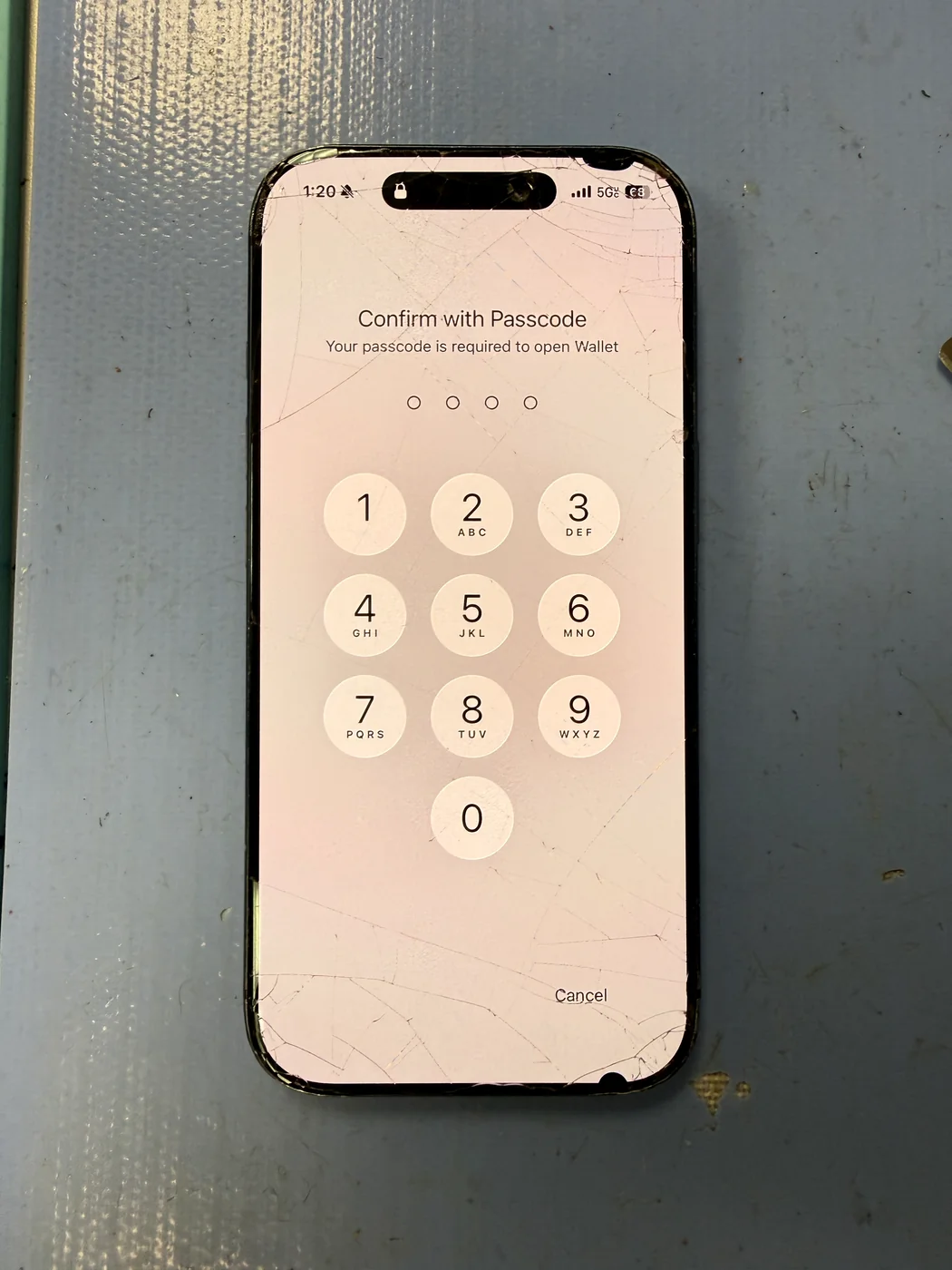
Battery getting tired? We'll show you what's actually going in.
Bring the iPhone in and we'll check the model and battery condition, explain the replacement option, and only move forward after you know what the repair involves. Walk-ins welcome in Downtown Los Angeles.