

Three Kinds of iPhone Screen, and One Thing No Screen Can PromiseiPhone 17 Pro Max Screen Replacement, LCD vs OLED vs Genuine — Downtown Los Angeles
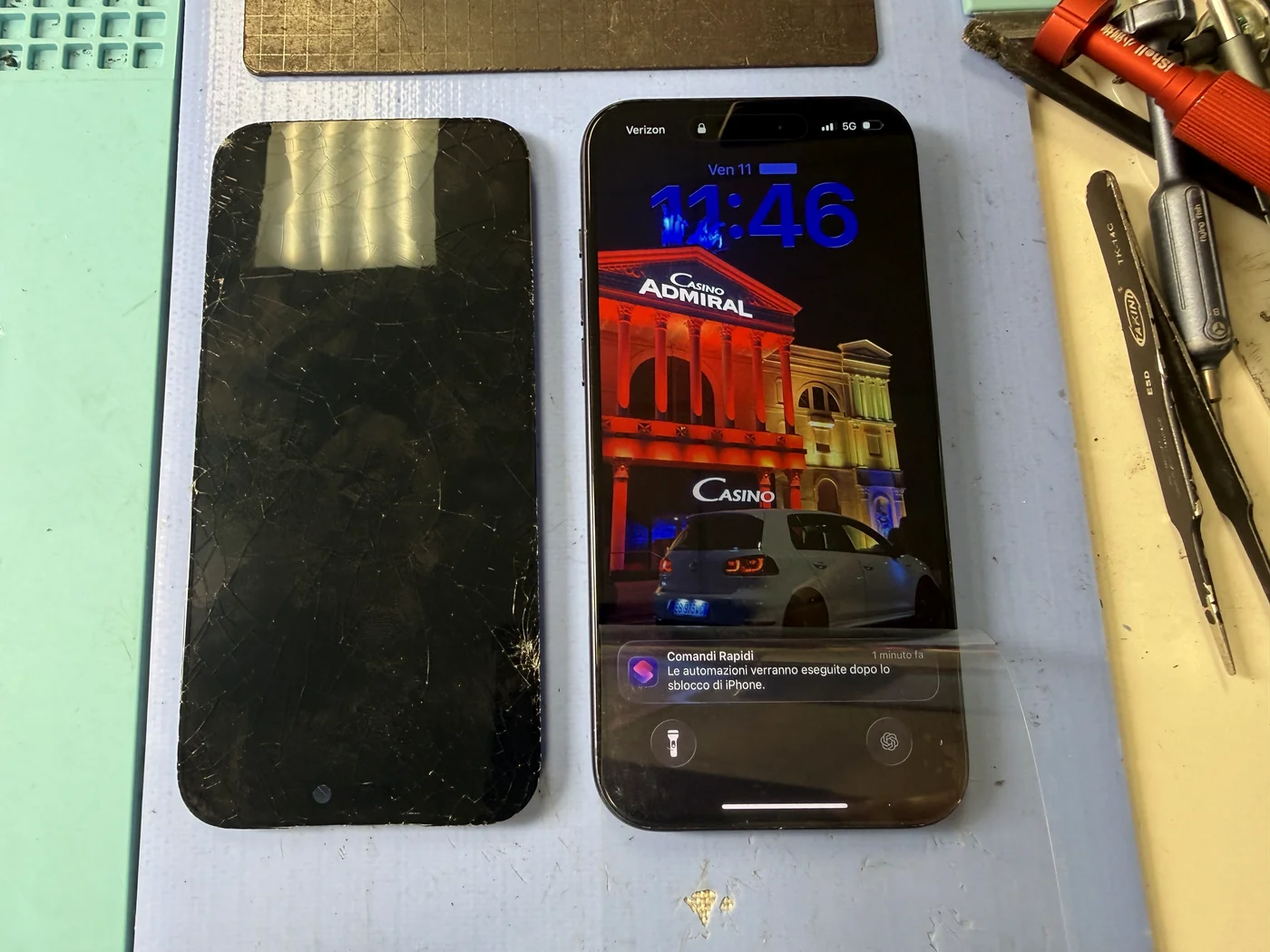
This iPhone 17 Pro Max came in with the glass shattered across the whole face. The replacement itself is not a difficult job: about 15 minutes, including a fresh waterproof seal. What took longer was the conversation. First, which screen to put in, because there are three kinds and they're not the same. Second, the customer mentioned he takes his phone into the pool. That one deserved a straight answer, and it's in here too.
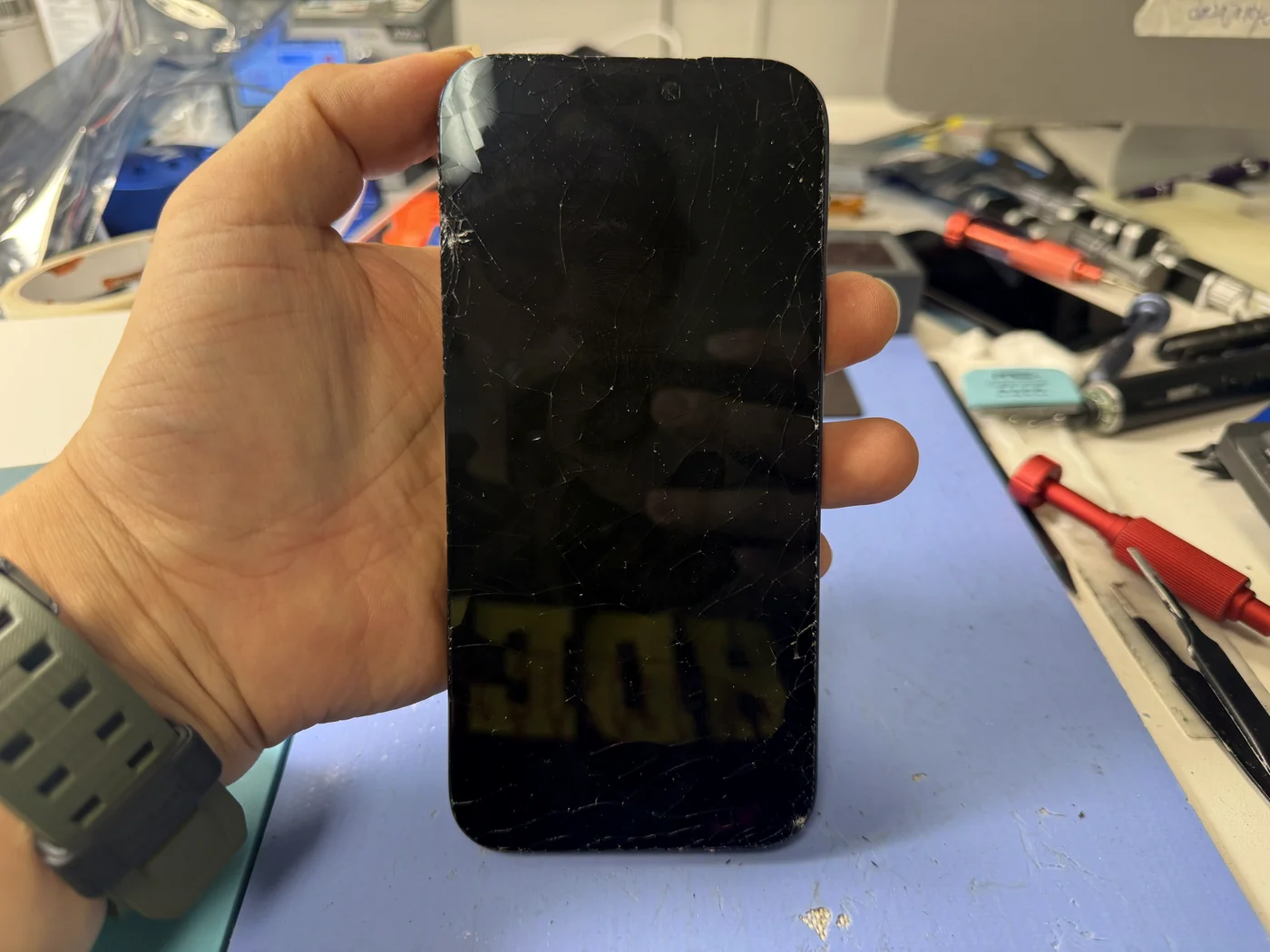
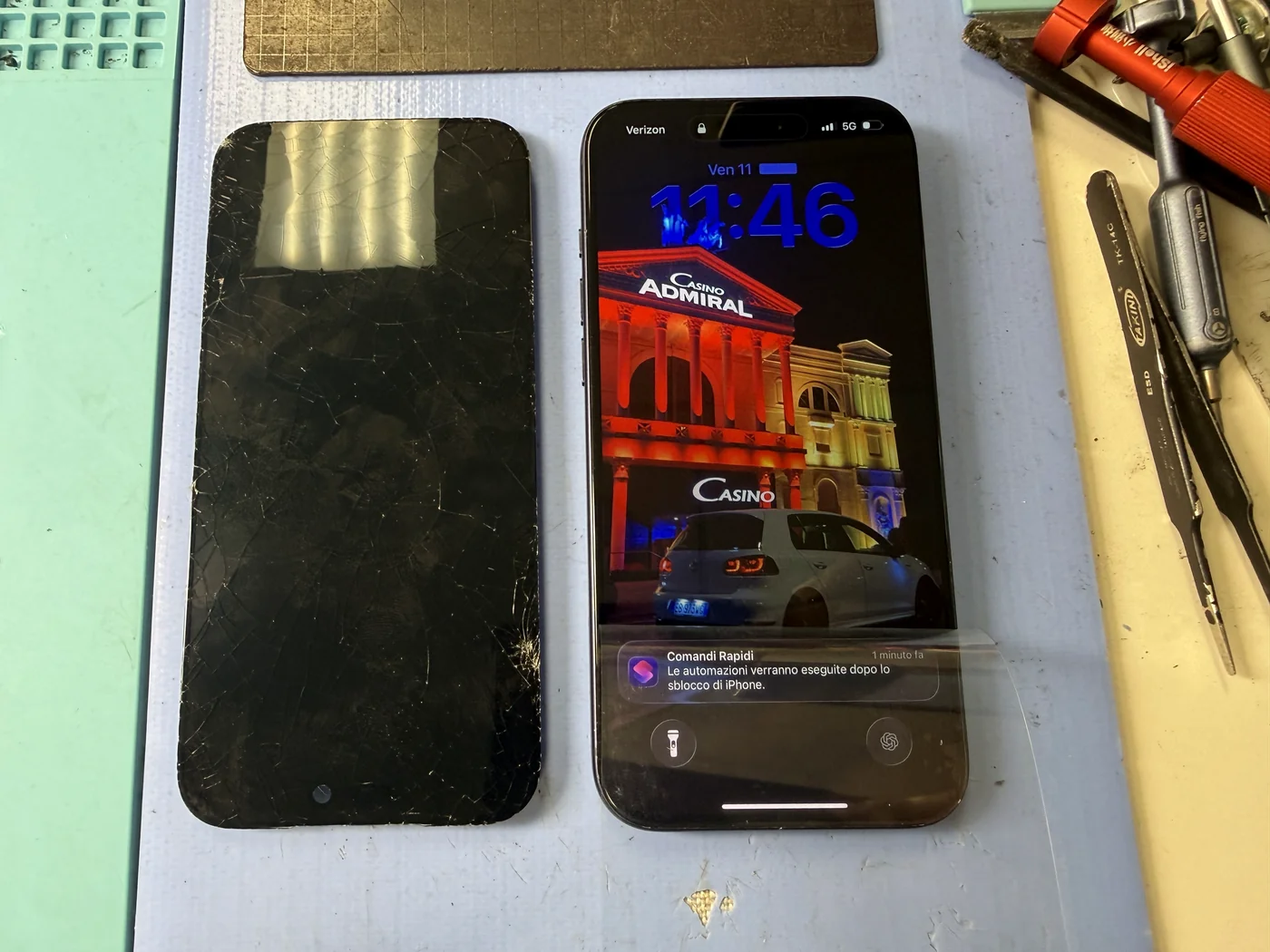
Glass cracked corner to corner. Display and touch still alive underneath.
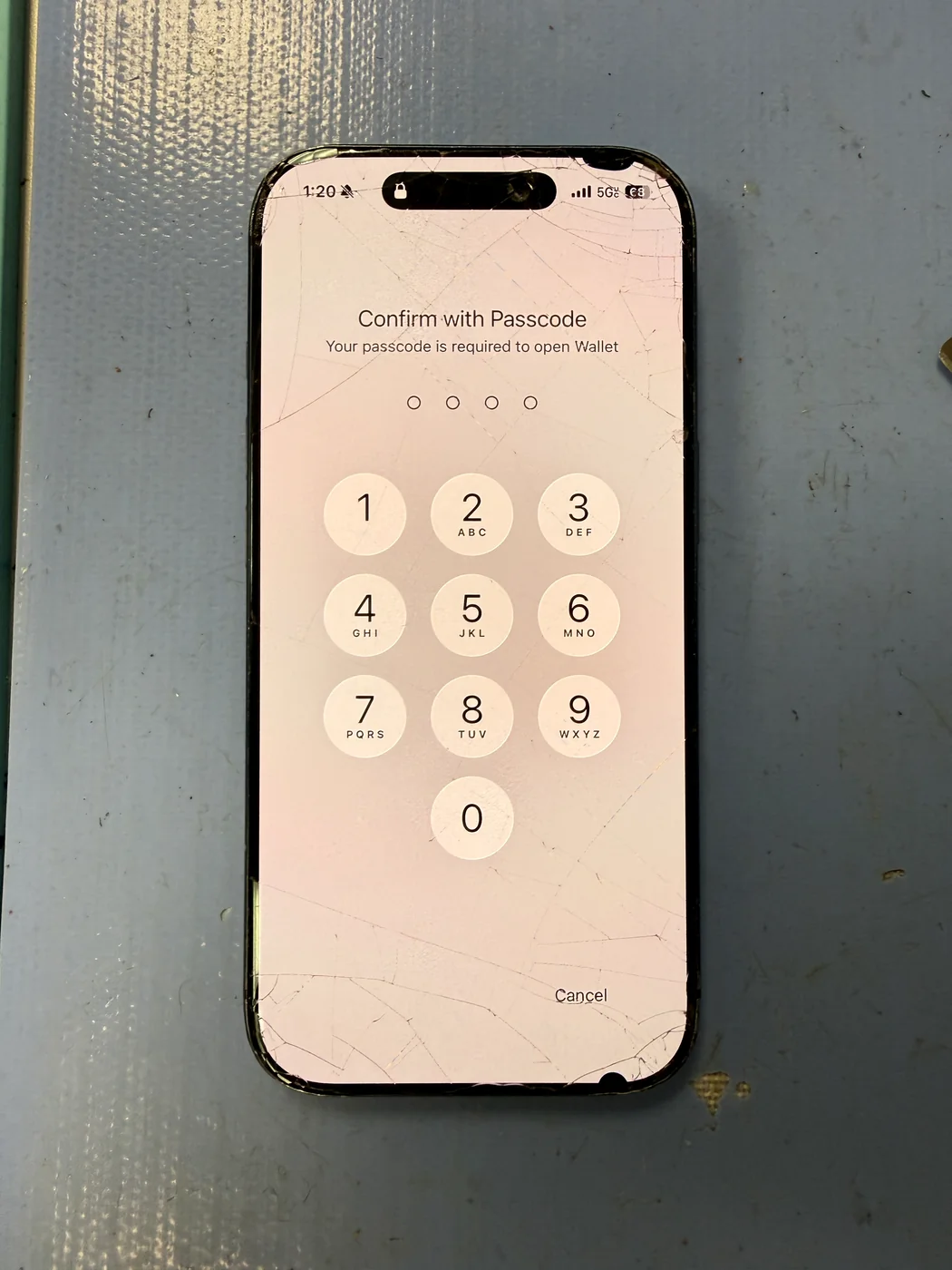
Screen replaced and a new waterproof seal laid around the frame before closing.
Three screen options explained, and why no repaired phone should go swimming.
The job, on one card
What was wrong, what went in, and how long it took.
| Model | Apple iPhone 17 Pro Max |
|---|---|
| Problem | Front glass shattered across the full display from a drop. Display output and touch still working |
| Repair | Cracked screen removed → old waterproof seal stripped and new seal applied → new screen fitted → reassembled and function-tested |
| Repair time | About 15 minutes |
| Teardown | Straightforward2 / 5 |
| Tech's note | The swap itself is simple. Battery off, cracked panel out, seal replaced, new panel on, two cables to the board, close it up. Fifteen minutes. The part that matters is what you choose to put in, so we go through all three screen types with every customer before we touch anything. The comparison we use at the counter is in the next section. Then the pool came up. The customer said he takes his phone in with him. I told him what I tell everyone: no repaired phone is 100% waterproof, ours included, and even a brand-new phone's water rating is a lab number, not a promise. We fit a new seal on every screen replacement and it restores everyday protection against splashes and rain. It does not make the phone safe to swim with. I see water-damaged iPhones almost every day. Some of them we can save, some we can't, and the difference usually comes down to what happened in the first few hours. Leave the phone on the towel. |
LCD, OLED or genuine: the comparison we use at the counter
Three screens, three price points, three different phones to live with afterward. Here's the plain version.
| Aftermarket LCD | Aftermarket OLED | Genuine Apple | |
|---|---|---|---|
| Screen quality | Basic | Close to original | Original |
| Touch response | Slower | Fast | Fast |
| Color | Flat, blacks look grey | Rich, true blacks | Factory calibration |
| Bezel thickness | Thick, sits proud of the frame | Thin, like original | Original |
| Battery drain | Fast | Normal | Normal |
Cheapest, and you'll see why
An LCD needs a light layer behind the pixels, which is why the bezel is thicker and the battery drains faster. Blacks read as dark grey. It works, and for an older phone or a tight budget it's a fair choice. If you go this route, a screen protector and a case are not optional. The glass is weaker.
Closest to original without the genuine price
Self-lit pixels, so no backlight, so a thin bezel, true blacks, faster response and lower battery draw. This is what most customers choose and what we fitted here. The glass is still not as strong as the original, so we still recommend a protector and a case.
The original part, with the original price
Factory panel, factory glass, no parts notice in Settings. It costs the most and takes longer because the part goes through Apple's activation process. If you're keeping the phone for years or care about resale, this is the one. If not, OLED gets you most of the way there.
LCD, OLED and genuine each come in several quality grades. We stock only the top grade of each, because a cheap panel that fails in a month costs more than the difference. If you're calling around on price, ask which grade.
Two frames from the bench
Fifteen minutes, photographed as we went.
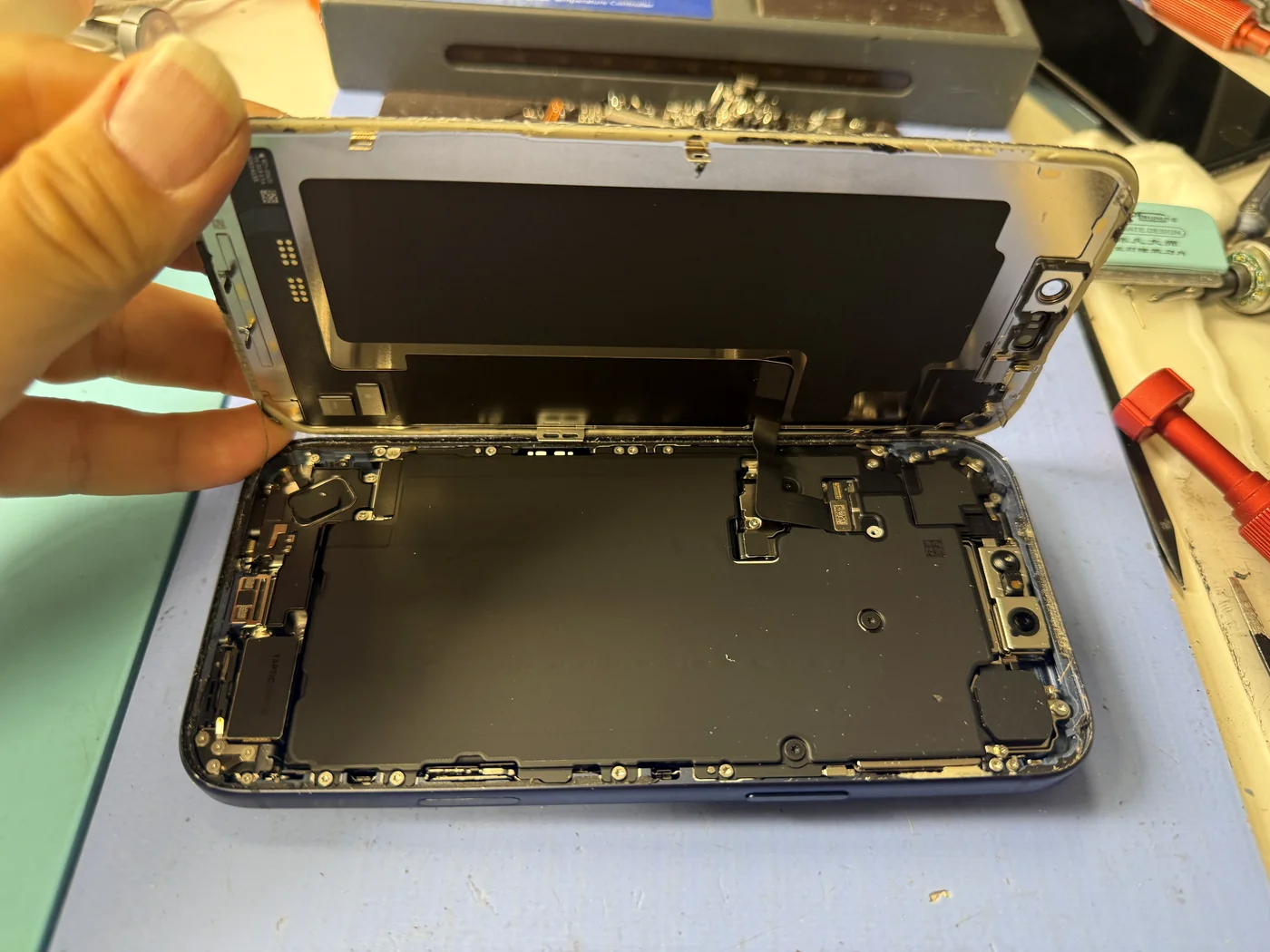
Remove the cracked screen
Battery disconnected first, then the cracked panel comes off. Because the glass is already shattered, we stabilize the face before any heat or prying so fragments don't drop into the body. Two cables connect the screen to the board, and that's the whole electrical side of the job.
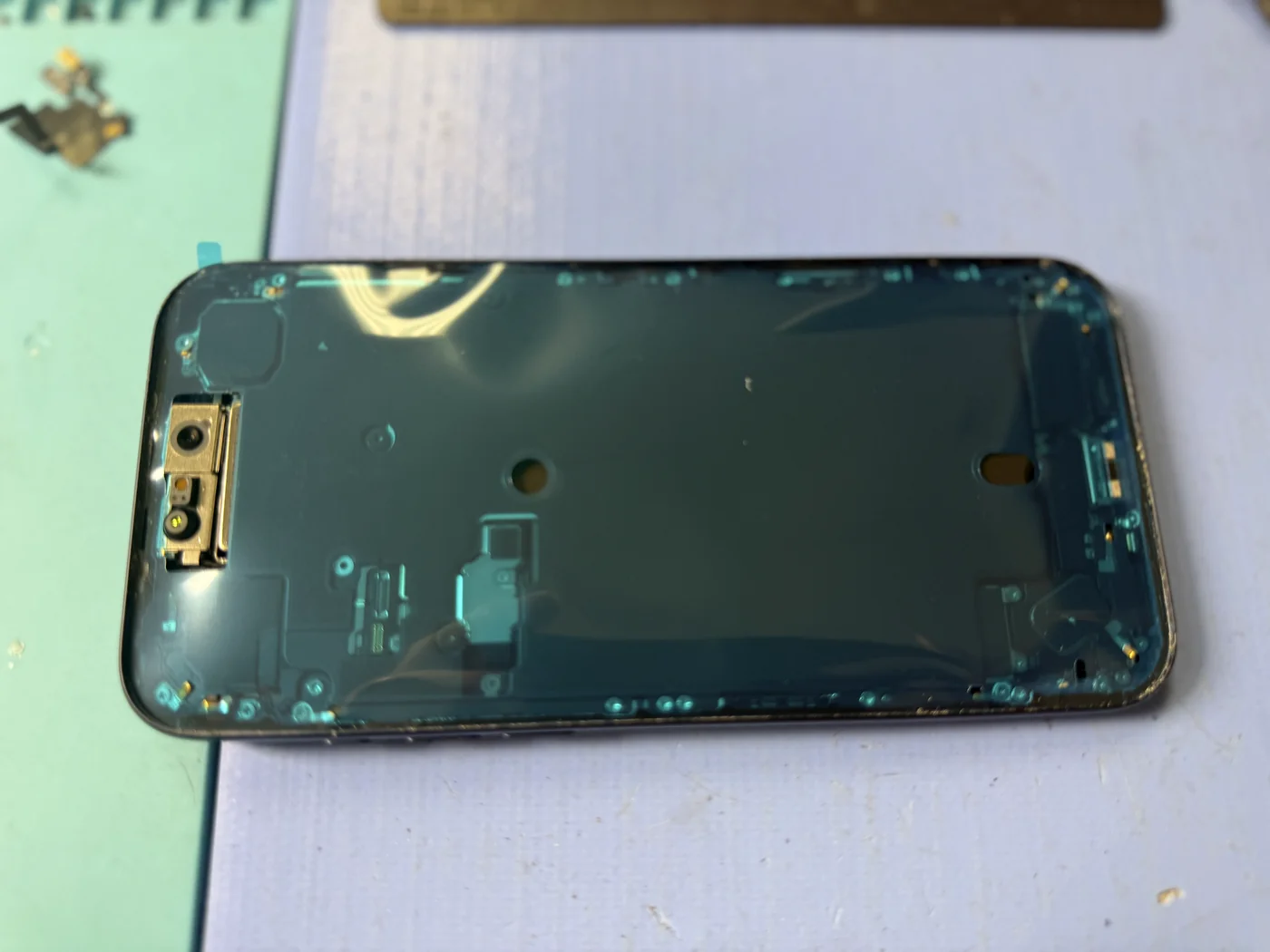
New waterproof seal, every time
Once a phone is opened, the factory seal is done. We strip every trace of the old one and lay a fresh perimeter seal before the new screen goes on. Skip it and there's an open path around the frame for dust and water. Do it and the phone is back to everyday splash protection. Not swimming protection. Splash protection.
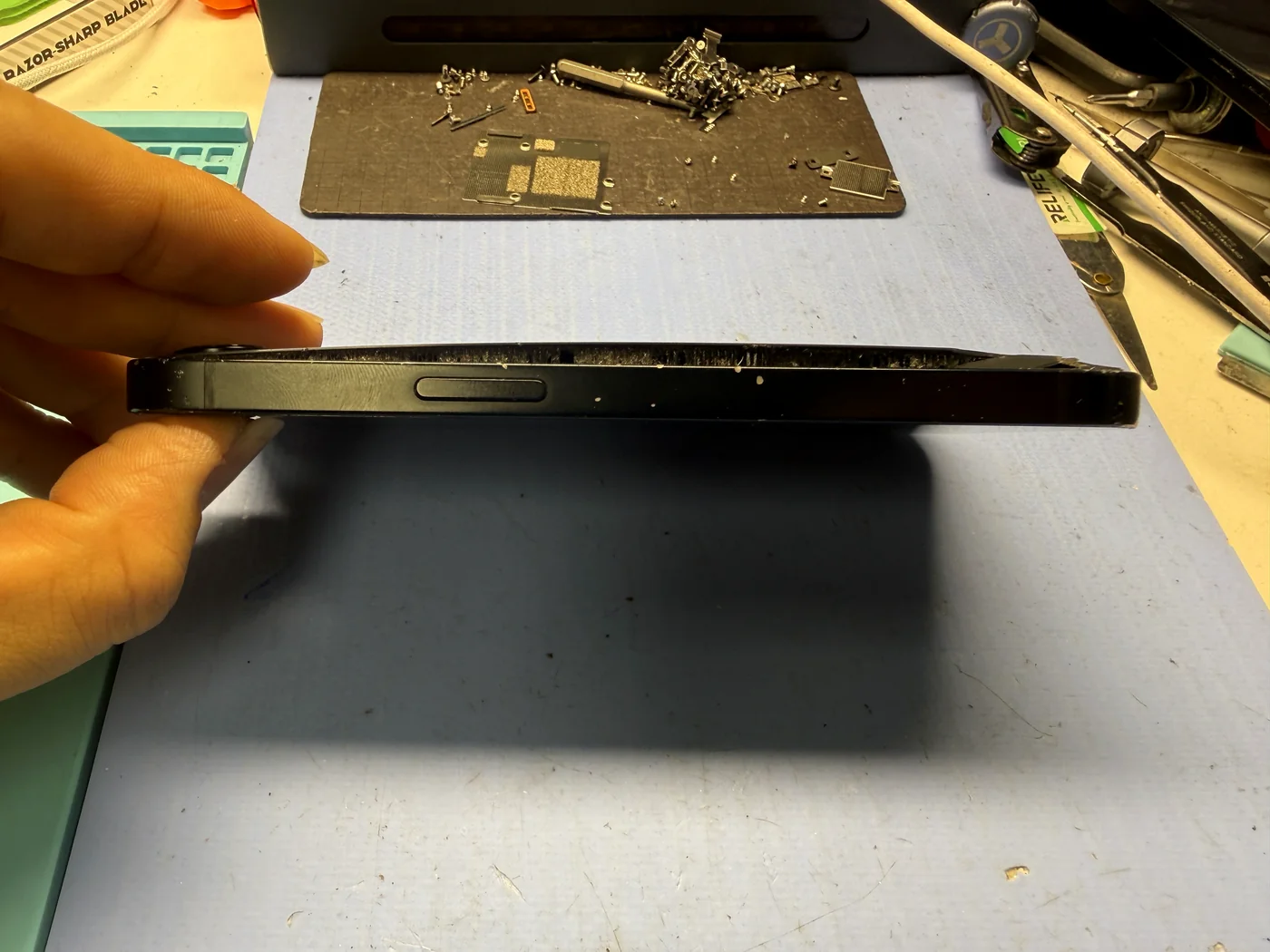
Fifteen minutes later
New OLED in, sealed, tested, and one honest warning delivered.
Display, touch, calls, charging all normal
Full-panel touch, brightness, Face ID, both cameras, proximity sensor on a live call, charging and haptics all checked before hand-off. Nothing on the phone changed. A screen replacement doesn't touch storage.
The questions that usually follow
Straight answers, as always.
How long does an iPhone 17 Pro Max screen replacement take?
About 15 minutes for an aftermarket LCD or OLED, including the new waterproof seal, and it's done while you wait. A genuine Apple screen takes longer because the part has to go through Apple's activation step.
Which screen should I choose: LCD, OLED or genuine?
For most people, aftermarket OLED. It's close to the original in picture, bezel, response and battery use at a fair price. LCD is the budget option and you'll notice the thicker bezel and higher battery drain. Genuine is the original part at the original price, and the right call if you're keeping the phone for years. We go through all three with you and you choose.
Will iOS flag a non-Apple screen?
Yes. After an aftermarket screen is fitted, iOS shows a notice under Settings, Parts and Service History. It doesn't stop the phone working day to day, and we explain exactly what to expect before you decide.
Is my iPhone waterproof again after a screen replacement?
Not fully, and no repair shop can make it so. We fit a new seal on every screen replacement, which restores protection against splashes and rain. It doesn't restore the factory water rating, and it doesn't make the phone safe to swim with.
Can I take my iPhone in the pool?
We'd say don't, even with a brand-new phone. Apple's water rating is a lab result, and pool chemicals, pressure and time all work against it. We see the results daily. If you want photos in the pool, use a proper waterproof pouch or case rated for swimming, not the phone on its own.
My iPhone got wet. Can it be repaired?
Often, yes, but not always. The phones we save are usually the ones that were powered off quickly, not charged while wet, and brought in the same day. The ones we can't are usually those left charging or used for days while corrosion spread on the board. If it's just happened: power off, don't charge, don't put it in rice, and bring it in.
Will I lose my data?
No. A screen replacement doesn't touch storage. Photos, messages, apps and accounts stay exactly where they are.
More honest repair stories
Same bench, same philosophy, different repairs.
Cracked iPhone screen? Fifteen minutes, three options, your choice.
We explain LCD, OLED and genuine with real prices, fit a new waterproof seal on every screen, and only start once you've decided. Water damage too: bring it in the same day. Downtown Los Angeles, walk-ins welcome.